console.table<\/P><\/DIV>テーブル内の各行は特定の郡に対するすべての属性を示しています。次に、console.logとconsole.tableを比較するためにconsole.log<\/STRONG>を使用します。この関数はオブジェクト配列が含まれる行を出力します。
console.log<\/P><\/DIV>配列を展開すると、オブジェクトがリスト形式で表示されます。
console.log 展開後<\/P><\/DIV>属性を見るにはリスト内のオブジェクトを展開する必要があります。
属性付きで展開された console.log<\/P><\/DIV>console.logでは単一フィーチャーの属性にアクセスできますが、console.tableではすべてのフィーチャーのすべての属性を一度に見ることができます!以下の画像は両方の関数がコンソールウィンドウに表示されている様子です。
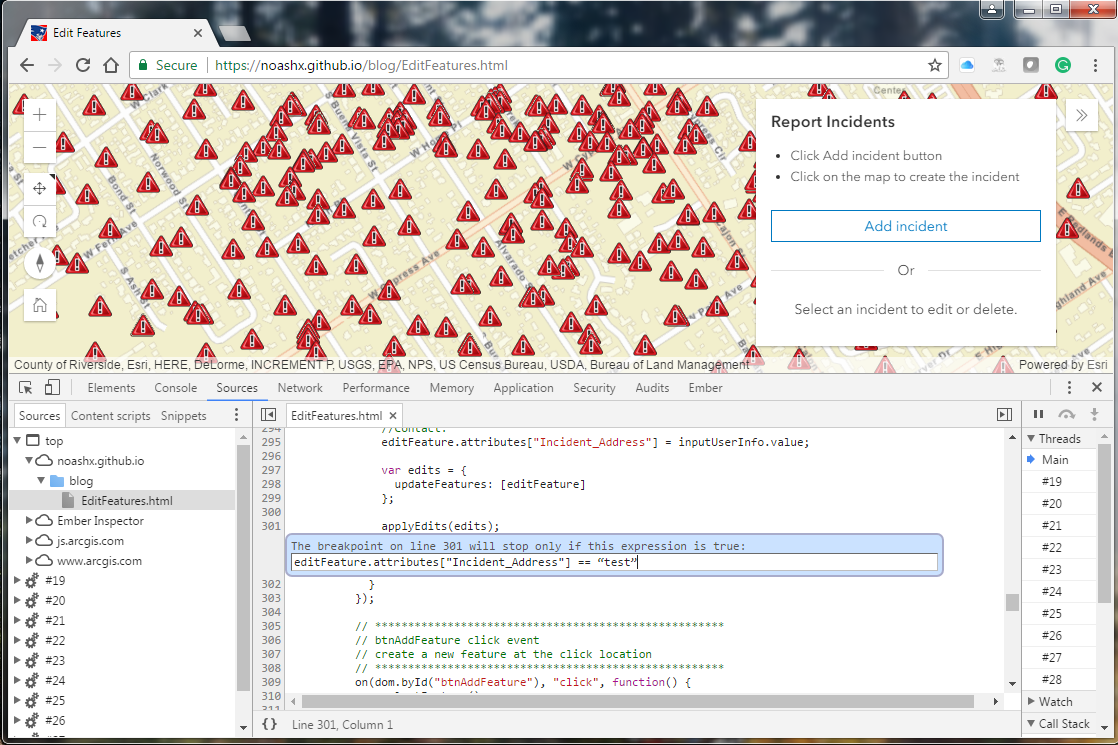
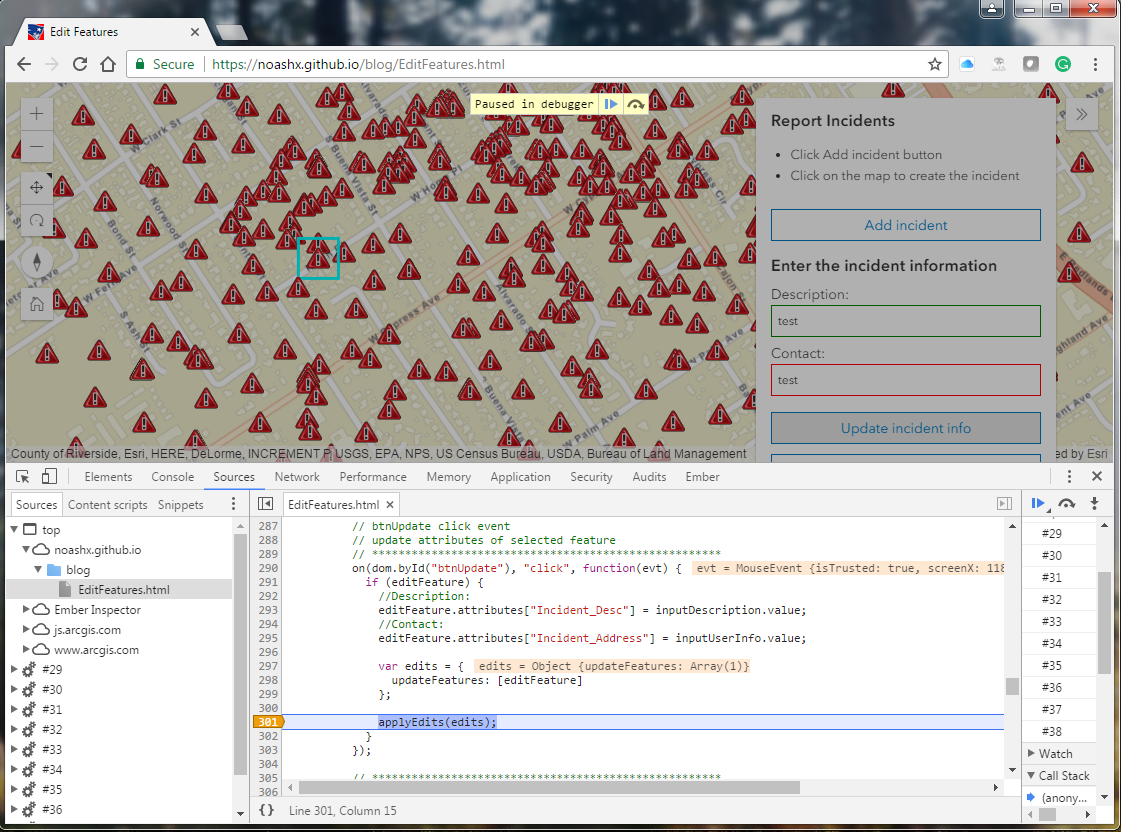
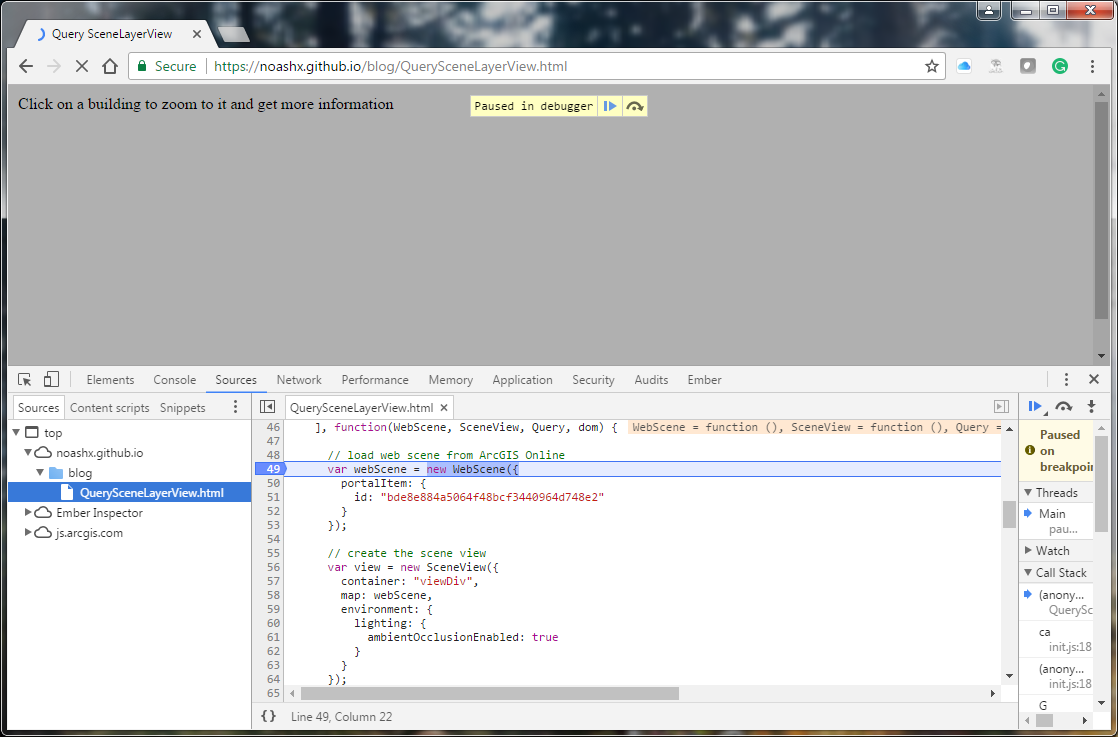
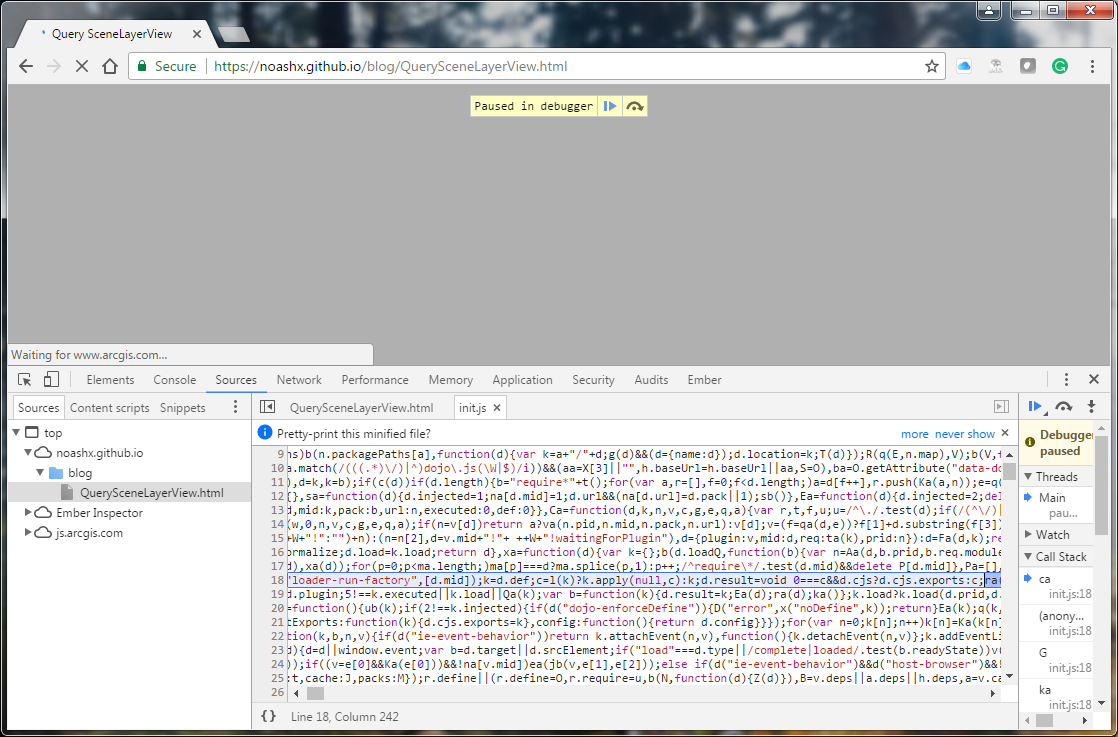
Here is a blog I wrote that is along the same lines of teaching techniques on how to approach web development:
How to customize a web app using JavaScript, the DOM, Chrome DevTools, and Chrome's debuggerBlog Post created by Andres Castillo on Jul 24, 2019https://community.esri.com/people/andrescastillo08/blog/2019/07/24/how-to-customize-an-app-using-javascript-the-dom-chrome-devtools-and-chromes-debugger
サインインしたメンバーは投稿、更新のフォローなどができます。初めてですか?無料アカウントを登録してください。
Find useful guides, FAQs, and documents to help you navigate and make the most of Esri Community.