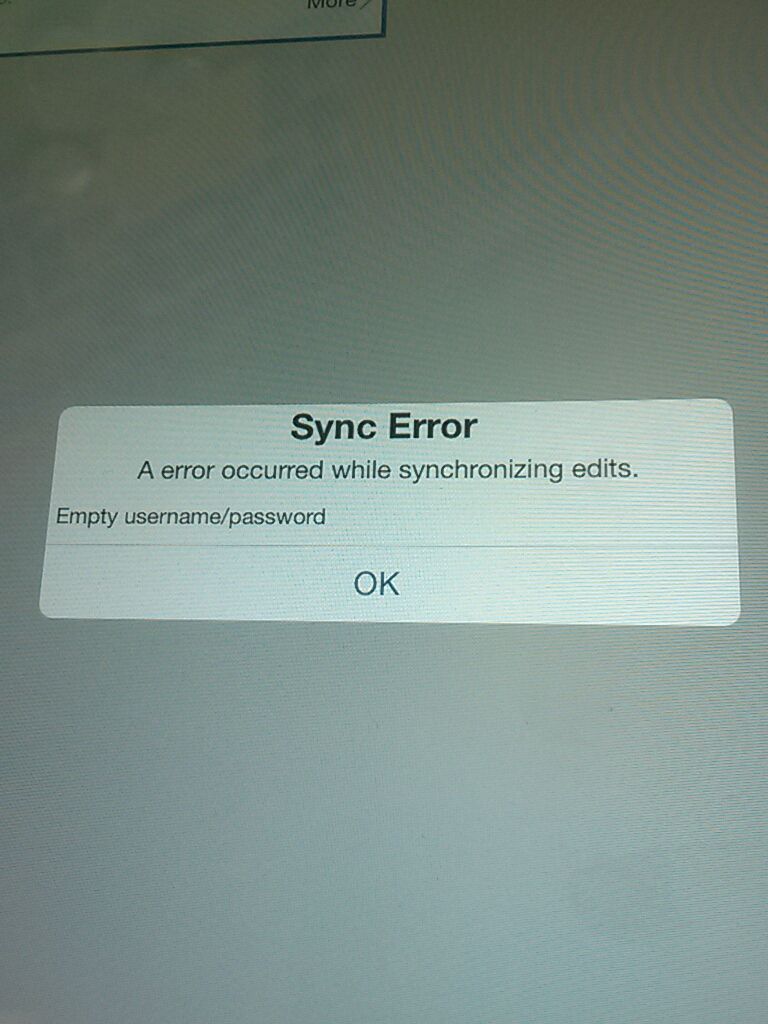
UpdateI deleted the attachments on the iOs device and it allowed me to sync edits with AGOL.
We also have the operation rollback error when trying to sync offline edits. How do i get all these offline edits off my phone now?ios app v. 10.2.3no required fieldshave attachmentseverything hosted in AGOLall layers have sync and disconnected editing enabled.tried signing out and signing back in.Russ Roberts please help.Thanks
Here is a work around that should work;1) in AGOL create a copy of the map that is showing the error - So just open up the map causing the issue and do Save As - MapName-Copy2) Refresh map gallery in collector to pull down this new map3) Open up the MapName-Copy in a connected mode4) Exit map and go to the map with unsynced edits and tap the sync iconThis should create that username/pwd that you need for syncing the edits back.Let me know if this works for youRuss
This issue has been fixed in the upcoming 10.2.3 update of the Collector app. Can you try signing out and signing back in and trying to sync those edits? We keep track of the edits in the database so signing out wont lose any of your unsynced edits.ThanksRuss
yes right now to have a map available for offline you need to have all layers supporting sync and/or export.Russ
We do have an issue with required fields are working on a fix and could be the reason why you are seeing the rollback message that the service is sending the app when you are trying to sync. How long after the data was downloaded and collected did you try to sync your edits?ThanksRuss
@s_me_tooare you seeing this roll back error message each time you try to sync? Update*Does your service have any required fields?Russ
サインインしたメンバーは投稿、更新のフォローなどができます。初めてですか?無料アカウントを登録してください。
Find useful guides, FAQs, and documents to help you navigate and make the most of Esri Community.