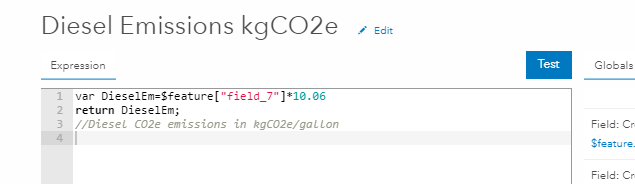
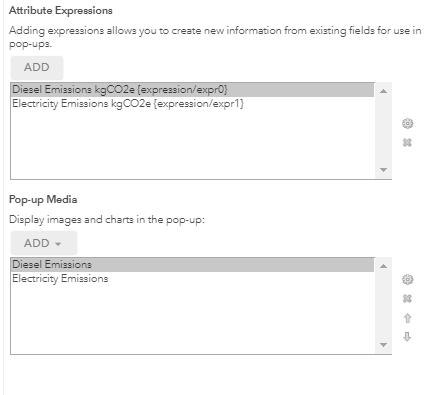
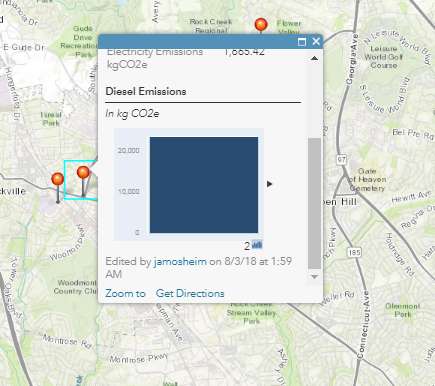
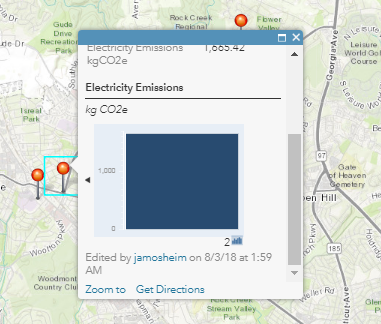
2つのシンプルなArcade式を使ったポップアップウィンドウの設定です。ポップアップウィンドウのチャートに2つの新しい変数を1つのチャートで表示しようとしています。ディーゼルと電気の両方の計算式を同じArcade式に入れてみましたが、チャートが1つしか表示されません。次に、式を分けてみましたが、それでもうまくいきませんでした。同じポップアップウィンドウに別々のチャートが2つ表示されます。
設定した内容(電気用にも同様のものがあります)
表示される内容:
What you need to do is to create a single chart with the two fields based on the Arcade expression (sorry for the Spanish interface):
This will show like this in the pop-up:
Thanks a ton!
JM
You're welcome. Don't forget to mark the question as answered using the button at the post that answered your question.
サインインしたメンバーは投稿、更新のフォローなどができます。初めてですか?無料アカウントを登録してください。
Find useful guides, FAQs, and documents to help you navigate and make the most of Esri Community.