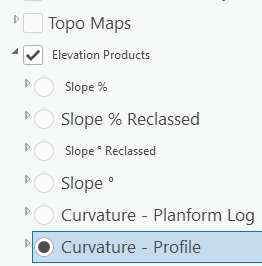
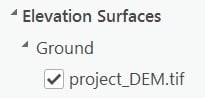
For the first time when I add rasters to my 3D scene the rasters to not drape on top of my elevation. I have my Elevation Surface set to a DEM:
But my rasters do not drape onthem (raster in 2D Layers group):
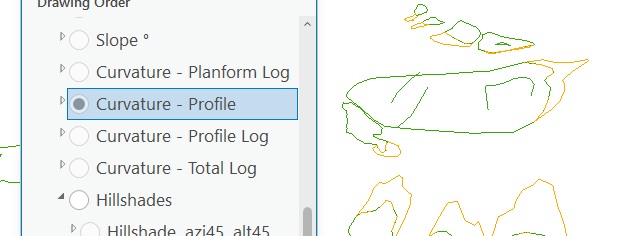
If I go to layer properties -> Elevation and set "Features are" from "On the ground" to "On custom elevation surface" and change it back to "On the ground" before clicking OKAY in the Layer Properties panel the raster works as expected.
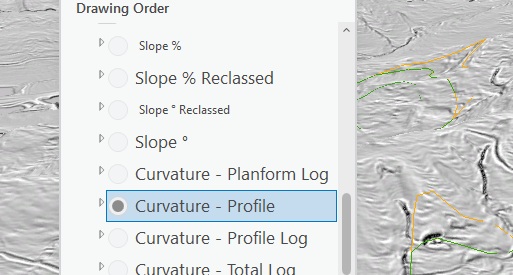
Is there a way to have this function like it used to? Where I don't have to click into properties and change a setting, change it back to the original setting, and then click out for each raster to display properly? I have 17 rasters in a template project for deploying to staff and this a tedious time wasting process that did not exist in previous version. I am using ArcGIS Pro 3.5.4 on a Windows 11 machine. Additionally this process is making the contents titles different font sizes if that provides any clues: