This is also a current bug but maybe it needs more attention as it is a show stopper for me.
Rebuild the PDF output tool to create pdfs that do not have lines in them when viewed on screen.
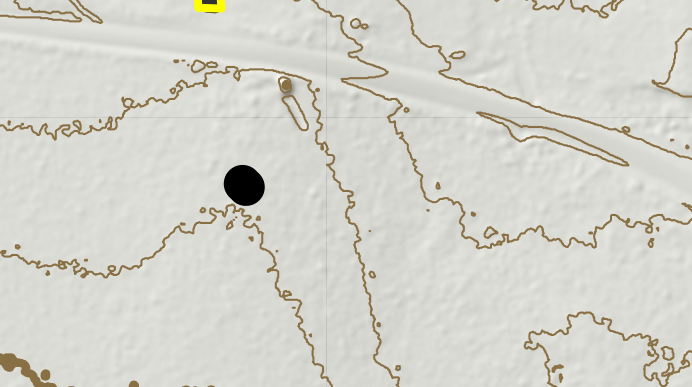
They are visible due to the way transparent rasters are processed into the pdf and do not show when a pdf is printed (usually) or converted into a jpg, etc.
There is a workaround to reduce rendering quality of fine features in Adobe Reader. This is not feasible for engineering clients as they have this setting enabled/on to view complex CAD drawings properly.
However, a lot of clients view things in non-Adobe tools that do not have this capability therefore showing these lines.
Other workarounds include using a vector layer on top of the raster to 'fake' transparency but that doesn't work for doing the hillshade over colour over image things for example.
This was not a thing in ArcMap and I don't care for the excuse "Pro does so much more now" . My clients don't want lines in a PDF they show their stakeholders and I don't want to create messy maps to try a workaround for every single map I make.



