hello. I created a survey in survey123 with my university account.
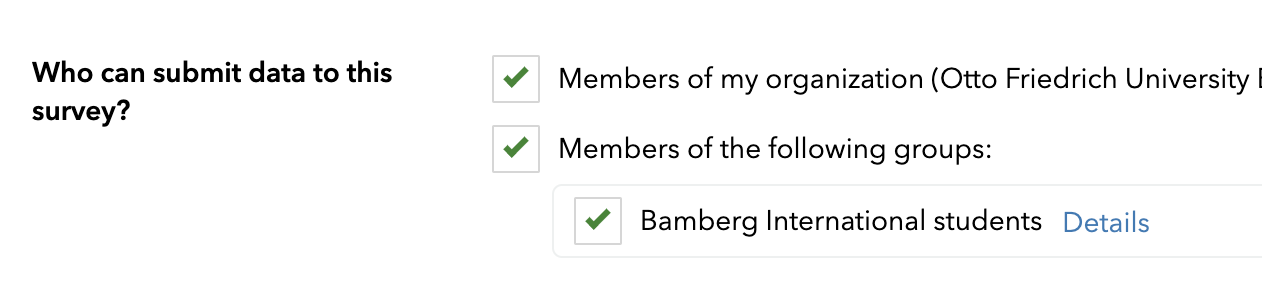
So in order to take the survey by clicking on the link, the survey participant has to be registered at my university and have an ESRI account. But I want everyone to be able to use the survey without a login, and I found a way to change this in the settings.
But there are only 2 options here, do I need to ask my school's IT team to make sure everyone can take the survey? Are these the only 2 options because I created the survey using my school account? Does anyone know of another way?
On this site (https://doc.arcgis.com/de/survey123/browser/create-surveys/sharesurvey.htm#ESRI_SECTION1_B9D04A0D3DFE43D2A36E32D9ABE78AA8) there are 3 options, but I can only see and select 2 options.

