I have posted this as a feature request here ( Auto Text Tool/Click-to-Label: specify the layer a... - Esri Community ) but I am wondering if there is a solution I am missing since it seems so elementary. I am trying to label a road with a graphic label via the auto text tool, but even when I turn off all other layers and all other label classes in that layer, I still can't get it to label the road. I get a 'Graphics: Unable to create element layer' error.
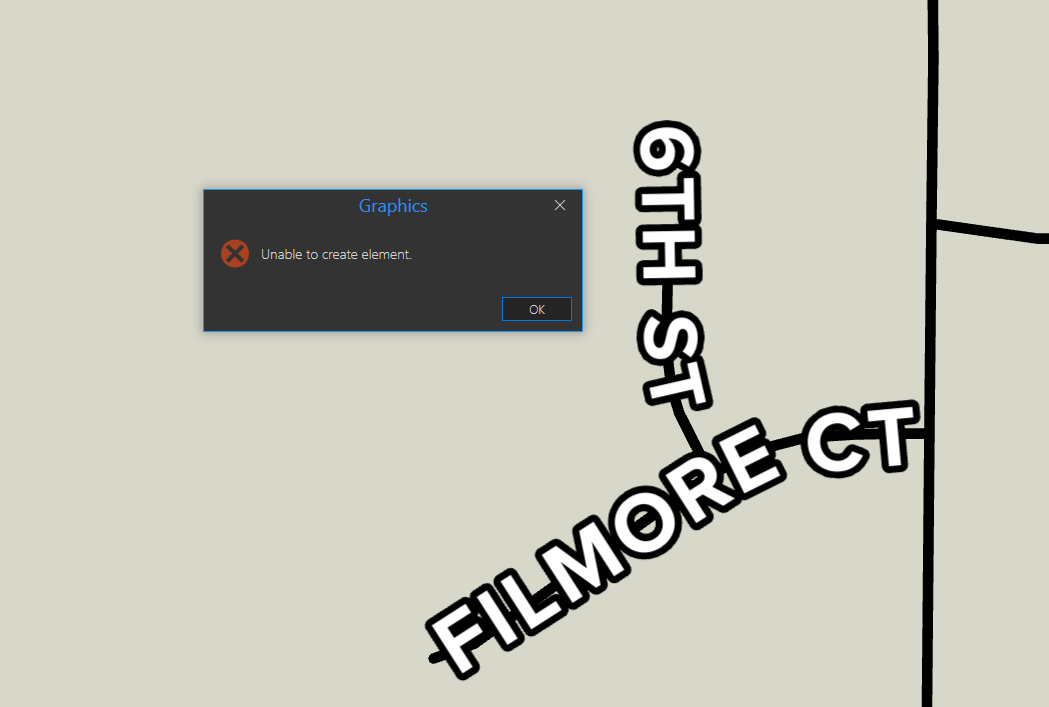
There is a SQL query on the label class but as you can see I am clicking a feature that fits the criteria. There is no tooltip prior to clicking. I have also tried removing the query and turning labeling off.
I would prefer that this be a graphic "override" as opposed to annotation; in this case, the label just doesn't want to place when all my other layers are turned on.

