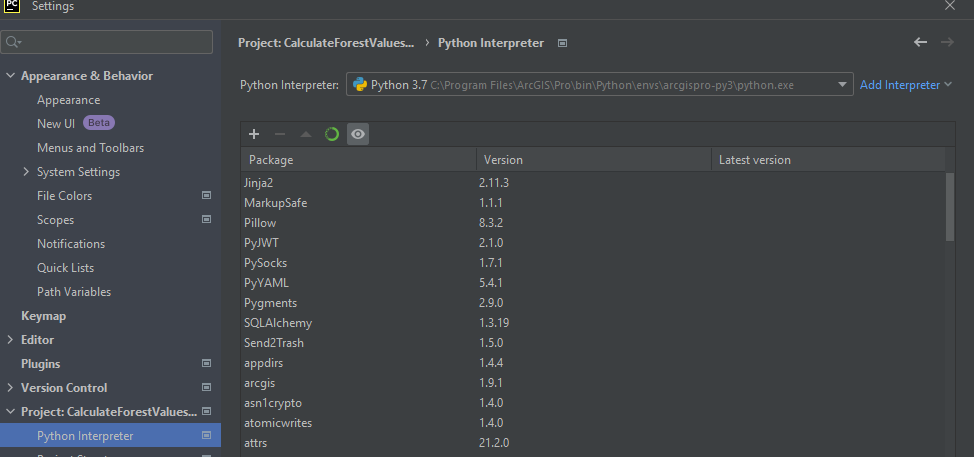
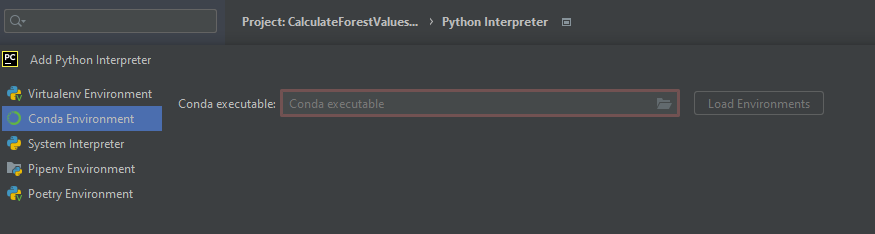
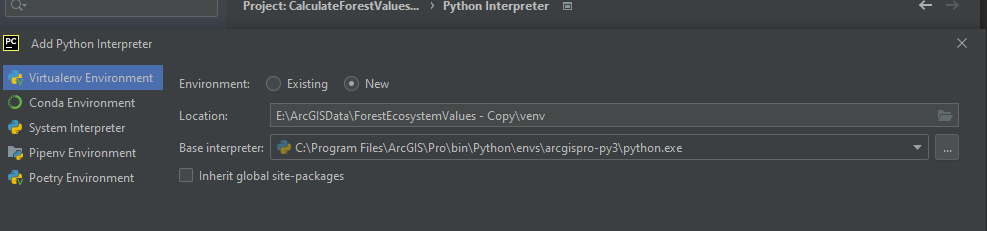
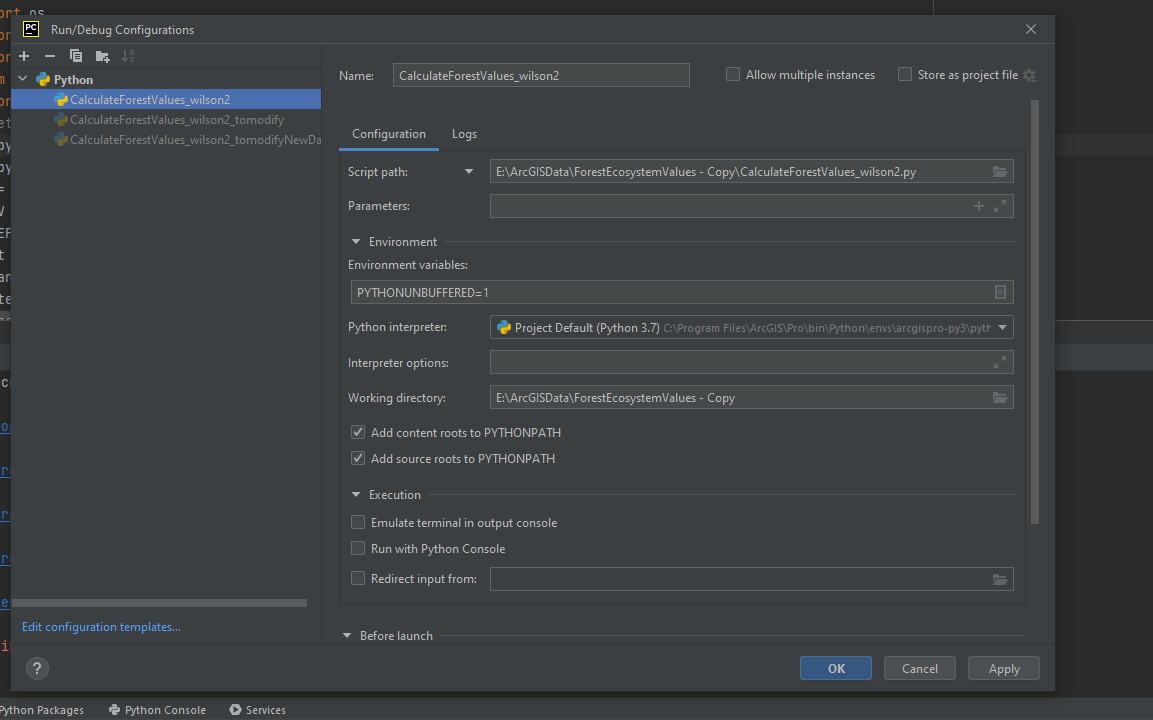
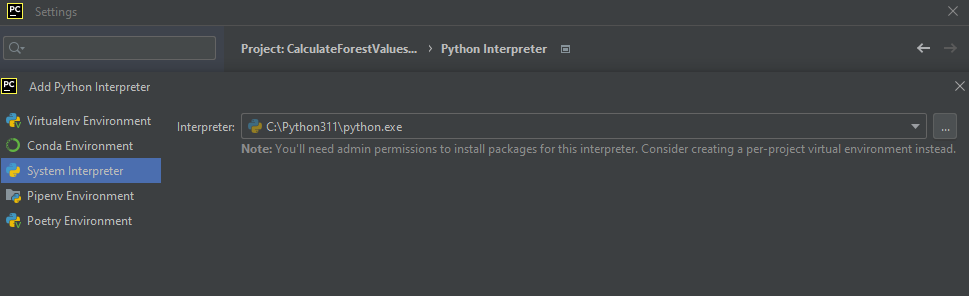
I am getting an error when I try to run my script in PyCharm as it is not recognizing arcpy. I think it has to do with the system interpreter or the conda interpreter. I have ArcGIS Pro 2.9 so the python version is 3.7. For the python interpreter on settings, I have Python 3.7 which is the correct one, but I think the problem is with the system interpreter. For the system interpret it is stuck n the C:\\Python311\python.exe and even if I change it as administrator it goes back to that python version. Maybe it is some kind of system variable from a previous version.
I see on command prompt that the python versions I have are different from the one installed by arcgisPro and I think this is the root of the problem
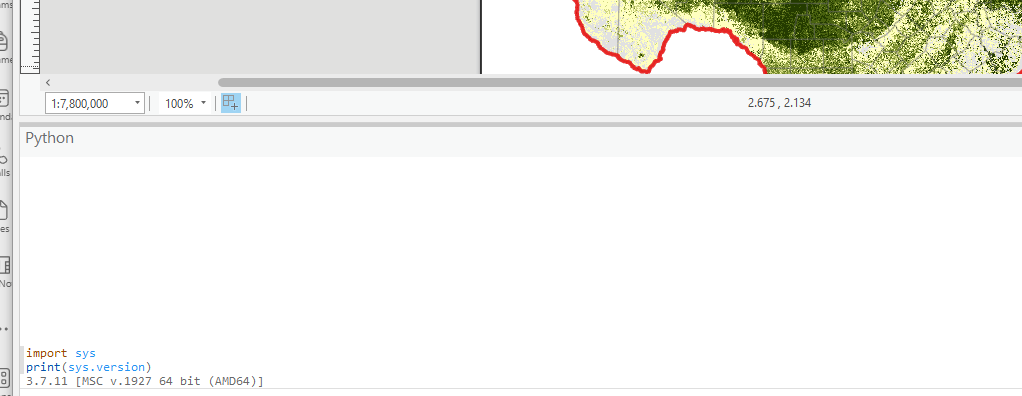
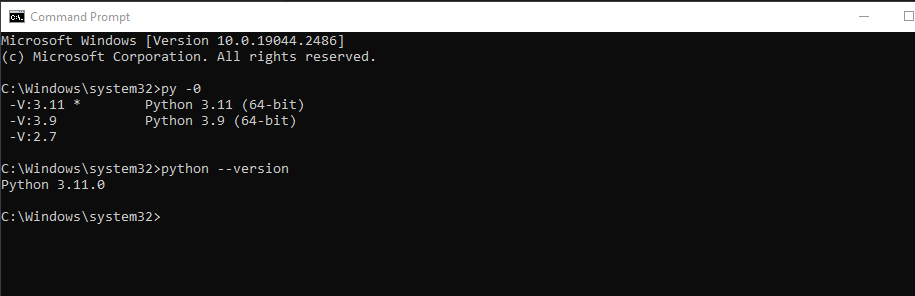
I am attaching images for my settings (the PyCharm version is 2022.3.1. Any help is appreciated! Thank you!