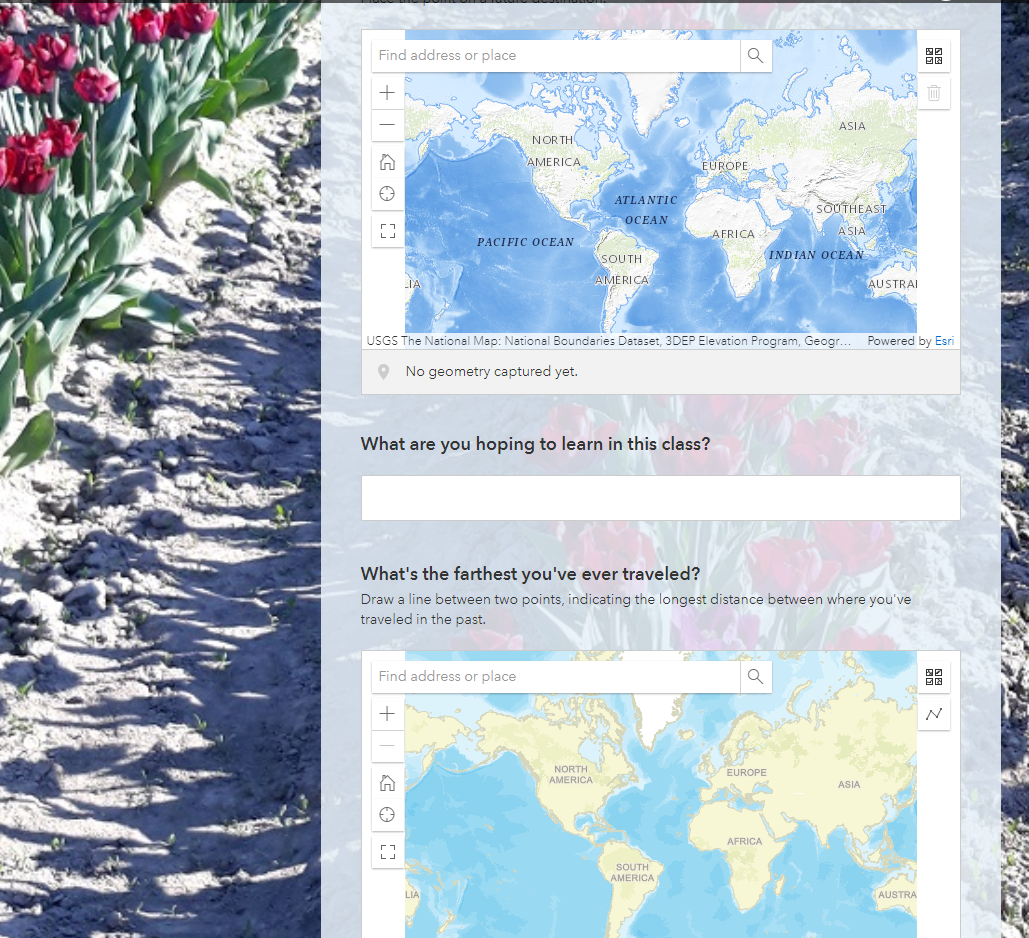
Hi. I recently gave my students a 'welcome to class' survey using Survey123, which included 2 maps - one where they made a point, the other where they made a line. Now that I'm generating a Dashboard from their survey results, I can't seem to find the second map with the lines....when I go to make a webmap from the stakeholder version of the survey, there is seemingly no way for me to select the second map - it just defaults to the first (point) map. All the fields for my other questions are there to select from, but not the map elements. Is this a known issue with Survey123/Dashboard, or is there a workflow I'm needing to learn?
Part of the survey showing the 2 maps:
Thanks!
Sarah Blake,
GIS Instructor, Skagit Valley College
Mount Vernon, WA, USA


