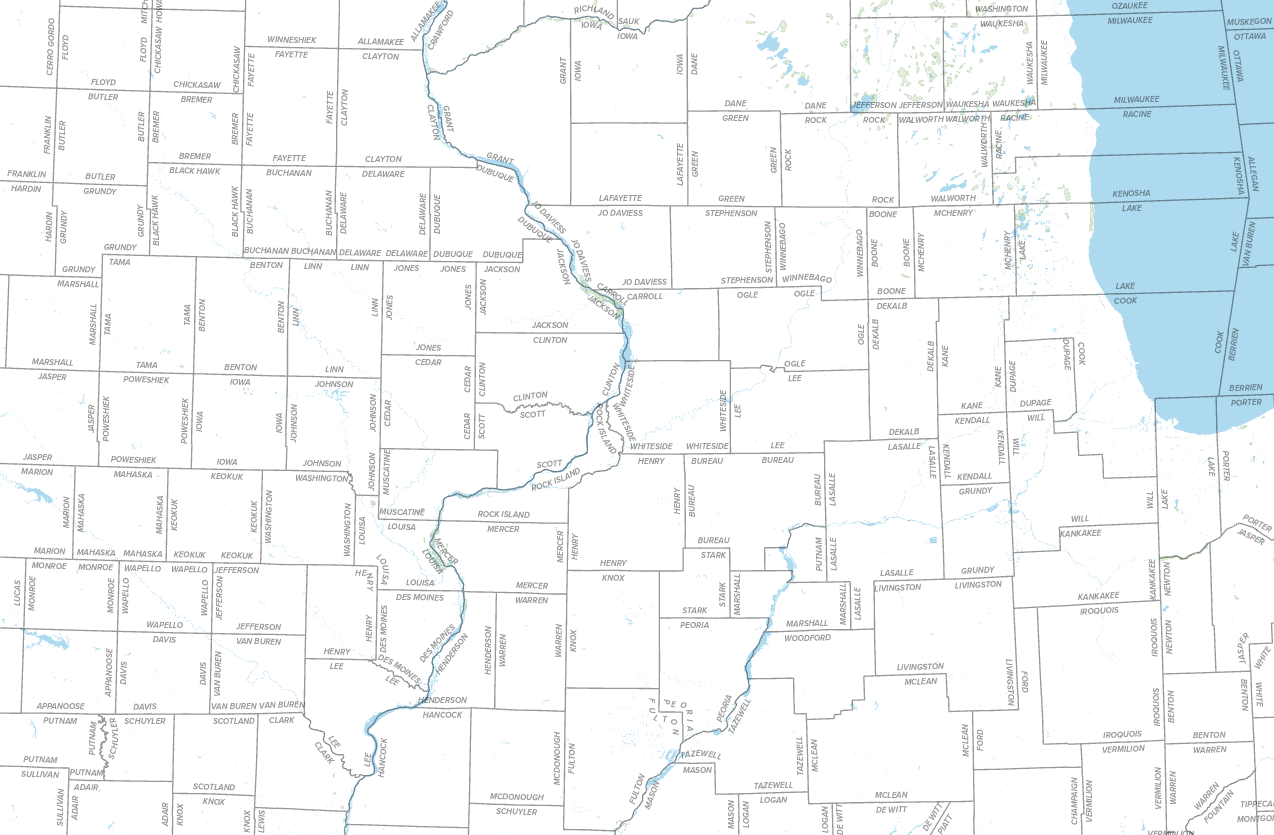
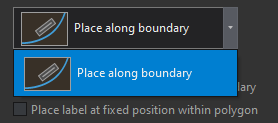
When using the boundary placement method on a polygon layer, you're offered one generic-sounding placement option: 'Place along boundary.'
It works really well on straight shapes at certain scales.
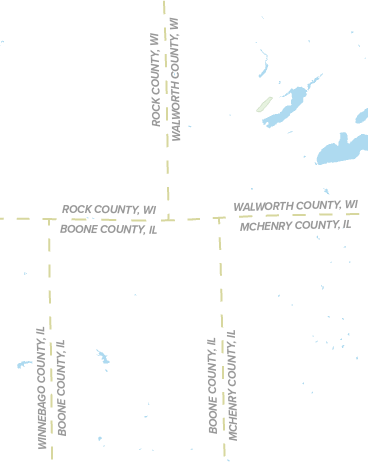
Beyond that, it behaves mostly like the offset straight placement found in other placement methods (even uses the same icon) and occasionally it will give a single 'arc' to a label -- curved, yes, but not the same true curve behavior experienced with other curved placement styles. This ends up looking really awkward in curves and corners. See below:
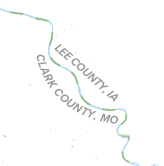
I don't even know what it's trying to do here:
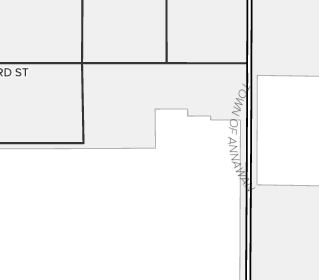
There is plenty of room left of the label for it to fit if it could truly curve around corners. Same here, those labels on the corner really don't need to be doing that:
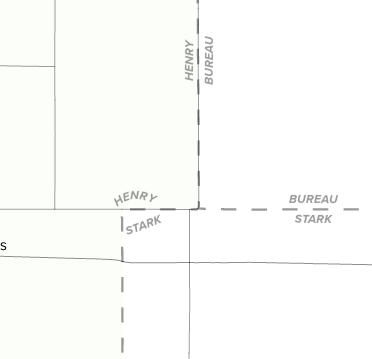
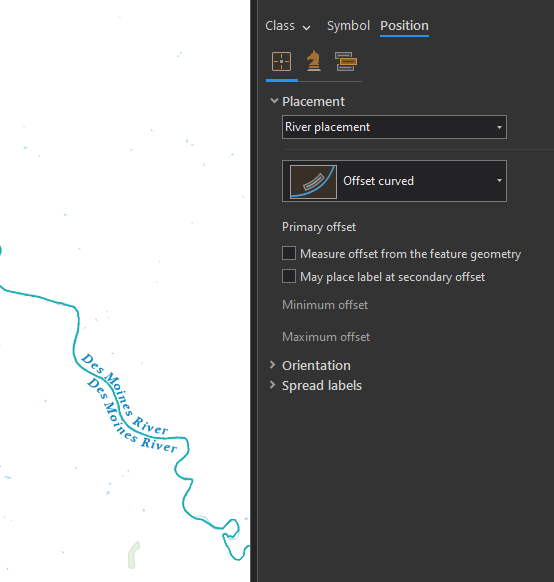
In that first example, if one's going to curve, I'd want it to curve a little better than that, truer to the boundary's form, and for both labels to curve. More like river placement. Here is the same boundary -- I made two copies of a polyline river layer and turned on river (offset curved) placement:
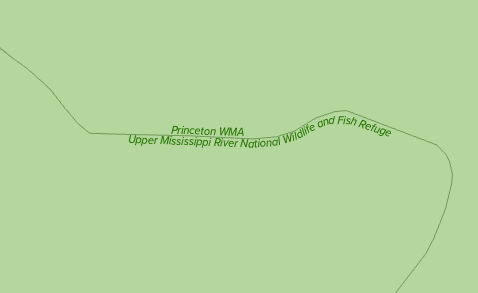
For polygons it also looks like the regular placement > 'curved around polygon' option places them a little more curviliciously -- but in this case, it's got them flipped/on the opposite side of where they should be. This option isn't intended for neighboring polygons.
Whatever's going on in the polyline river placement style and that curved around polygon style -- it would be great to have it carried over at least as an option to the polygon boundary placement style. I like to use this style for political boundaries and they are, in fact, often formed by rivers.