When editing, I often will select several features for which I need to apply the same attribute. I'll do so with the attribute panel open. However, after selecting several features, there's typically only one selected in the panel for editing:
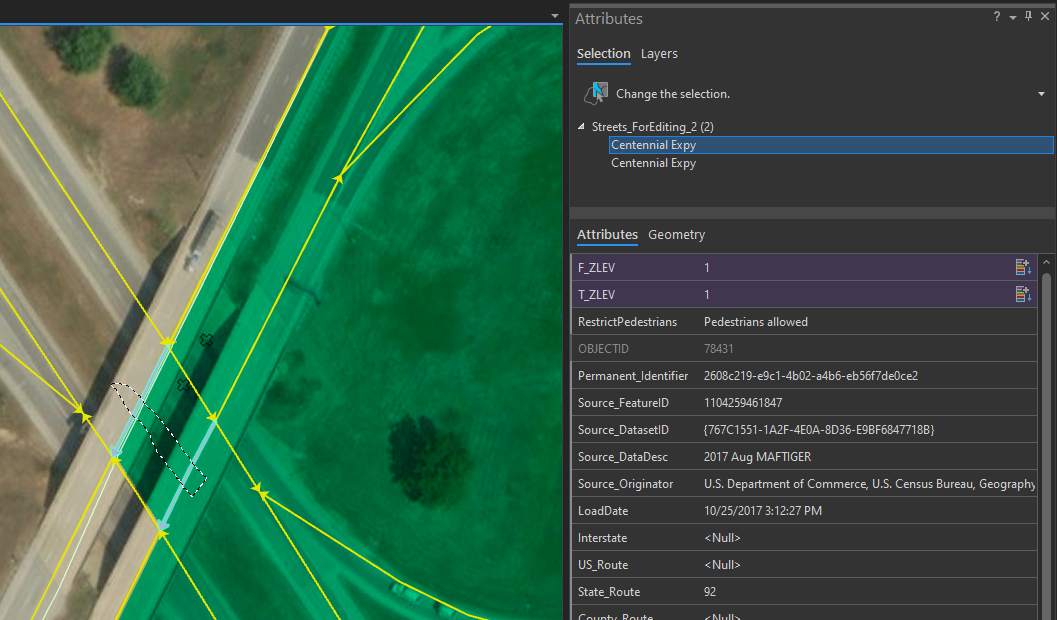
I understand the intention behind this, but in practice, I find it frustrating. Fresh from intentionally selecting multiple features, the attributes panel randomly selects only one of those features for you to edit by default. To modify the attributes for all the features that you just selected, you need to click again on the layer name in the panel.
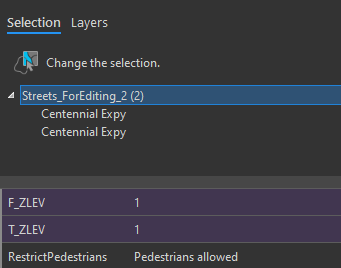
Sometimes, it remembers that you made this secondary selection last time, but not always. I often forget to check if the layer name is selected, make my edit (to only one feature), click off, swear loudly, and need to repeat the whole selection query.
Is there a better workflow for me? Is there a way to have it just keep your whole selection...selected? How do you all manage this?



