Purpose: I want to detect and count objects from downloaded map images.
Map data: I use a high-resolution google earth map image with ArcGIS pro.
Model: I used a single-shot detector. I trained the model with a labeled image that I did through ArcGIS pro.
References:
https://developers.arcgis.com/python/sample-notebooks/detecting-swimming-pools-using-satellite-image-and-deep-learning/
https://developers.arcgis.com/python/guide/object-detection/
Problems and Question (4 questions)
- When I save my model, the '.zip' file does not appear. The Models folder has (ModelCharacteristics folder, ArcGISobjectDetector python file, model_metrics chrome HTML Document, .dlpk, emd, and .pth files). When I followed the references above, they used the '.zip' file for 'gis.content.add' function.



- Instead of the “.zip” file, I used a “.dlpk” file for “gis.content.add” function.

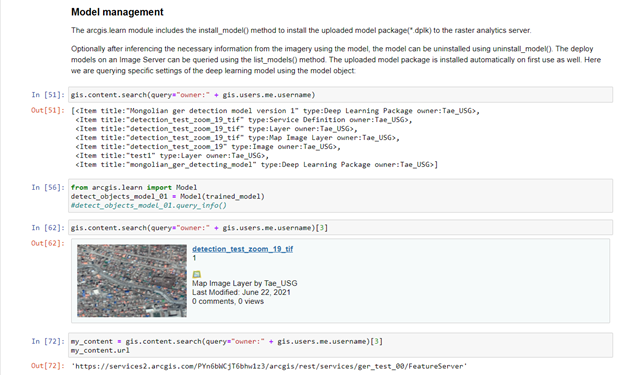
- I shared the ".tiff" image file to ArcGIS online content from ArcGIS pro web-share
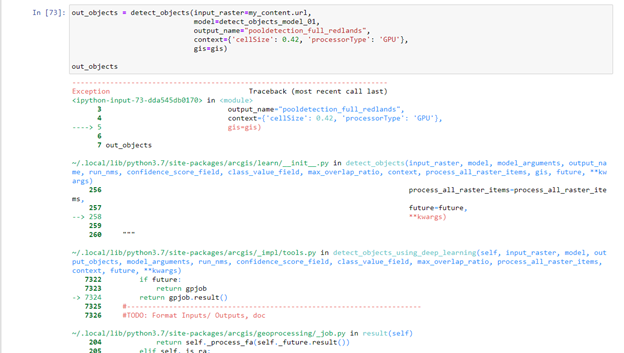
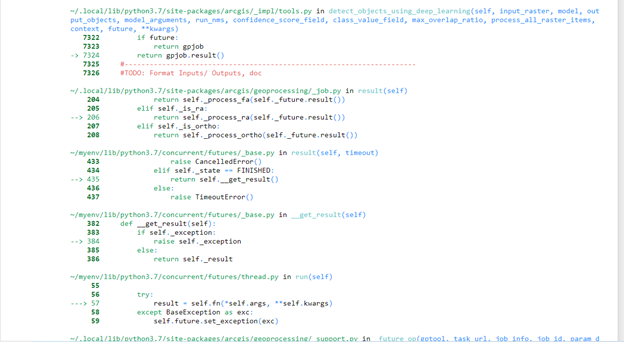
- I followed references, but it did not work. It notices me only “job failed.” I could not figure out what is the problem.




