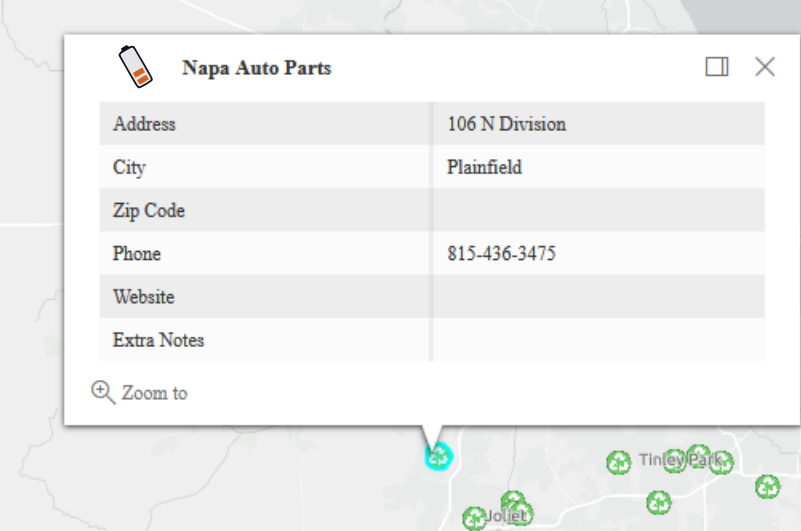
Using the below code I'm not able to put an image in my pop up, which is stored as a URL in the logo field of an attribute table of a hosted feature layer. I thought putting the name of the field in the curly brackets would enable you to have that field value ( in this case a URL to an image) show up in the pop-up.
 //***popups***
    //popup template for table
    var template = {
        //autocasts the new template
        title: "<img src={logo} height='60' width='60'><font size='2.75px'><b>{USER_Name}</b>",
        content: [
            {
                //set content elements in the order to display
                type: "fields",
                fieldInfos: [
                    {
                        fieldName: "USER_Addre",
                        label: "Address",
                        visible: true
                    },
                    {
                        more fields, etc...
                    }
                ]
            }
        ]
    };

// Recycle Layer
    var recycleLayer = new FeatureLayer({
        portalItem: {
            // autocasts as new PortalItem()
            id: "b5665da3feab4b6091914cbfe4ab028f"
        },
        popupTemplate: template,
        outFields: ["*"],
        visible: false
    });
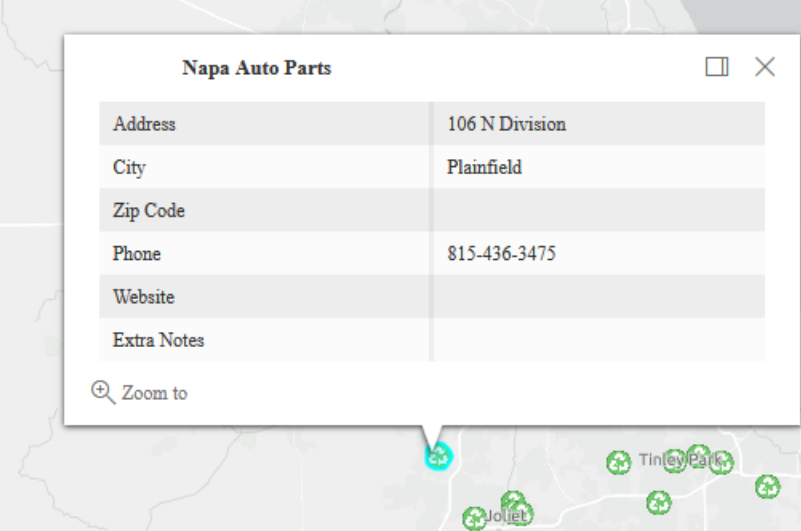
Here's an screenshot of the popup currently. There is a white space to the left of the title where the logo should be, but the logo isn't there. Am I missing something in the javascript?
Here's a mock-up of how I want it.