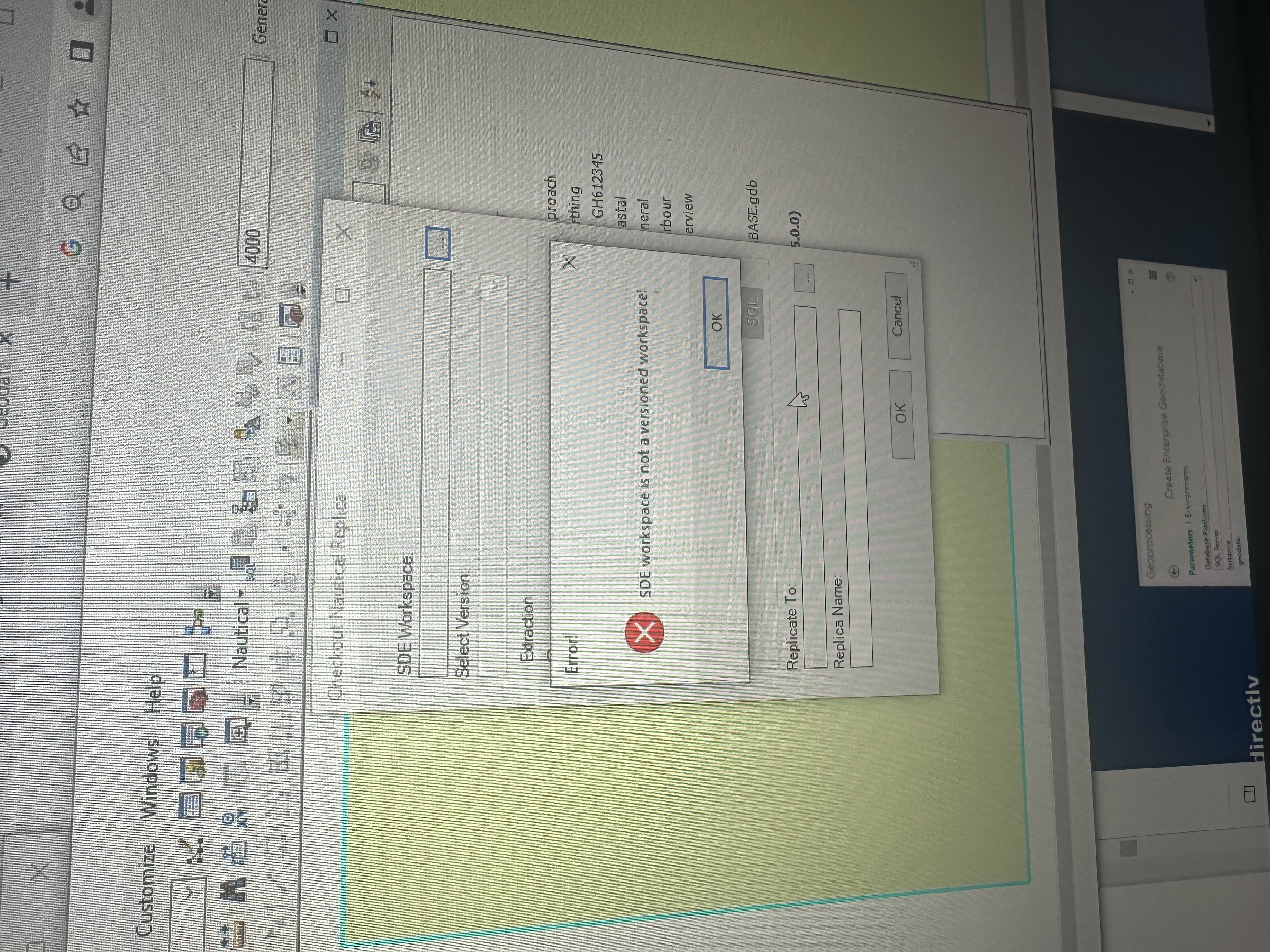
Is it possible to checkout Nautical Replica when using a file geodatabase. I can’t create products without taking this step and I’m currently on a file geodatabase. Is it also possible to create versions in a file geodatabase. This is the response I get
@GabrielAweya if you installed the SQL express database using the Database Server setup wizard from My Esri and you kept all the default values, the instance is already specified and current user (your user) is the administrator. The default instance name is <your machine name>\SQLExpress. You can use this instance name when connecting to the database server from ArcMap.
I have been able to install the SQL Server as indicated in the article. I am however having problems with specifying an instance and and administrator. I don’t know which software to set that in, if it’s arcmap or the sql sever configuration Manager. I am attaching a screenshot of that part of the article. Kindly clarify that for me
@GabrielAweya This tool only supports enterprise geodatabases. You can read more about replication here: https://desktop.arcgis.com/en/arcmap/10.7/manage-data/geodatabases/replicas-and-geodatabases.htm
You can create your data directly in the file geodatabase or you can install a database server on your machine and create the NIS database on the database server. This will allow you to use versioning and replication: https://desktop.arcgis.com/en/arcmap/10.7/install/database-server-desktop-engine/intro-desktop-database-server-installation.htm
Les membres connectés peuvent publier, suivre les mises à jour, et plus encore. Nouveau ici ? Inscrivez-vous gratuitement.
Find useful guides, FAQs, and documents to help you navigate and make the most of Esri Community.