If you right click a multilayer symbol from the TOC, the palette shows the color of your (top?) layer selected:
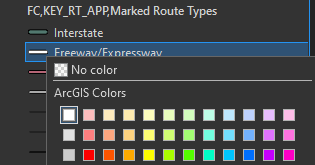
Note that the white line has a black casing in a lower symbol layer. I would expect that choosing a new color would only change the color of the top layer, as indicated by the selection square around the white color. However, this is not the case. It changes the color of all symbol layers.
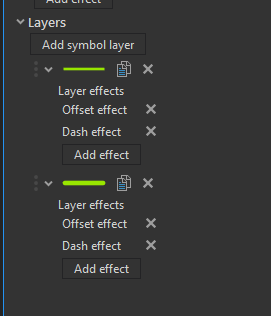
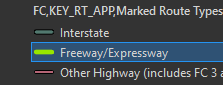
It would be much more useful and intuitive if changing the color from here just changed the color of the symbol layer indicated by the selection square. Rarely would I would want to change all of my unique symbol layers to the same color.
Even better would be if you could specify which symbol layer you wanted to change when right clicking, or set in symbology which layer you consider your 'key' layer.

