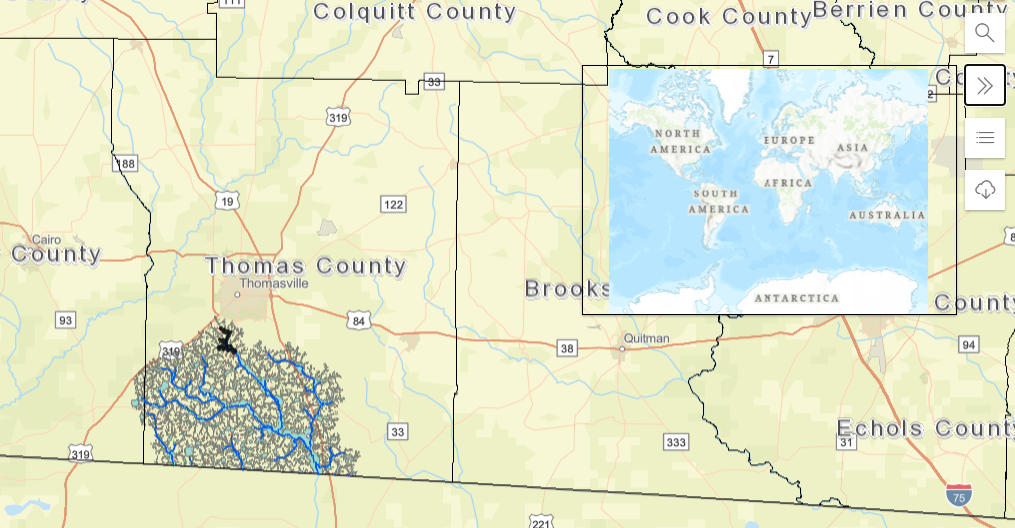
I have created an overview map widget for my web app. I am using the `arcGIS API for Javascript` version 4.17. My overview map is separate from my main map as I don't want to bring in all the layers from my main map in the overview. I have basically followed the API documentation as a guide
// Create Maps
var map = new Map({
basemap: "streets-vector",
layers: [GA_Layers, study_layer]
});
// Create another Map, to be used in the overview "view"
const overviewMap = new Map({
basemap: "topo-vector"
});
// Create Map Views. Add the map to a MapView
const view = new MapView({
container: "viewDiv",
map: map,
center: [-83.9073, 30.8417],
zoom: 9,
highlightOptions: {
color: "red"
},
popup: {
actions: [],
dockEnabled: true,
dockOptions: {
buttonEnabled: true,
breakpoint: false
}
}
});
// Create the MapView for overview map
var overView = new MapView({
container: "overviewDiv",
map: overviewMap,
constraints: {
rotationEnabled: false
}
});
I then create some code to `sync` the overview map zoo, center, and scale to the main view map. However, this does not work.
overView.when(function () {
view.when(function () {
setup();
});
});
function setup() {
const extent3Dgraphic = new Graphic({
geometry: null,
symbol: {
type: "simple-fill",
color: [0, 0, 0, 0.5],
outline: null
}
});
overView.graphics.add(extent3Dgraphic);
watchUtils.init(view, "extent", function (extent) {
// Sync the overview map location
// whenever the 3d view is stationary
if (view.stationary) {
overView
.goTo({
center: view.center,
zoom: view.zoom,
scale:
view.scale *
2 *
Math.max(
view.width / overView.width,
view.height / overView.height
)
})
.catch(function (error) {
// ignore goto-interrupted errors
if (error.name !== "view:goto-interrupted") {
console.error(error);
}
});
}
extent3Dgraphic.geometry = extent;
});
}
Essentially, the overview map is not syncing with the main map and doesn't pan or zoom with it after launch. Any ideas as to what I am doing wrong here?