Hi,
In the recent Beta Testing at Melbourne, we were shown the ability to customise print/configure our own template. I am trying to configure my template so that it does not show sections where it has been omitted under 'Relevant' set in the XLS form.
'Relevant' rules work well when assessing the Survey123 app - ie groups are displayed asinstructed in the Relevant field. However, when I attempted to print the data, the default template included 'groups' that are not relevant (or has been excluded in the form).
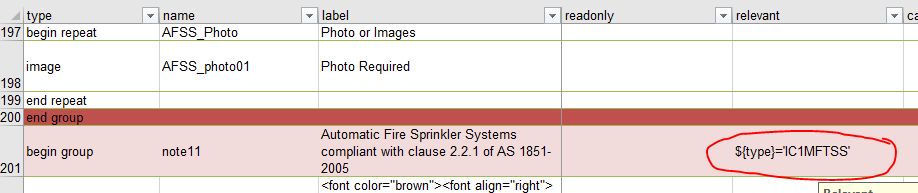
Following the criteria, in the Print output, I do not want the group "Automatic Fire Sprinkler...2005" to be included in the print to PDF but as you can see in hte image below, the group is shown (and with nothing below but for 'Photo or Images')
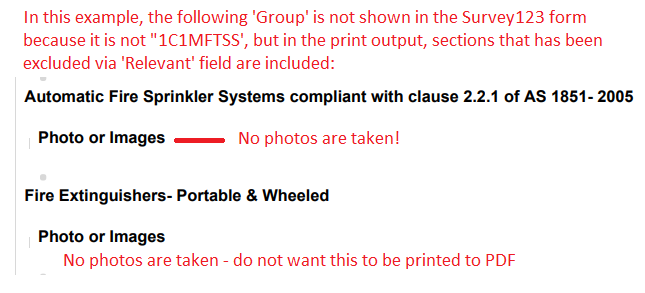
The second issue is that the print output includes all the fields for 'Photos or Images' even when no photos were taken. Is it possible to set the template to not print the section when no Photo or Images are taken?
Thank you
SW

