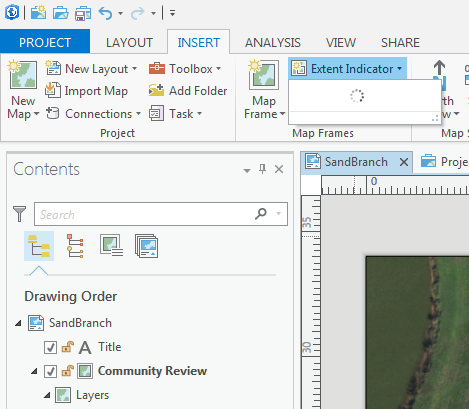
Extent Indicator drop down in ArcGIS Pro stuck with processing cursor (circle). Has anyone else encountered this issue / have any work arounds to suggest? I've restarted the program and activated the map frame (in bold) and back to layout. No solution yet.
To use this feature, you first need to insert a second map frame into an active layout. Then when you click the Extent indicator drop down it will give you the option of which map frame's extent you want to show in your active frame.
So it works, it just appears broken when you first click it because of the spinning pin wheel.
Les membres connectés peuvent publier, suivre les mises à jour, et plus encore. Nouveau ici ? Inscrivez-vous gratuitement.
Find useful guides, FAQs, and documents to help you navigate and make the most of Esri Community.