Problem
Geoevent Manager's site page has an error status for "Default" under "Registered Server Connections":
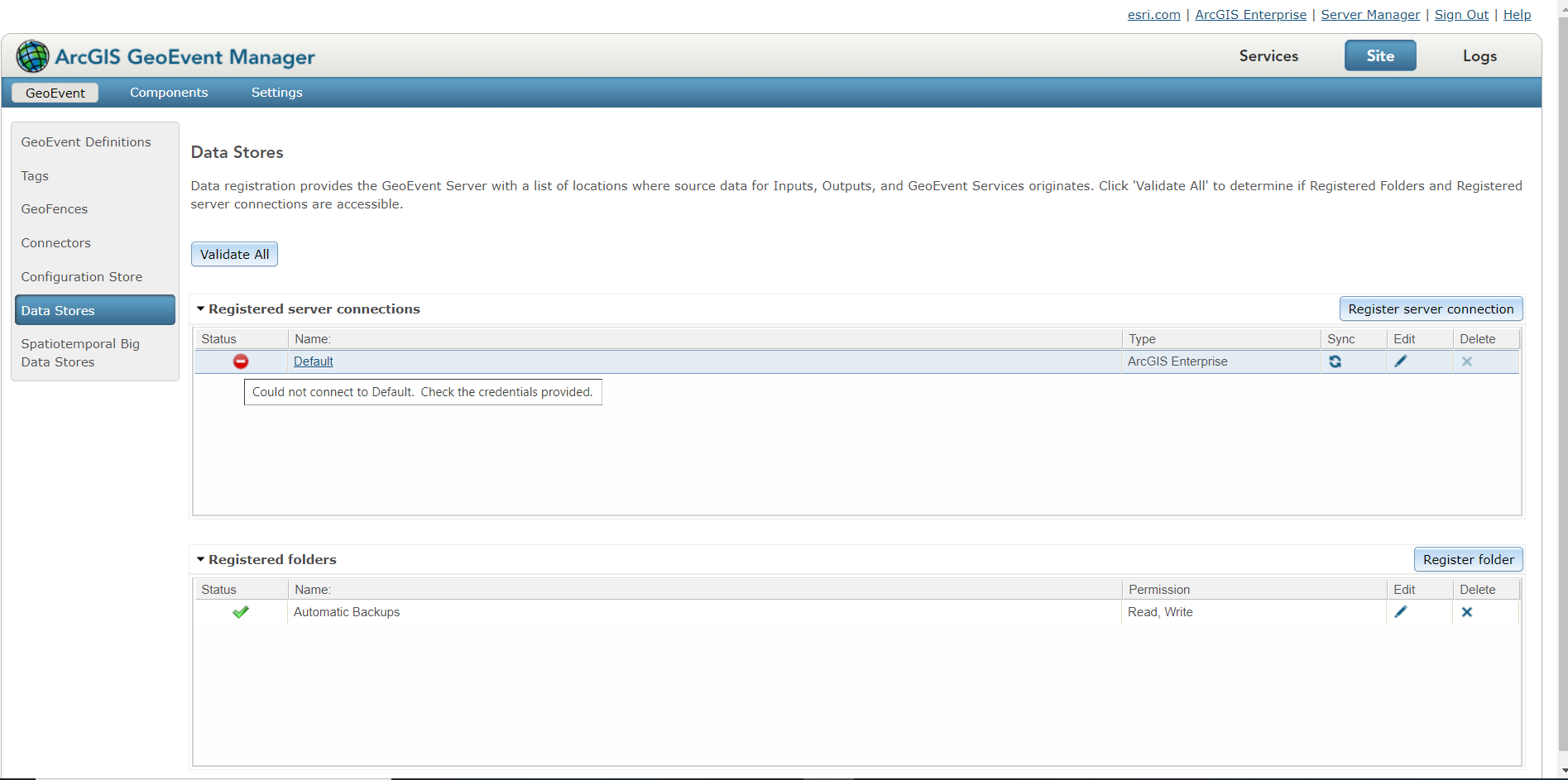
How do I get the Status to validate successfully?
Scenario
This GeoEvent Server is federated to a Portal instance. Portal successfully validates the GeoEvent server's federation here: https://ourPortalServerUrl/portal/home/organization.html#settings
The GeoEvent server is newly installed and empty.
Platform: Windows Server 2016
ArcGIS Enterprise version: 10.8
Attempts to fix
1. I tried clicking "Edit", then checking "Use Credentials" and entering the main portal admin user's credentials.
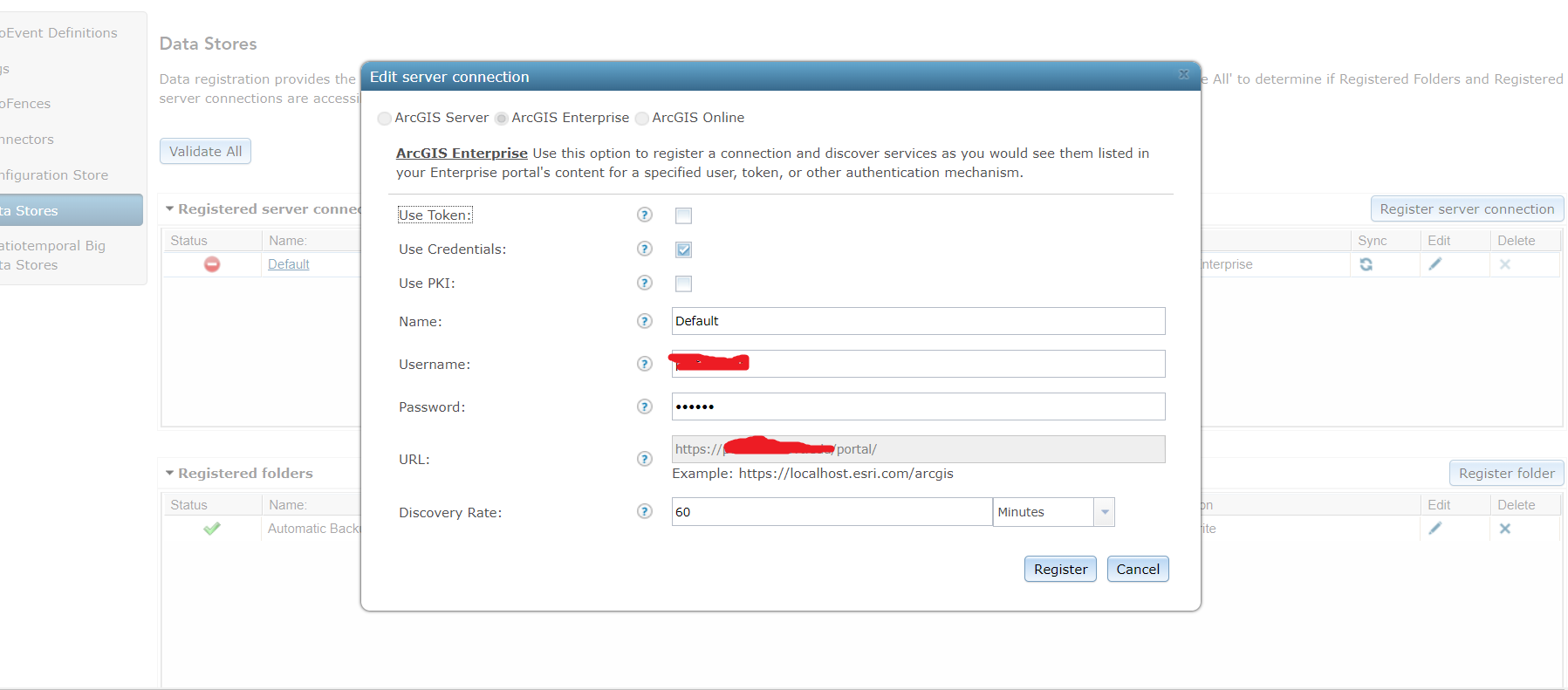
2. I checked the credentials by logging into portal directly successfully.
3. I tried resetting the GeoEvent server config
4. I tried un-federating and re-federating the GeoEvent server with portal.
Next steps
Besides this forum post, I am also going to open an Esri Support ticket.
-Peter
