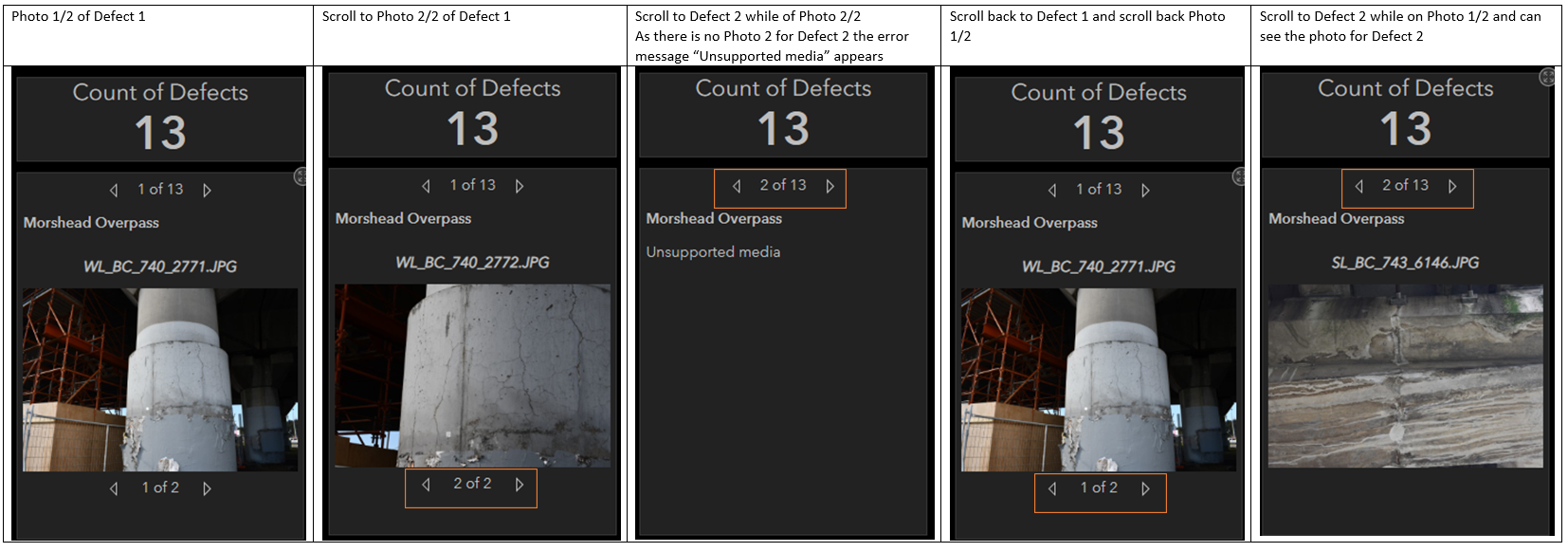
If you’re on photo 2/2 in a defect entry and then click to go to the next defect and that defect only has one attachment, then it’s coming up with “Unsupported media”. As a temporary workaround, I think you would just need to look through the photos within a defect and then go back to photo 1 before clicking to scroll through the defects. Is there a way to make this automatic so it always goes to photo 1 when you scroll to the next defect?
PS: Images as stored in attachments. This is AGOL ArcGIS Dashboards