I need access to Azure 4.0.0. There is (of course) a pip install available, but no conda install (highest version for conda install is 1.0.2). Accordingly, I created a cloned environment, and installed from the command line via conda and pip:
activate arcgispro-py3-azure-crypto (my cloned environment; pip is already in this environment, however, I did upgrade pip to 19.1.1.)
pip install azure
When I list packages in conda, everything looks fine:

However, when I look at the environment in Pro, nothing is there:
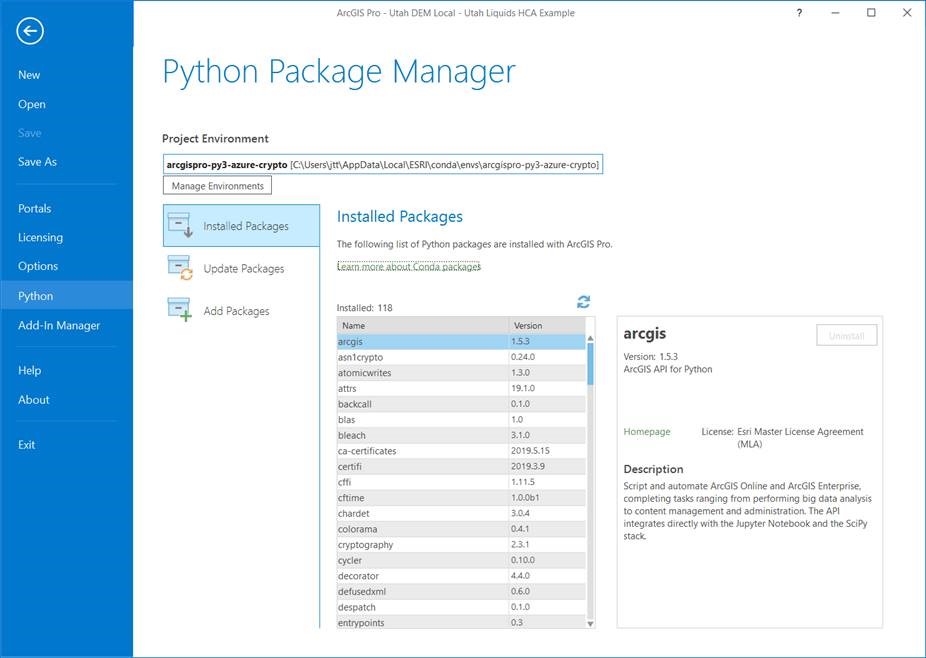
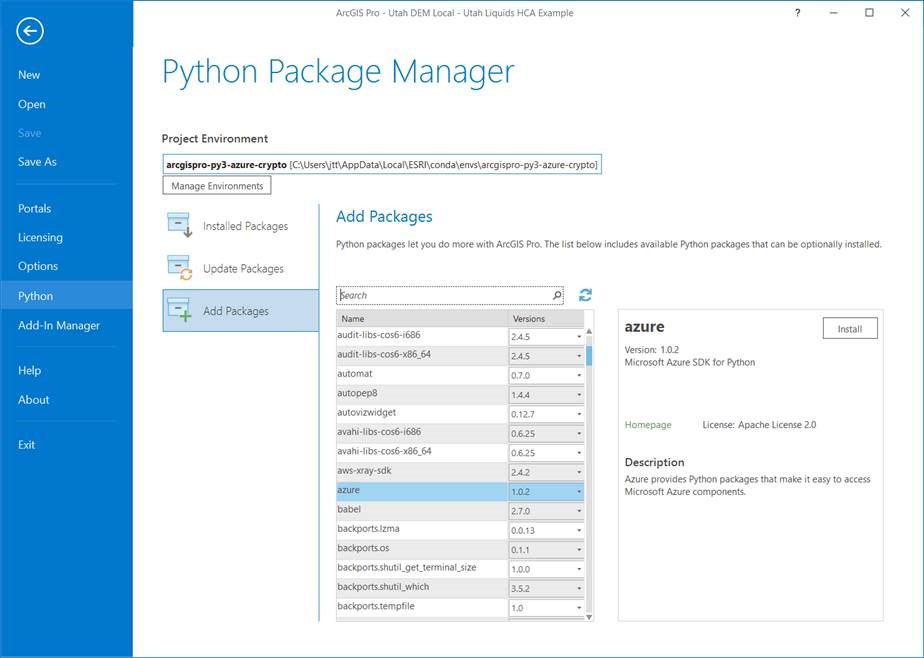
Everything is working, which means the conda listing is correct (and the packages are installed in the appropriate envs directory, but not in the pkgs directory of <localappdata>\ESRI\conda), but it’s just not showing up in the Pro Python Package Manager. I did a little digging around, and it looks like the Python Package Manager is actually reading the above contents from C:\Program Files\ArcGIS\Pro\bin\Python\pkg-metadata\metadata.json.
- Question 1: How do I get these pip-installed packages to show up in the Python Package Manager?
- Question 2: Is the Python Package Manager reading from the metadata.json file, and if so, how do we update it?
- Question 3 (and this is a larger question): What is the best practice for installing our stuff in conda world? Are we OK to install our own packages directly to the arcgispro-py3 environment, or should we be creating a new environment (or selecting another existing environment) and installing to that?
Thanks in advance!
Tracy


