Hi all,
I'm using an Introduction Window on my Experience Builder app. I am using a brand blue color and white text and a button. As you can see the default black text for "Don't show this again" does not meet any contrast guidelines and is extremely hard to see.
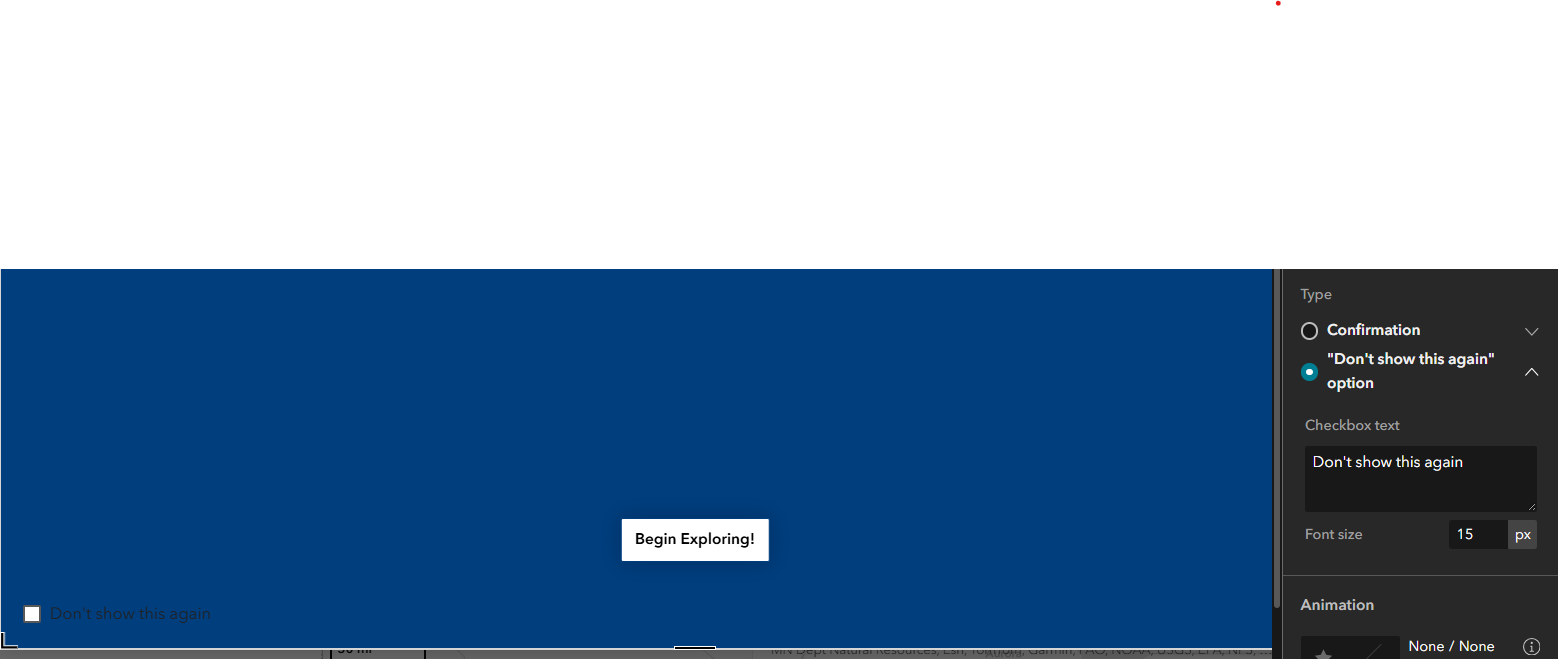
Is there a way to change this text to white? Maybe some html or arcade in that 'Checkbox text' window? Any workaround ideas?
If not, can you please put this on your accessibility list, Esri?
Thank you,
Andrea




