Hi everyone,
The Experience Builder application contains two overlapping map widgets as follows.
Map widget A: show a large map. It is the dark map in the screenshot.
Map widget B: show a smaller map on the bottom-right corner of the map A. It is the light map in the screenshot.
I can use mouse wheel to zoom-in and zoom-out the map A, and can also use mouse to drag (move) the map A.
However nothing happen when I try to zoom and drag the map B with the mouse. The map B has a +/- control button and when clicking mouse to + or - the zoom level (of  changes accordingly.
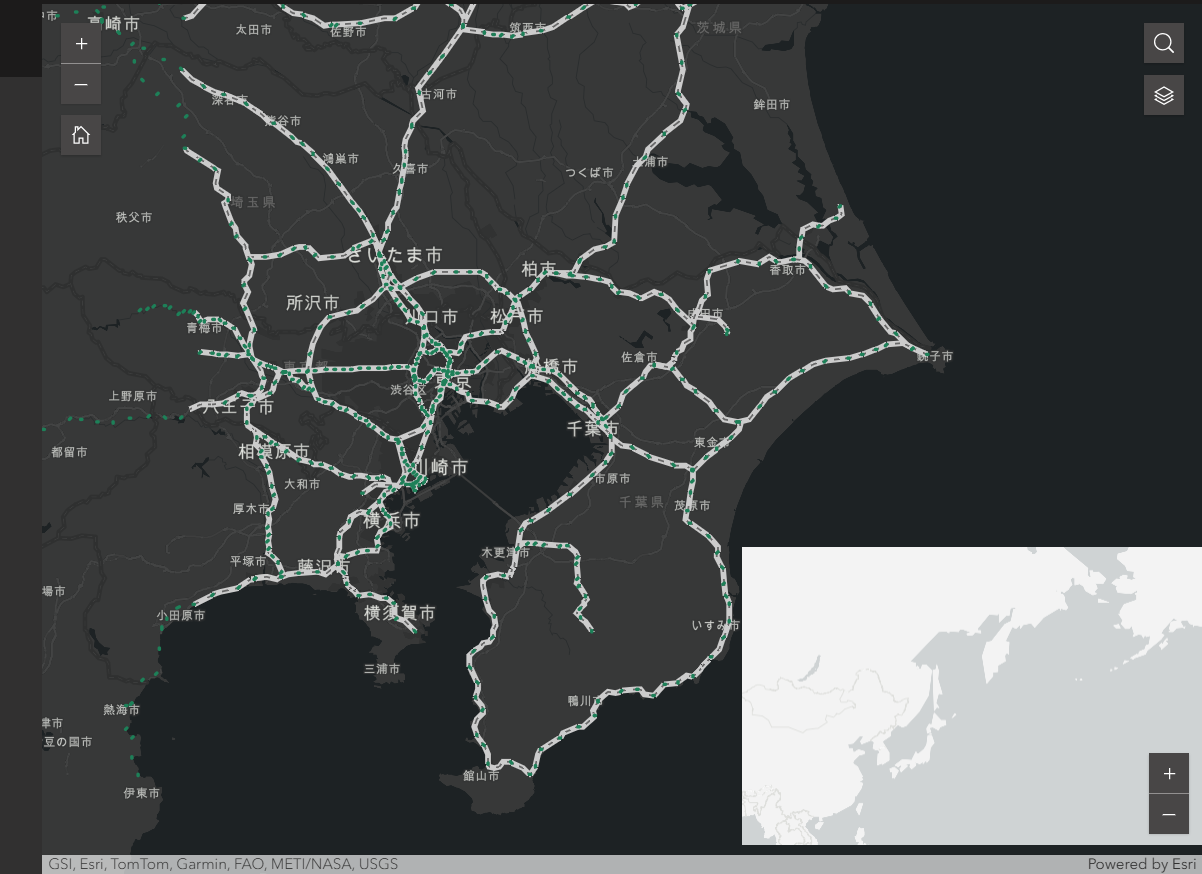
Question: how to enable dragging for the map B?
Thank you and best regards.

