Hi there
I have a feature class populated with trace starting points.
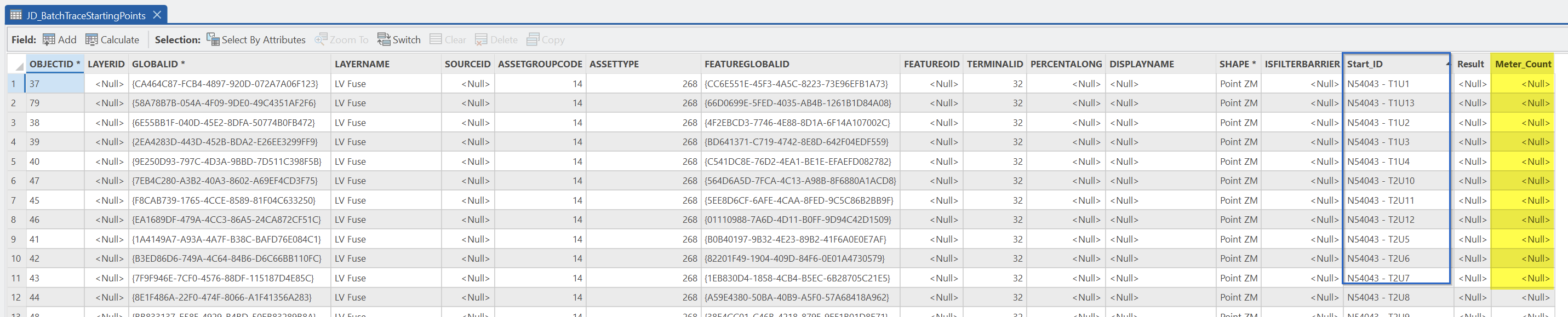
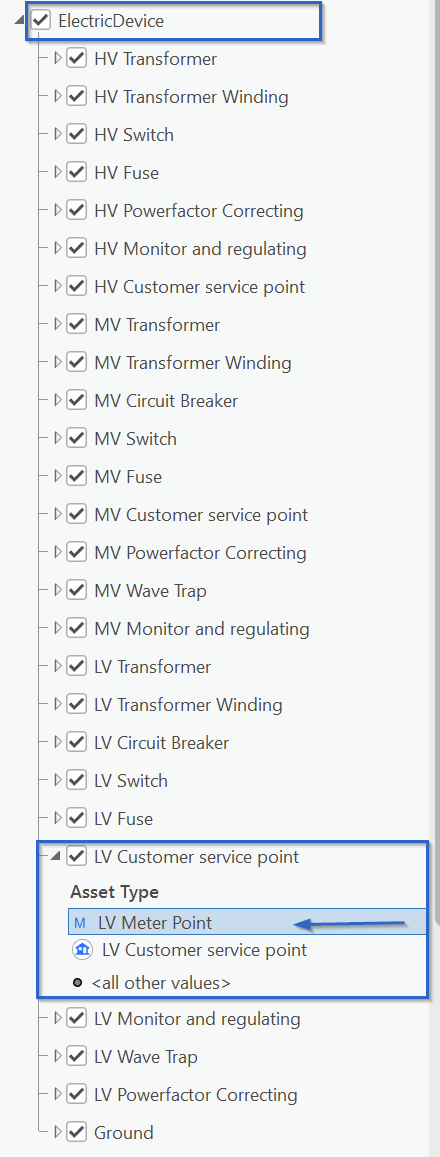
I have a trace configuration returning only meters downstream of the trace starting point.
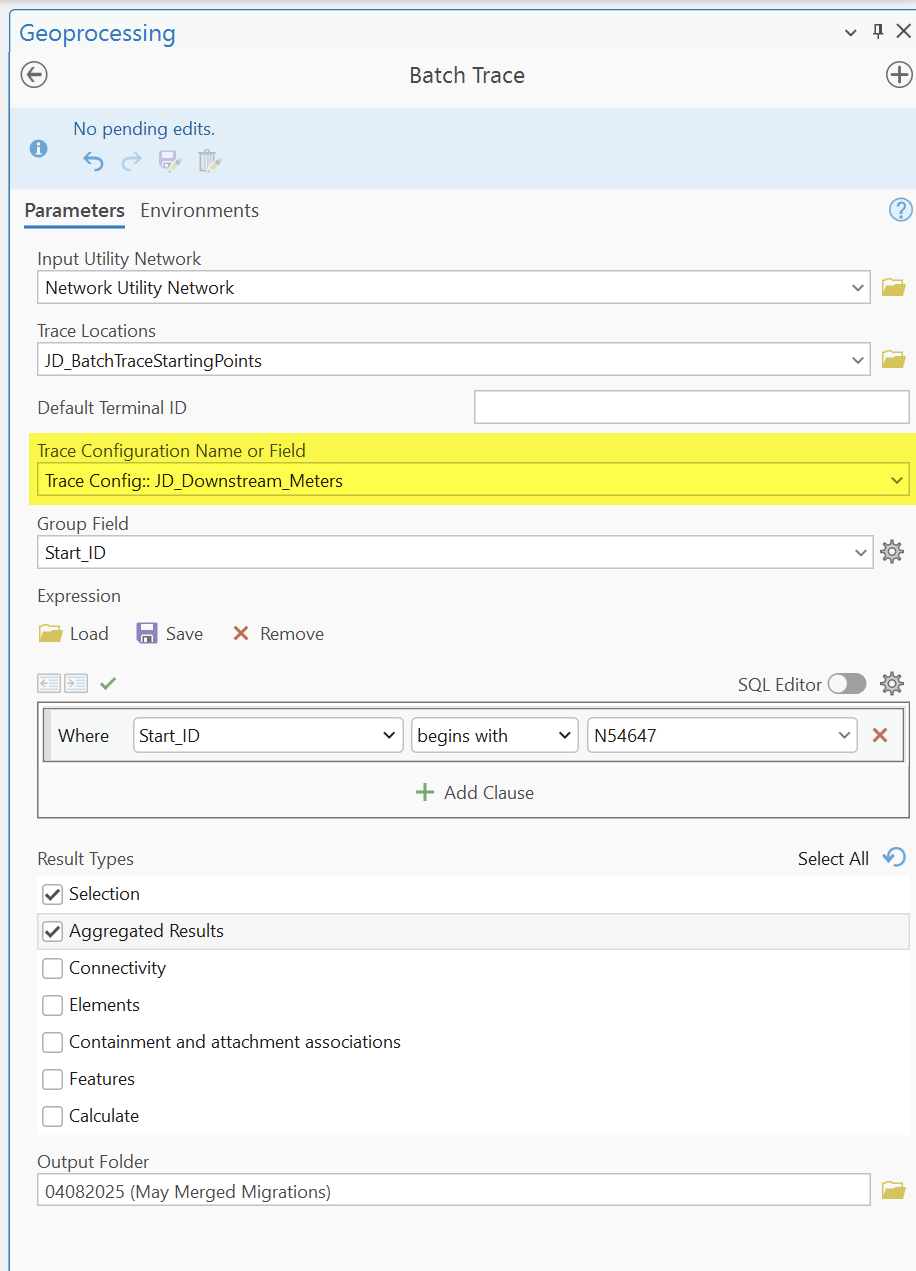
And I am able to successfully execute a batch trace using the geo-processing tool as long as I am only returning aggregated geometries.
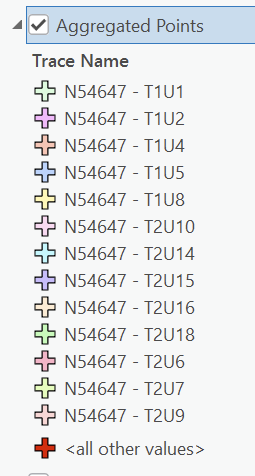
The result is a feature class showing downstream meters (point features) that I may symbolize by the group field (Start_ID).
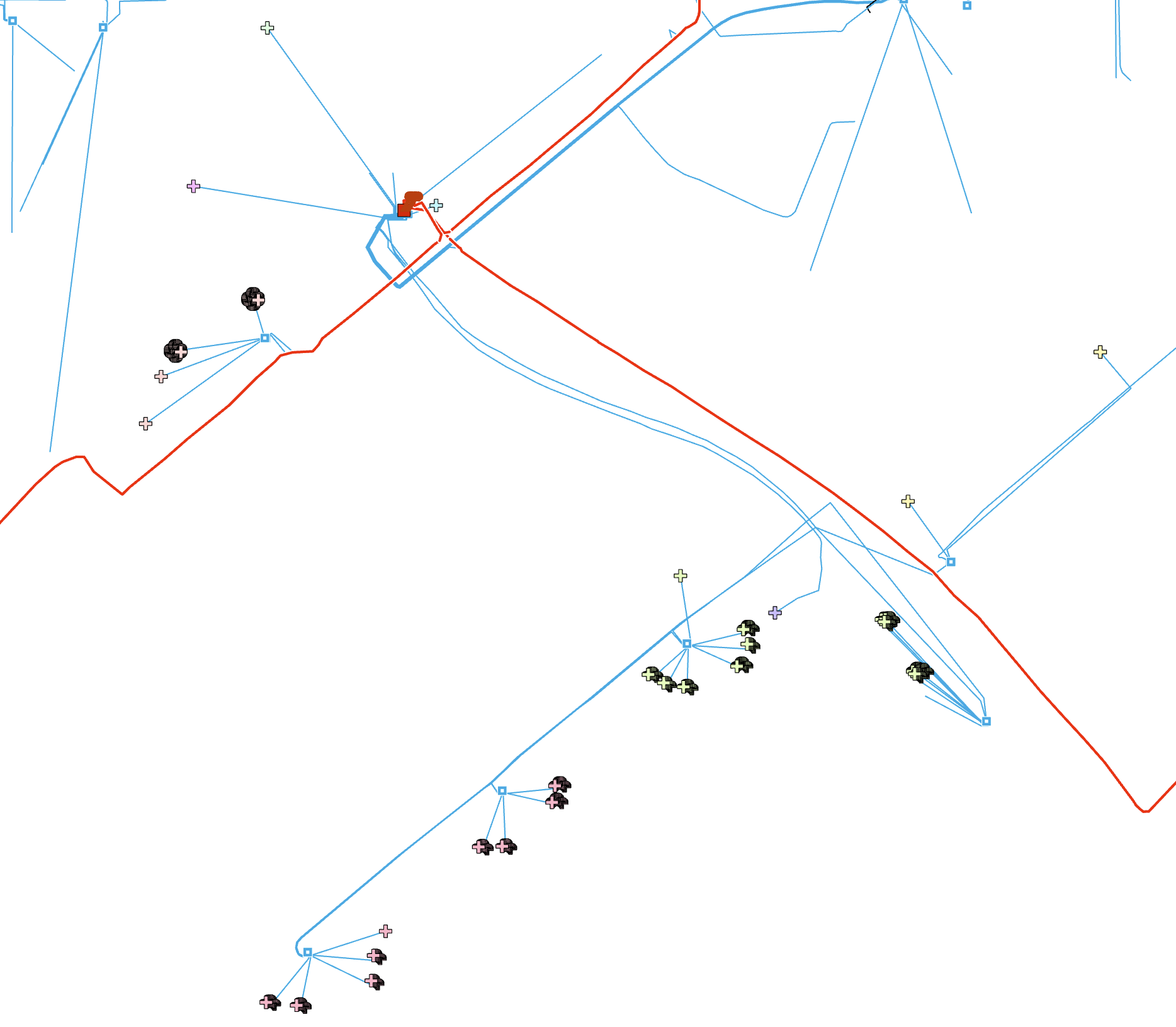
So far so good. I am struggling to make the next step, though.
Hence, I actually do not need the aggregated point features.
Instead, what I need is to have the batch tracing tool count all meters encountered downstream of each trace starting point and write this count to the Meter_Count attribute (LONG) in the trace starting point feature class.
I am aware of the documentation (https://esri.github.io/Utility-Data-Management-Support-Tools/docs/3.1/BatchTrace.html) as well as on the video-walk-through (https://esri.github.io/Utility-Data-Management-Support-Tools/help/BatchTrace.mp4).
I cannot seem top get my head around how to actually accomplish, what I want, though.
Yeah, it comes down to ticking off the Calculate option - but after that, I am left not really finding the documentation / demonstration or with a brain unable to understand the approach.
Help, please 🙂


