This is in ArcGIS Pro 3.3.0.
When I am setting up a definition query in Pro on my address point layer, there doesn't appear to be a function that reduces the options in the pick list when you start to enter a value. For example, let's say I'm looking for 400 Main St. If I type in 400 and click the drop-down, shouldn't I see a filtered list of addresses that start with 400?
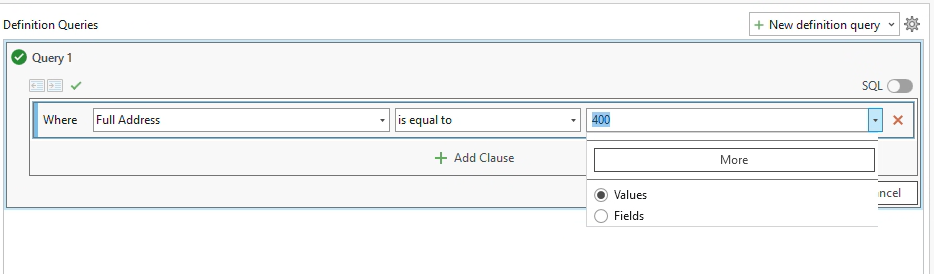
I thought perhaps I needed to click the More button to load the full list of values, but even after doing that, my pick list gives me every possible option in the feature class.
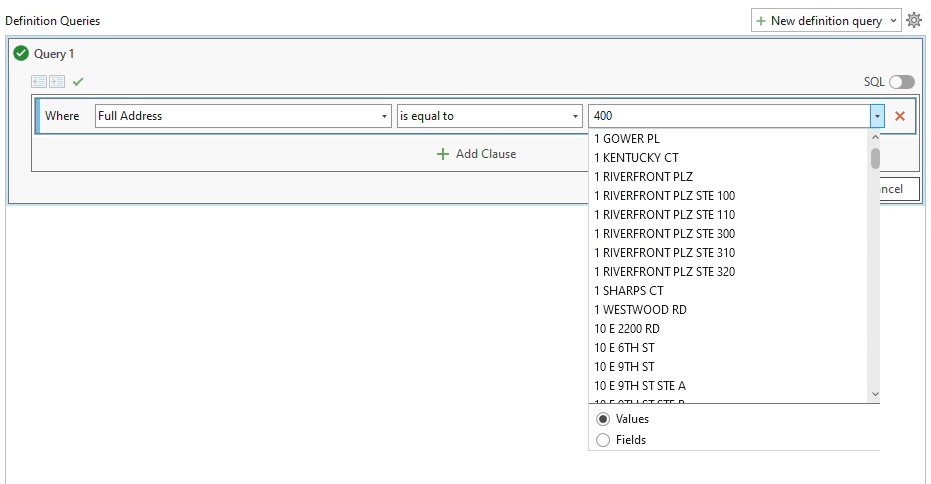
If that's not how the definition query menu is designed to work, I want to put in a suggestion on ArcGIS Ideas because this isn't user friendly.



