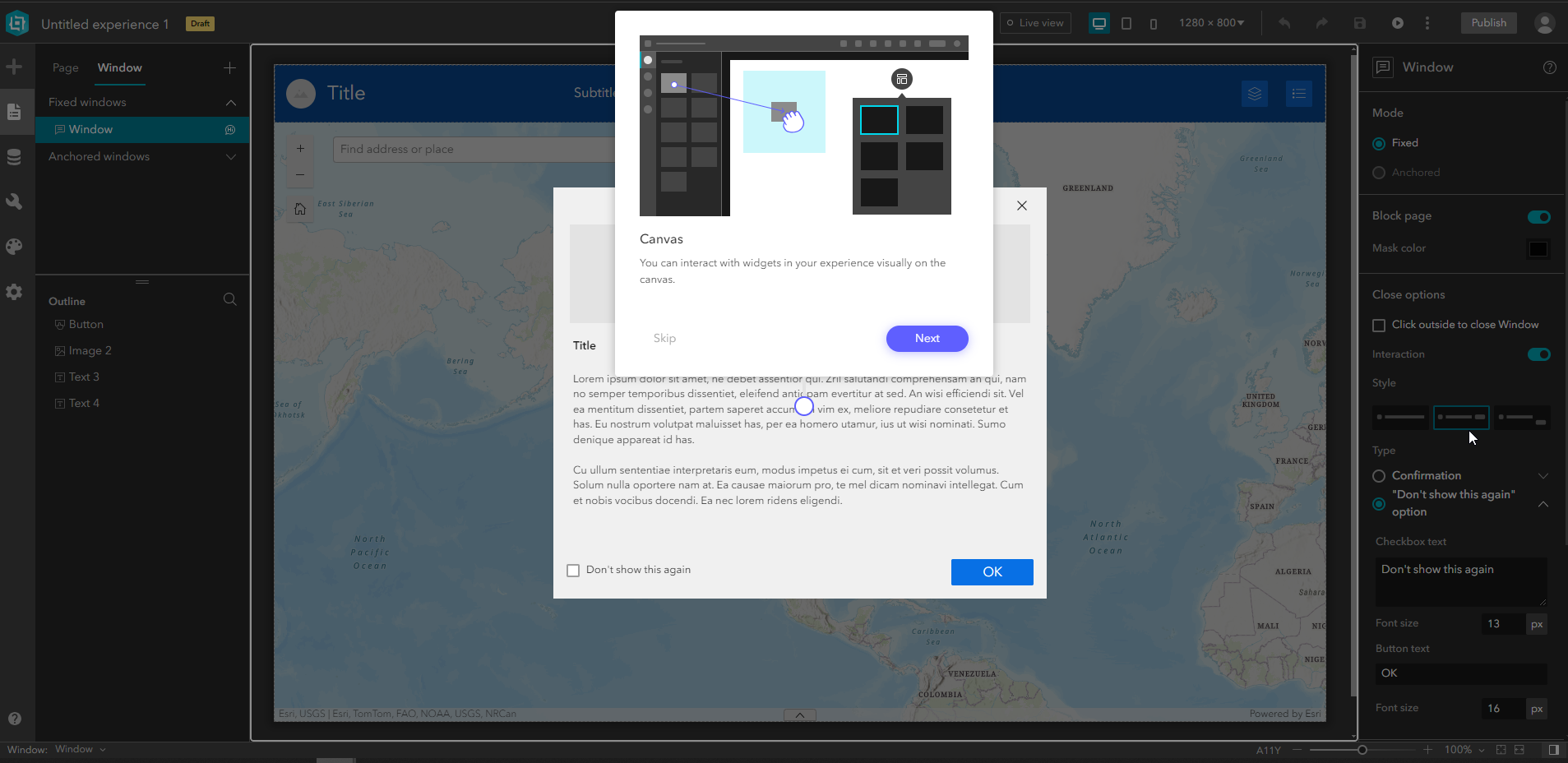
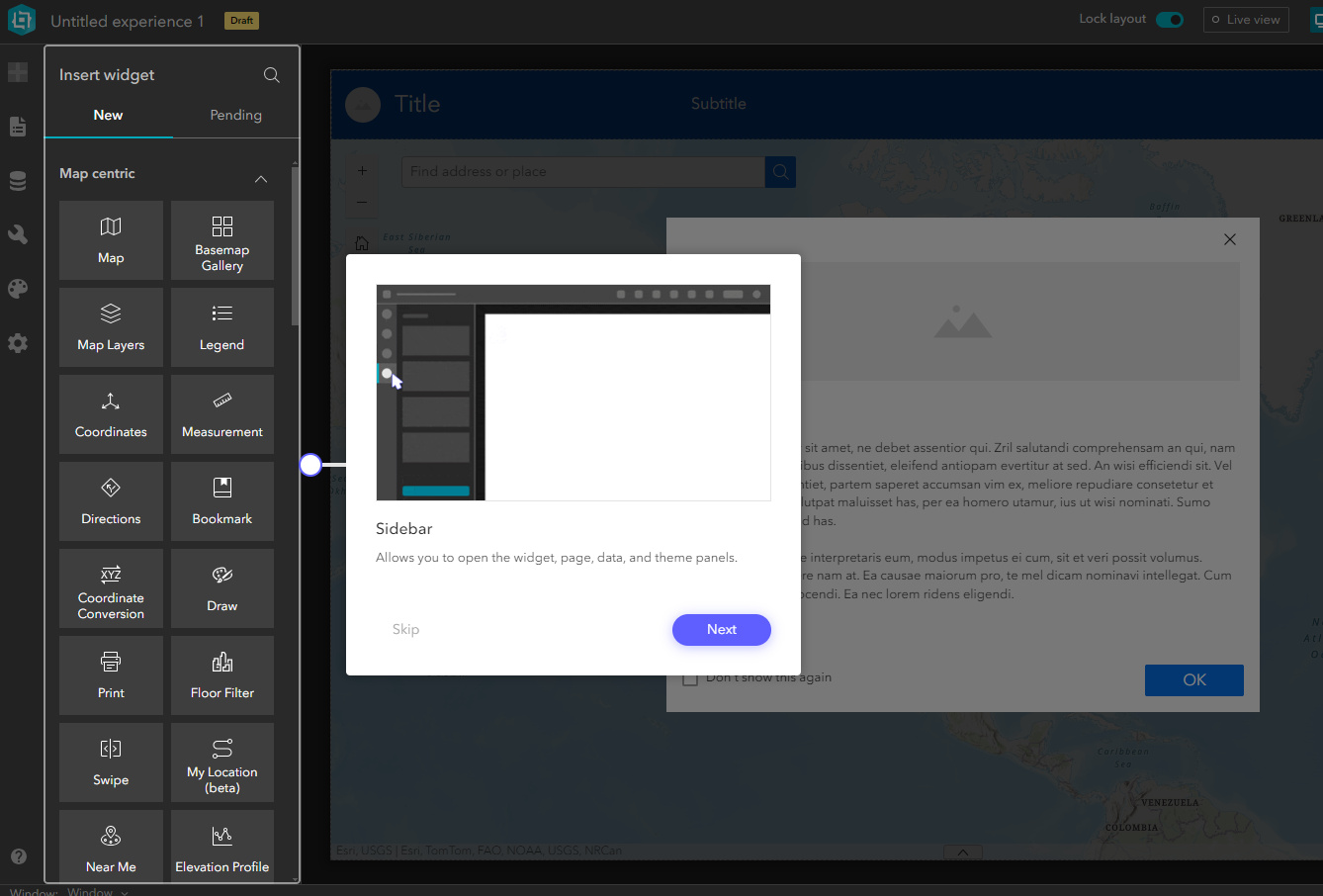
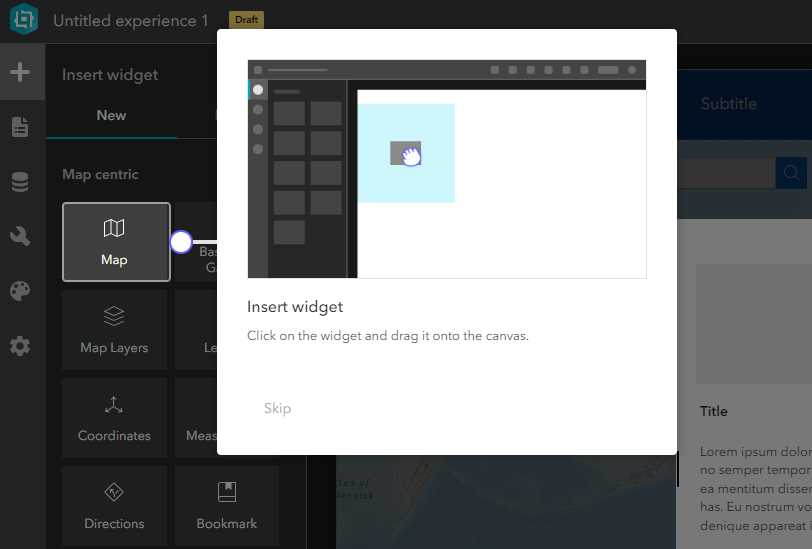
How can we create a guided feature tour like when you first boot up Experience Builder after installation? The one where it darkens the whole screen except what's in the spotlight, and then a window shows up and asks if you want to go to the next explanation or if you want to skip the tour.
In particular, I can't seem to find the features where it darkens the rest of the screen other than what's in the spotlight, or where there is a leading line pointing from the window/text info box to the feature that is the current subject.
TIA!
Update: Some parts have been figured out: Window with darkened rest of screen can be done with splash windows. Windows leading to other windows can be done in builder as well, specifying x and y locations of the window. Buttons can be done. Tour only on first load, I believe can also be done via "Don't show this again option", though it doesn't seem to look as nice as in the Experience Builder guided tour, as it's done via a checkbox and not a Skip button.
Missing/unknown components are: highlighting the subject in the background outside of the window, leading line with the dot pointing from window to subject.
Edit to add images and examples: