Hello,
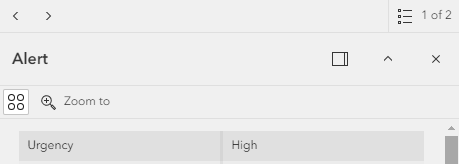
I've created a Web Map which I've loaded into a Web Experience. The Edit button is included on the feature pop-up in the Web Map (below left) but it doesn't show up in the Web Experience (below right). How do I include the Edit button in the Web Experience?
Thanks in advance 🙂
Hi @COwen, The edit button doesn't show up on the pop-up window. Possibly log it as an idea. As far as I am aware the flow is - Open the Edit Widget -> Select your object -> Make changes in Edit Widget ->Hit Update.
you need to add an edit widget
https://doc.arcgis.com/en/experience-builder/latest/configure-widgets/edit-widget.htm
Yes, I have an edit widget set up but this still doesn't show an edit button on the feature pop-up window.
Hi @gis_KIWI4,
Thank you for confirming that is the case. That is the flow that I currently have.
Thanks again
Les membres connectés peuvent publier, suivre les mises à jour, et plus encore. Nouveau ici ? Inscrivez-vous gratuitement.
Find useful guides, FAQs, and documents to help you navigate and make the most of Esri Community.