Hello ESRI Community,
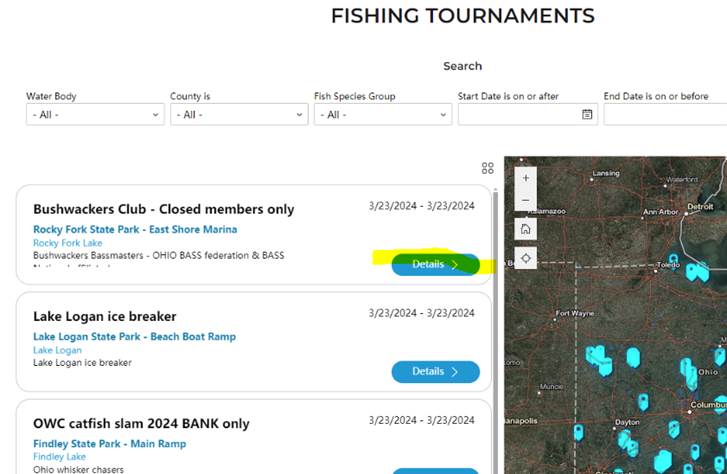
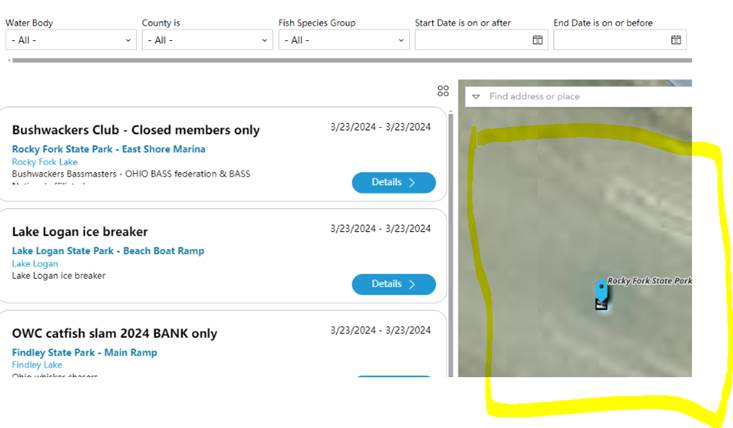
We have an Experience Builder (EB) that was created two years ago (2022) with pretty basic functionality. Basically, the EB has a list widget connected to the data on the map. When a user wants to view more details about the data point, they click the "Details" button and the map zooms to the data point selected and brings up more details about the data point on the side panel. When the user selects the "Back to List" button it SHOULD take them back to the original view, clearing the previous selection and allow the user to start the process over again. This functionality used to work.
However, it seems with the recent update to EB, this functionality is no longer working.
Step 1: the user selects "Details" button
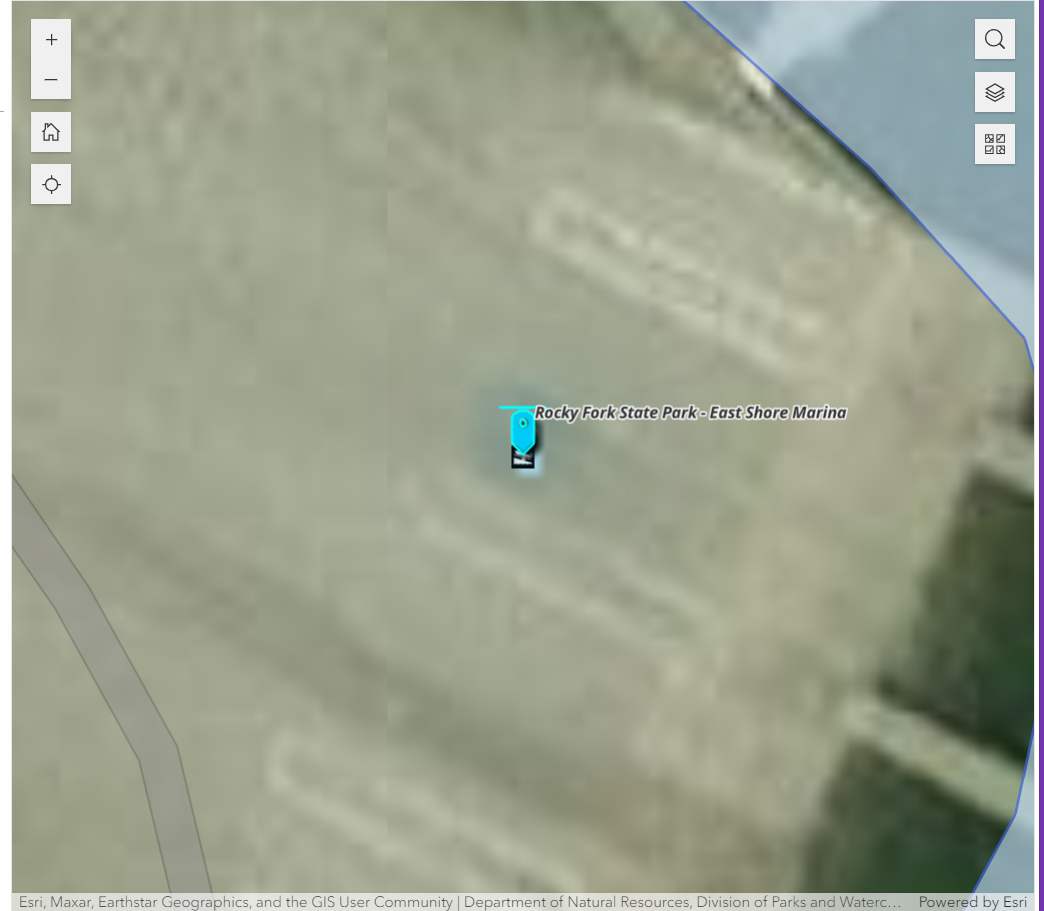
Step 2: the Selection is zoomed in on the map
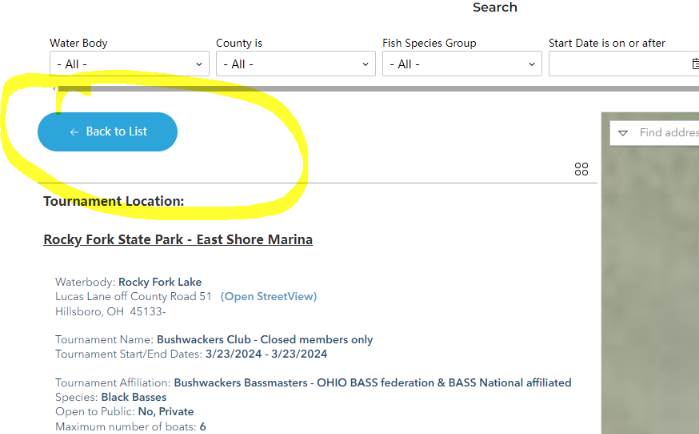
Step 3: the details panel is filled with more details about the data item selected
Step 4: the user wants to go back to the original view with all the data items, so the select "Back to List"
However, the original selected data item is still selected both on the detailed item panel and on the map. Prior to the latest update, this did not happen.
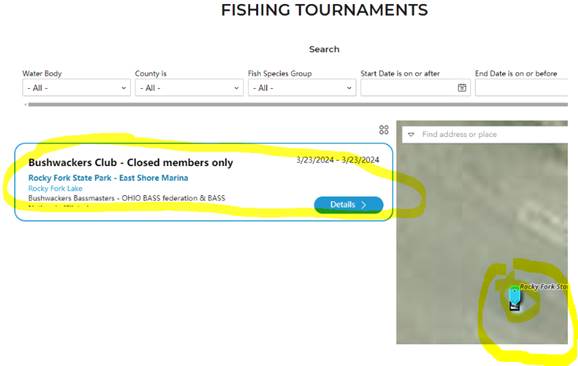
Click again on the tournament and it de-selects and the full list returns but the map isn't zoomed out...
Can anyone give me a workaround to resolve this issue?
Thank you!




