When I run the toolbox "Classify pixels using deep learning" with the CPU, everything seems fine, except that it runs extremely slow. So I tried to run it with the GPU and got multiple failures::
ExecuteError: ERROR 999999: Something unexpected caused the tool to fail. Contact Esri Technical Support (http://esriurl.com/support) to Report a Bug, and refer to the error help for potential solutions or workarounds.
Parallel processing job timed out [Failed to generate table]
Parallel processing job timed out [Failed to generate table]
Failed to execute (DetectObjectsUsingDeepLearning).
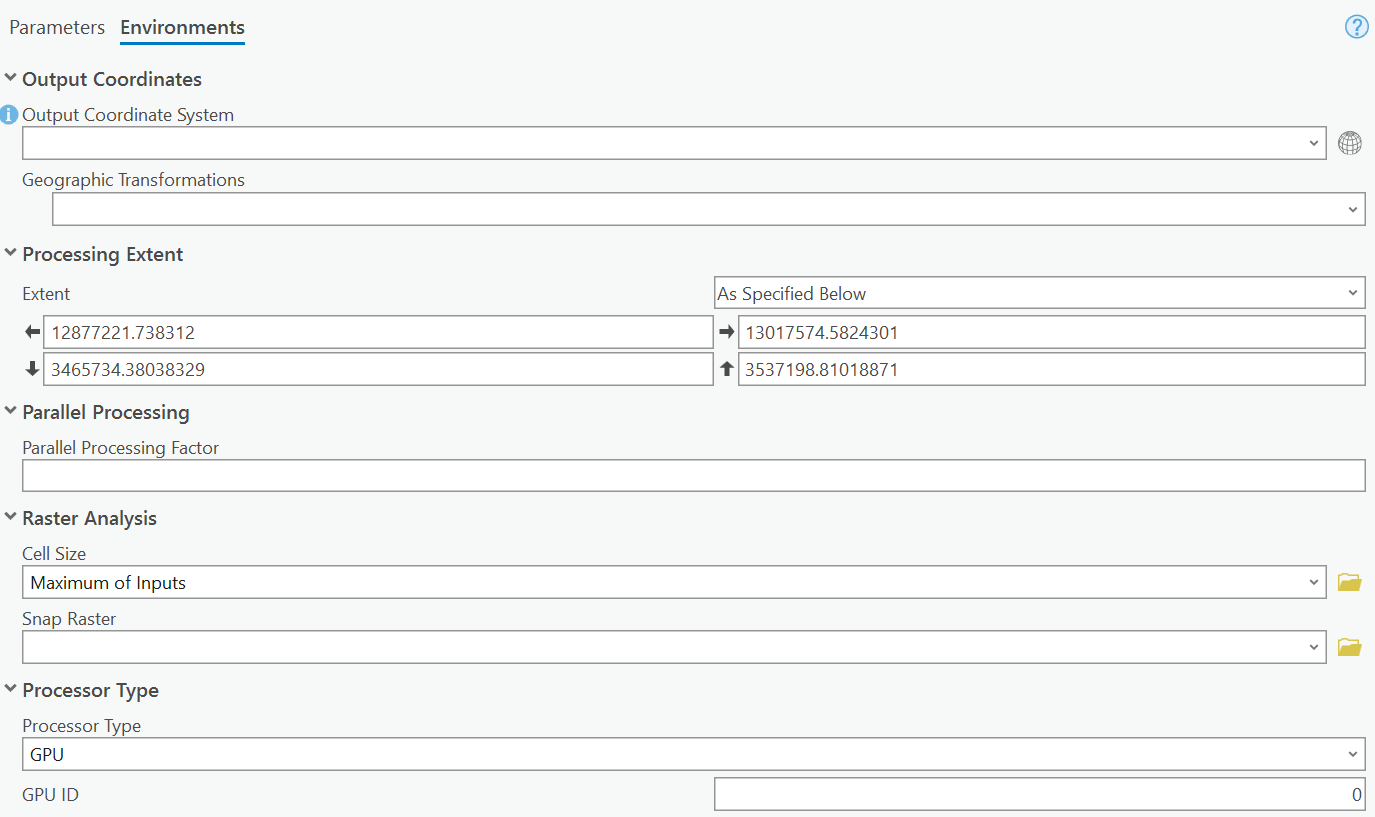
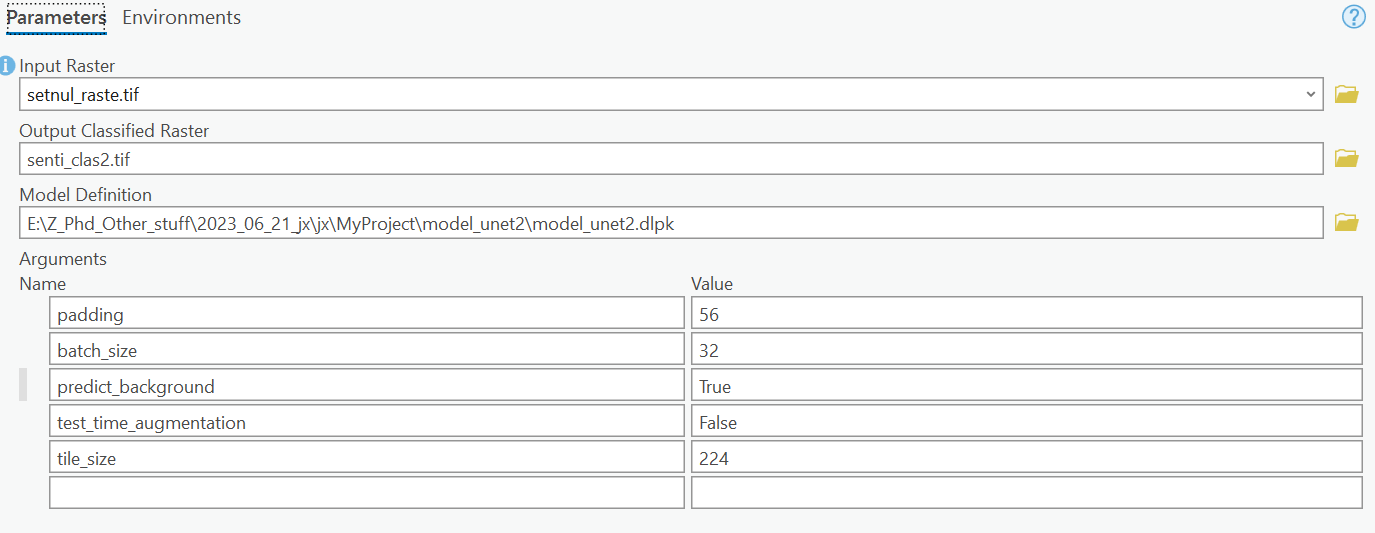
The parameters and environments were set as below:
Then I further try it in the Python command line with:
with arcpy.EnvManager(processorType="GPU"):
out_classified_raster = arcpy.ia.ClassifyPixelsUsingDeepLearning("setnul_raste", r"E:\Z_Phd_Other_stuff\2023_06_21_jx\jx\MyProject\model_unet2\model_unet2.dlpk", "padding 0;batch_size 32;predict_background False;test_time_augmentation False;tile_size 224", "PROCESS_AS_MOSAICKED_IMAGE", None); out_classified_raster.save(r"E:\Z_Phd_Other_stuff\2023_06_21_jx\jx\MyProject\MyProject.gdb\setnul_raste_ClassifyPixelsU3")
The same error occurred:
Traceback (most recent call last):
File "<string>", line 2, in <module>
File "C:\Program Files\ArcGIS\Pro\Resources\ArcPy\arcpy\ia\Functions.py", line 2206, in DetectObjectsUsingDeepLearning
return Wrapper(
File "C:\Program Files\ArcGIS\Pro\Resources\ArcPy\arcpy\sa\Utils.py", line 55, in swapper
result = wrapper(*args, **kwargs)
File "C:\Program Files\ArcGIS\Pro\Resources\ArcPy\arcpy\ia\Functions.py", line 2195, in Wrapper
result = arcpy.gp.DetectObjectsUsingDeepLearning_ia(
File "C:\Program Files\ArcGIS\Pro\Resources\ArcPy\arcpy\geoprocessing\_base.py", line 512, in <lambda>
return lambda *args: val(*gp_fixargs(args, True))
arcgisscripting.ExecuteError: ERROR 999999: Something unexpected caused the tool to fail. Contact Esri Technical Support (http://esriurl.com/support) to Report a Bug, and refer to the error help for potential solutions or workarounds.
Parallel processing job timed out [Failed to generate table]
Parallel processing job timed out [Failed to generate table]
Failed to execute (DetectObjectsUsingDeepLearning).
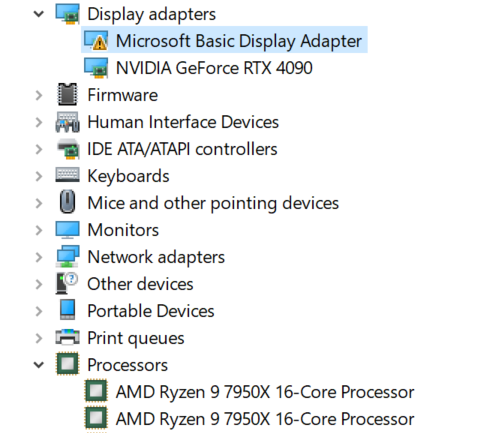
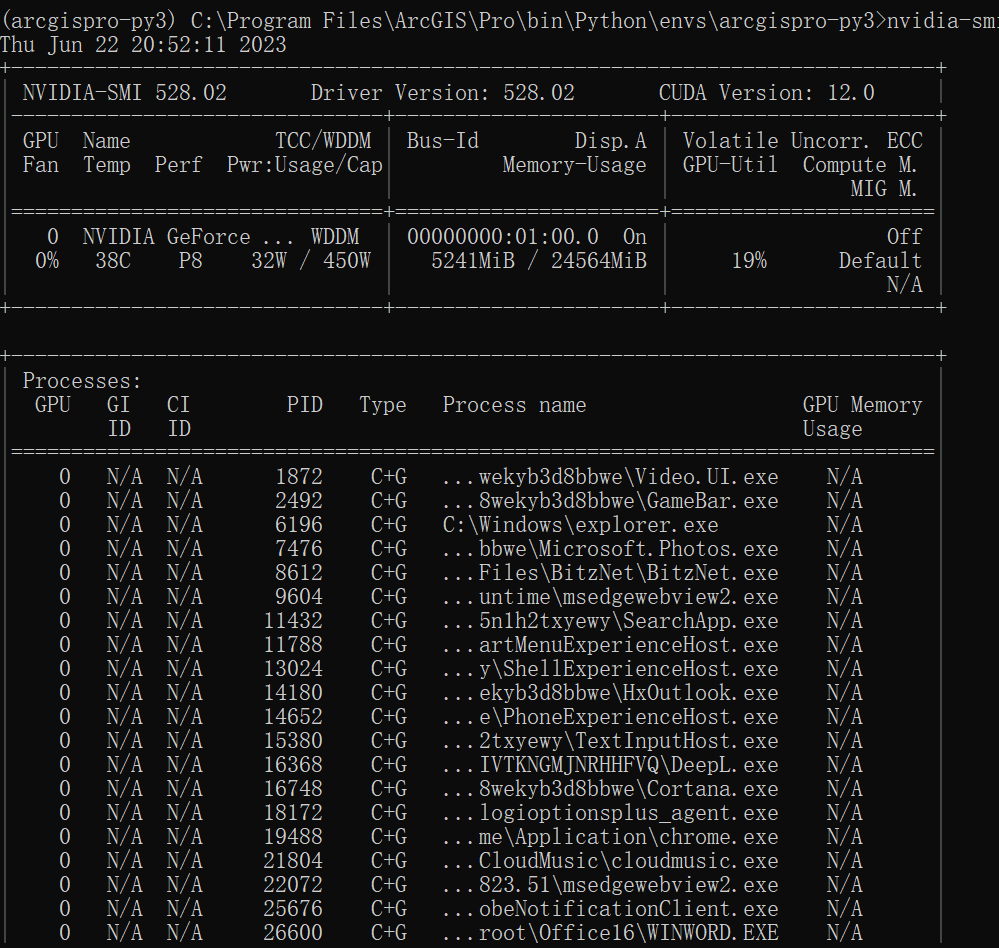
My PC has an AMD 7950X CPU and RTX 4090 (GPU0) and the version of ArcGIS Pro is 3.0.1. Is there any solution or suggestion?