If you are using the Sidebar app on mobile, tablet or even on your PC if you reduce the window size, the Info Panel will not open properly.
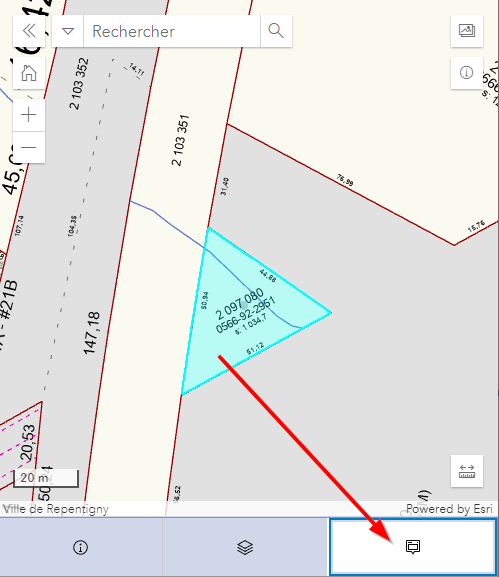
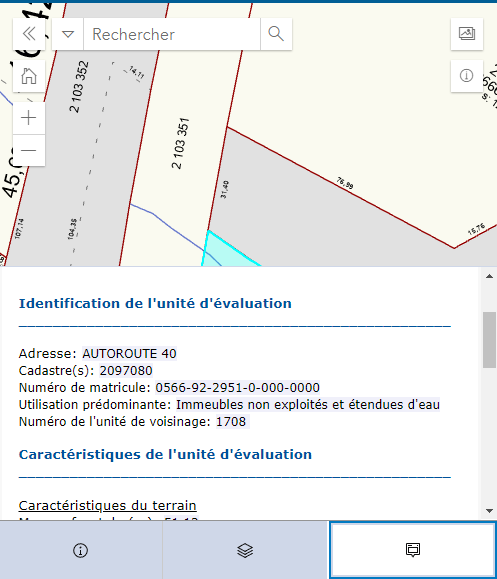
As you can see on the images below (in french), I select a feature and the Info panel icon is highlighted but it won't open. To open it (as seen on the second image), you have to click on another tab and click back on the info panel to see the content.
I've tested it on multiples different devices and browsers and I always get the same result.
Thanks



