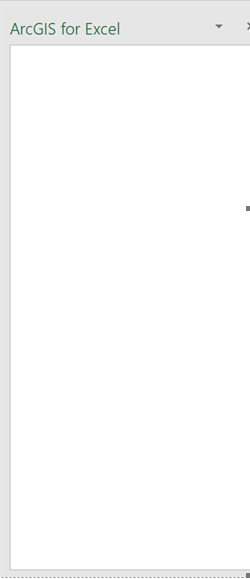
Several people in my organization installed the ArcGIS for Excel add-on today. Two of us had no issues; the other two see a blank screen instead of the Choose an ArcGIS connection screen. In other words, they should see this:
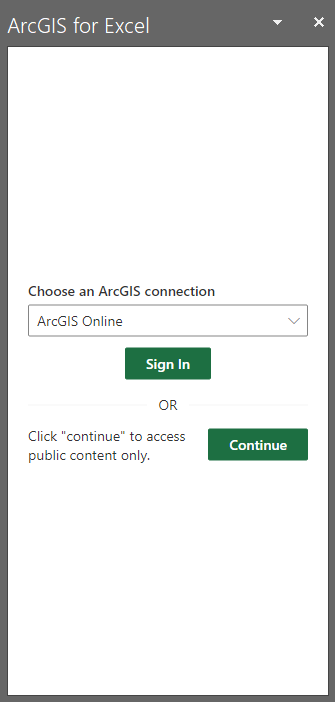
But instead, they only see this:
Troubleshooting so far:
- I don't think it's a firewall thing since we're all on the same network and two of us were able to connect.
- Everyone has the Microsoft Access driver that is required for using Excel in ArcGIS Pro.
- The only other difference that we can think of is that the two who are successful have local admin rights on their machine and the other two don't. It seems odd that admin rights would block a simple sign-in screen, though.
Anyone have any ideas on what else we can try?




