Our noxious weed team has collected about 500 data points and about 130 photos. The other day they wanted us to add another weed to the domain table, so I downloaded the shapefile and used the Overwrite tool and now all of their photos are gone.
On top of that one of their workers hadn't sync'd their device so I had to download their data from their phone into ArcPro. Luckily she had dowloaded the entire county for offline use, so I can see that she has all of the data points and the photos. But now I don't know how to get the photos back into ArcGIS online.
I tried publishing the web layer of the 500 points but that didn't work because it created a new global Id field and new editor tracking columns and it quit using the old columns when I added points. (The staff use these fields to generate letters to homeowners so I wanted to keep those fields the same).
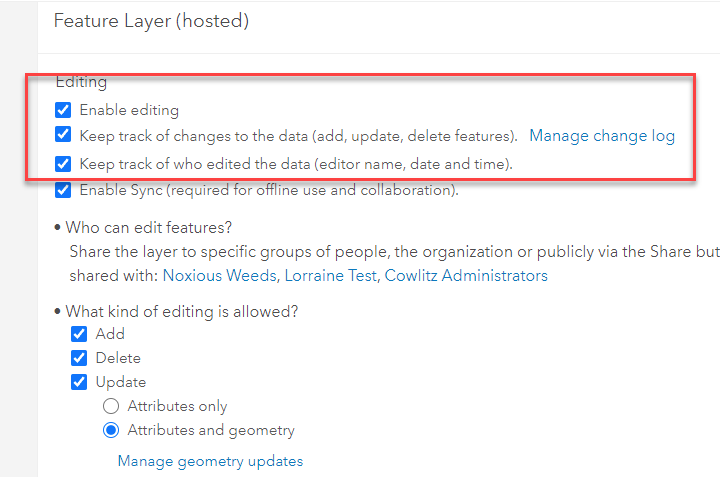
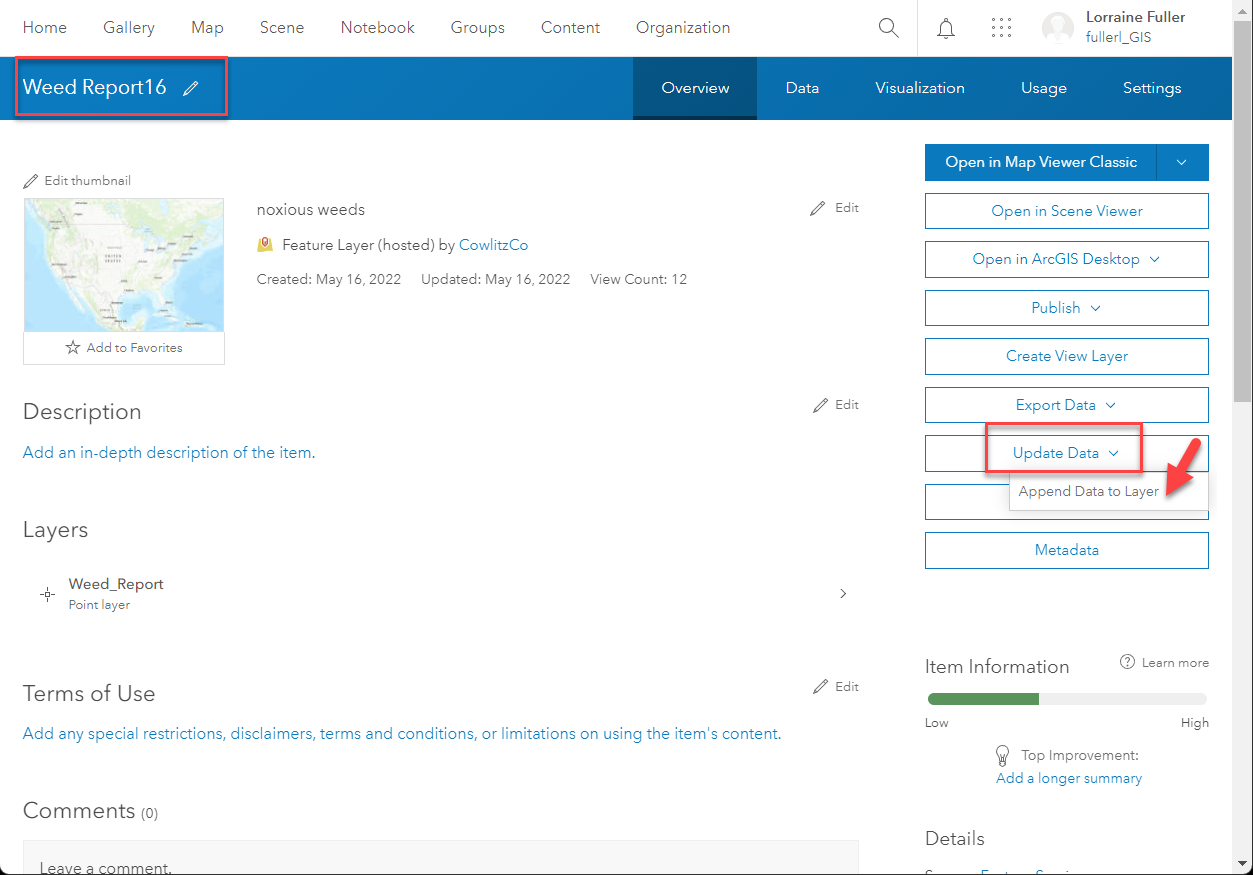
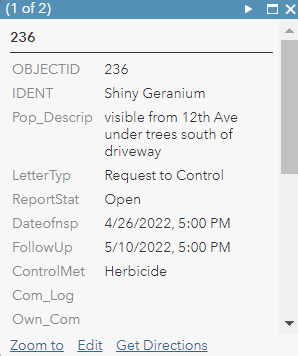
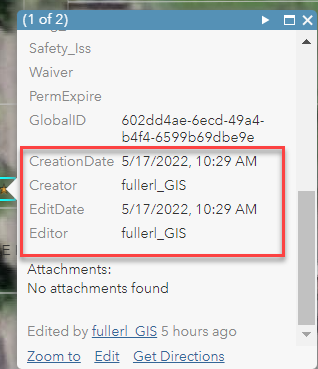
I put a test point into ArcGIS online and turned on these settings, then I used the append data button to add the 500 points. This worked for getting it to use the current global id field and the current editor fields, but somehow it shows me as the editor for everything, instead of the field workers, and the photos don't show up.
In ArcPro I can see all of the 500 points in the feature class, and the 130 photos in the Attach table and if I click the info button on a point the photo is visible.
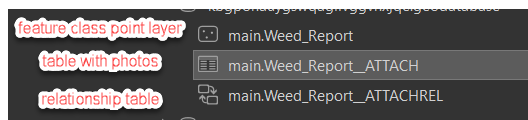
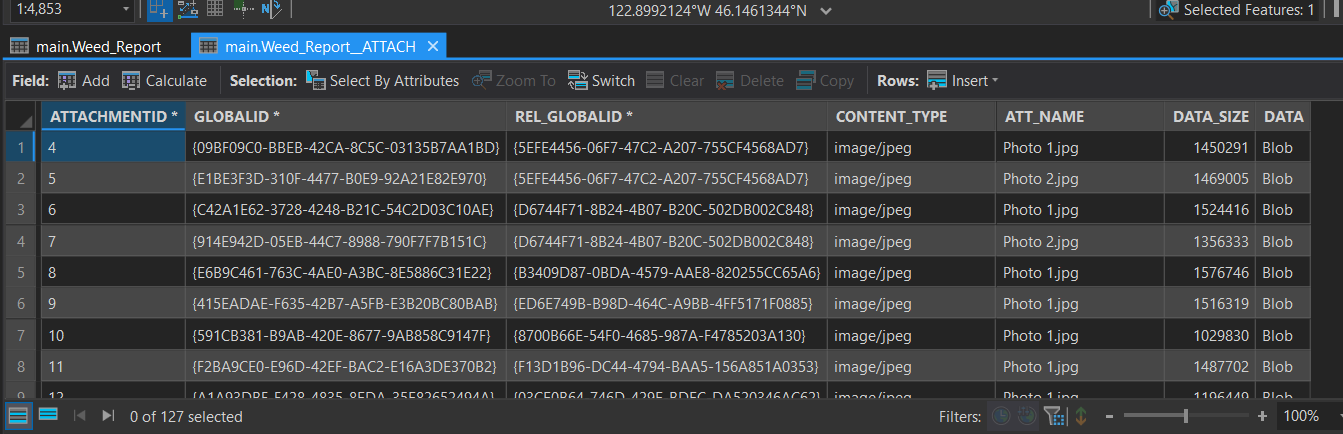
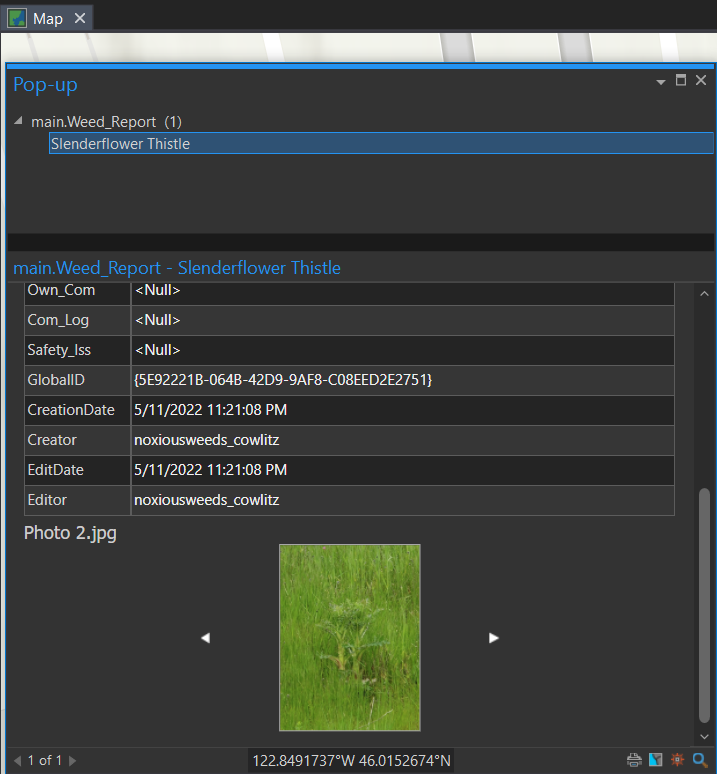
I need to figure out how to get the photos back online and in the Field Maps app and would also like the editor data to list the workers instead of me.
It shows me as the creator and editor:
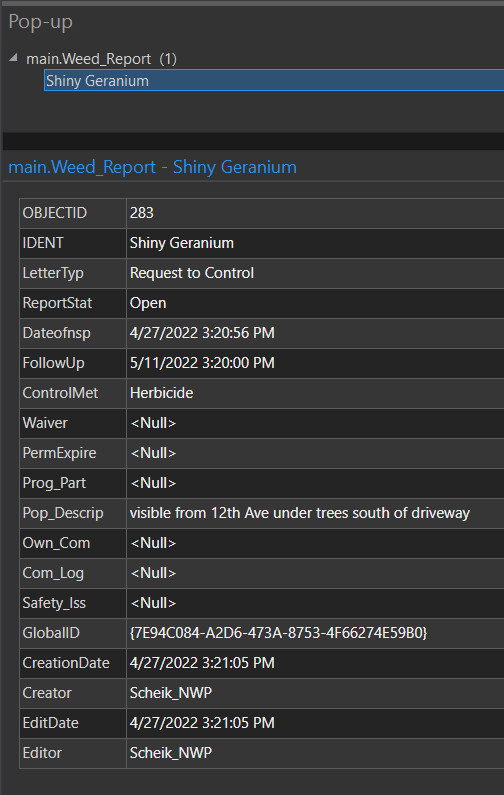
This is the actual data from before with the real editor:
Thank you so much in advance for any advice. I really botched this.







