When creating your own Theme in ArcGIS StoryMaps, the user is unable to specify a unique, custom color for the Header. They are restricted to White, Black, and whatever they set their Background Color to. This is extremely limiting from an aesthetic and branding standpoint.
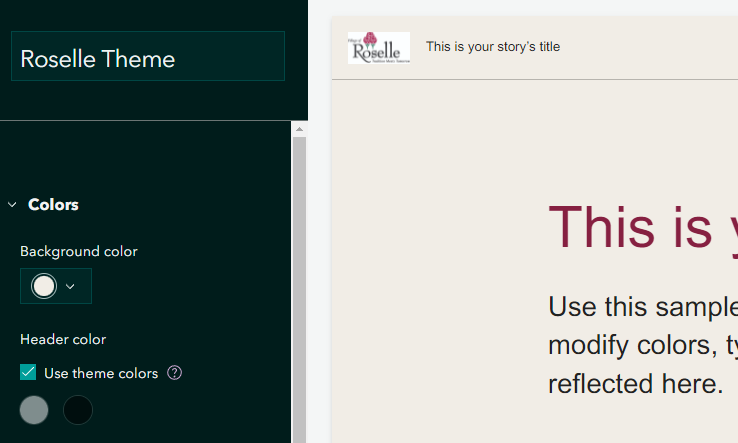
When using the Background theme, you can clearly see that the Header blends in with the rest of the StoryMap. I am unable to differentiate it with other, approved colors.
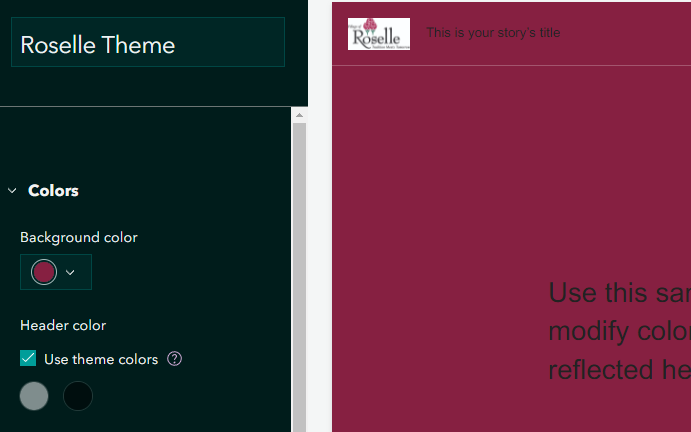
So if I want the header to be an approved red color, I have to set the ENTIRE StoryMap as that color, which makes the rest of the page look poor.
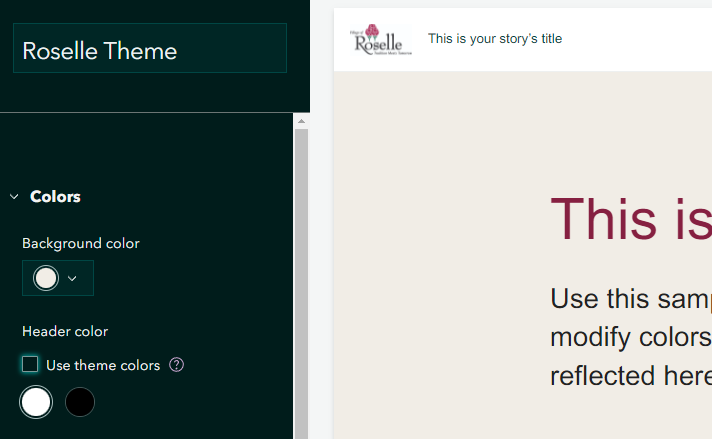
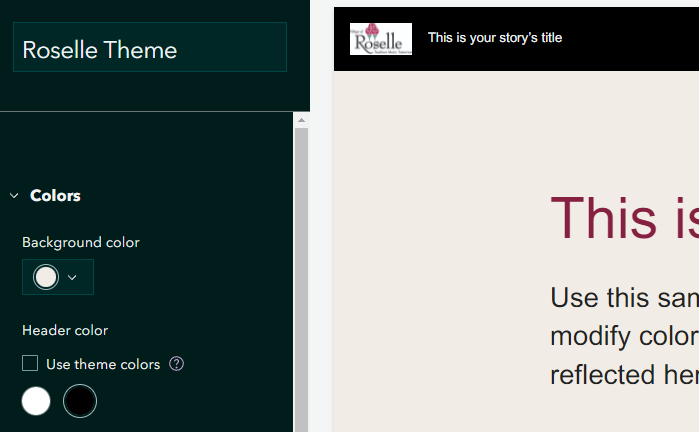
The only other option I can find is to make the header white or black, and neither of these really work with the desired branding and styling of the community.
It would be really great if I could set my own, unique header color just like I can for “Background Color”, “Accent Color”, “Optional accent colors”, and all the text colors, button colors, link colors, and separator colors. I'm curious, from a design perspective, why this appears to be the only configurable element in StoryMaps Theme editor that you cannot set a custom color for?
Thanks!


