I'm running into an unusual issue when using the SketchViewModel to edit existing polylines, specifically when adding a new points.
I've been able to narrow the issue down to including Z value elevation to the Paths array of the polyline. When the Z value is provided, I click on a line to put it in edit mode, then I click (hold and drag) a new point in the line and the newly created point jump significantly off into the distance:

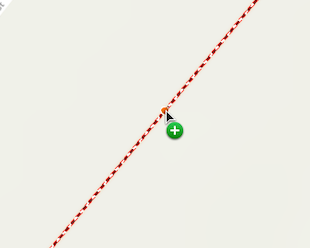
Click, hold, and drag
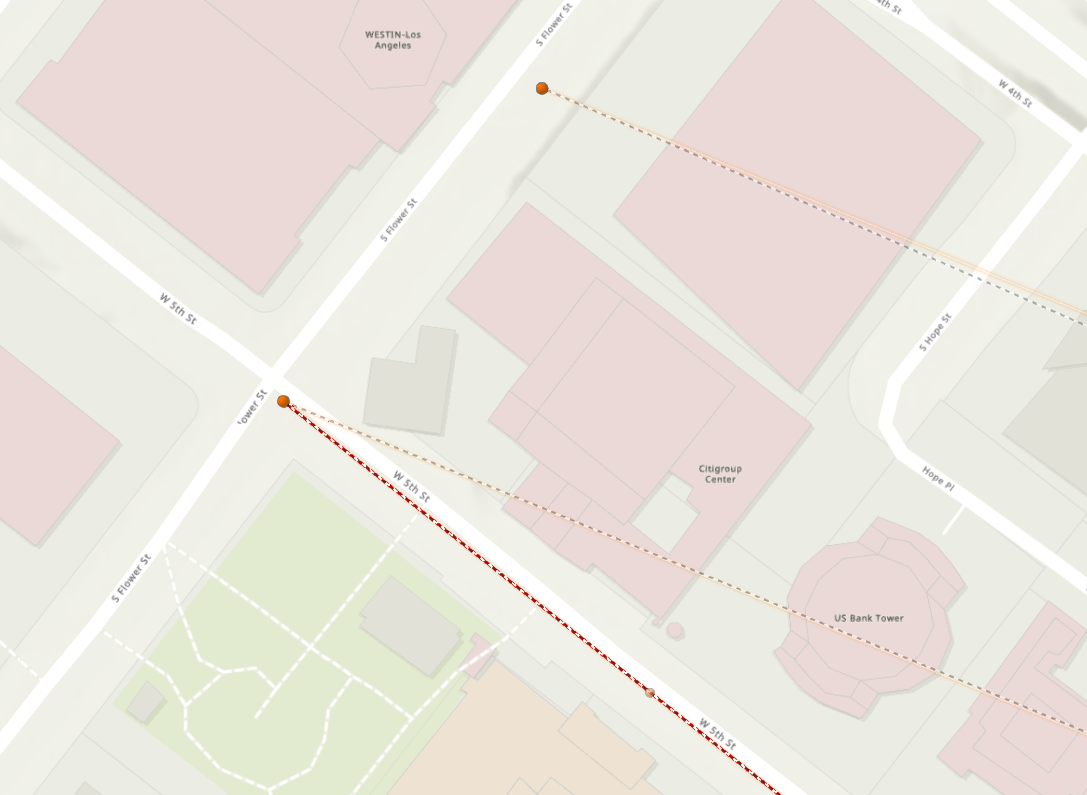
Here's a CodePen demo of the issue.
However, if I exclude the Z value elevation from the Paths array of the polyline, I have no issue clicking the new point symbol to create a new point in the line. Again, to reproduce the issue you have to click, hold, and drag the new point symbol.

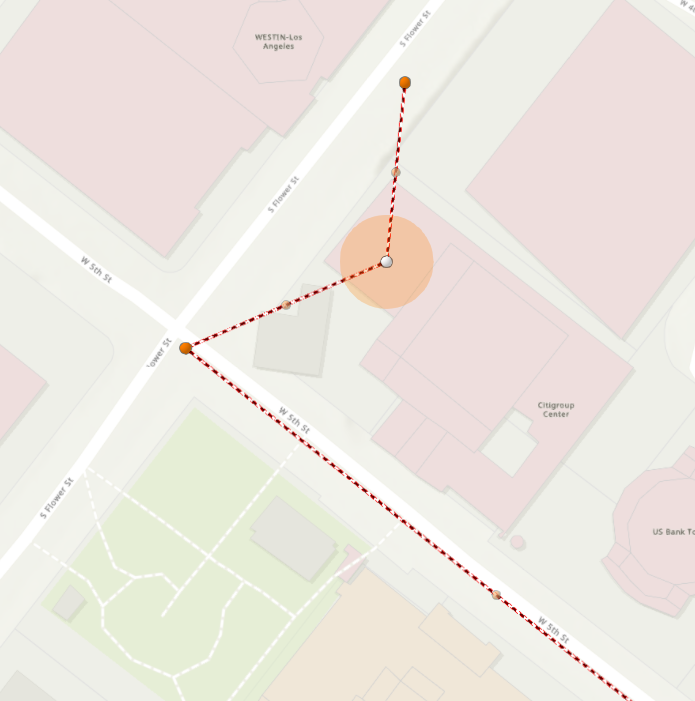
Here's a CodePen demo of it working without Z value elevation.
Has anyone ran into this issue before? Is there a way I can include point elevation and avoid this issue of the new point jumping out into the distance?
Thanks for any help!

