The Environment:
I have recently upgraded from 10.9 to 10.9.1 in AWS. I have a highly available Portal fronted by an application load balancer. The SSL certificates are applied from AWS Certificate Manager. Windows 2019 m5a.xlarges, Portal patched.
The Question:
How can I resolve the ERR_CONNECTION_REFUSED error that is being thrown which is preventing me from logging in successfully?
The Issue:
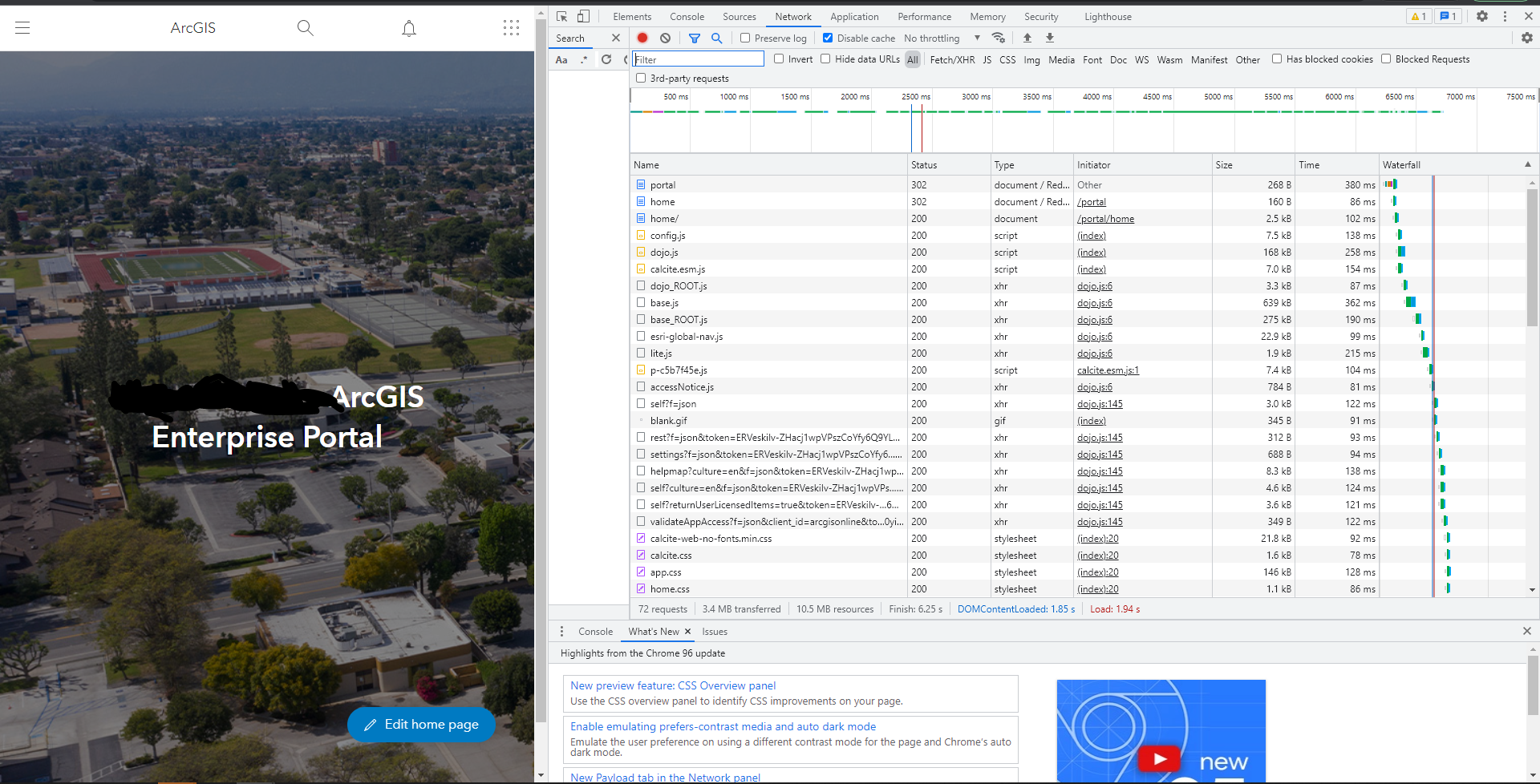
When I hit https://gis.mydomain.org/portal the page opens just fine and I am prompted for my login. When I login I get an ERR_CONNECTION_REFUSED and page cannot be reached error. After further investigation, it appears as if the request to the organization page is using HTTP.

When I enter the URL into the browser again, I am successfully logged in from that previous attempt, and everything in the console looks copasetic.
What I have tried:
Creating a new application load balancer, removing web application firewall in AWS, rolling back to a previous state of web servers with web adaptors, opening in incognito, flushing DNS, etc, etc.

