I created a relationship class in ArcPRO and shared the the feature class and tables as a web layer in ArcGIS Online.
The relationship class goes as follows:
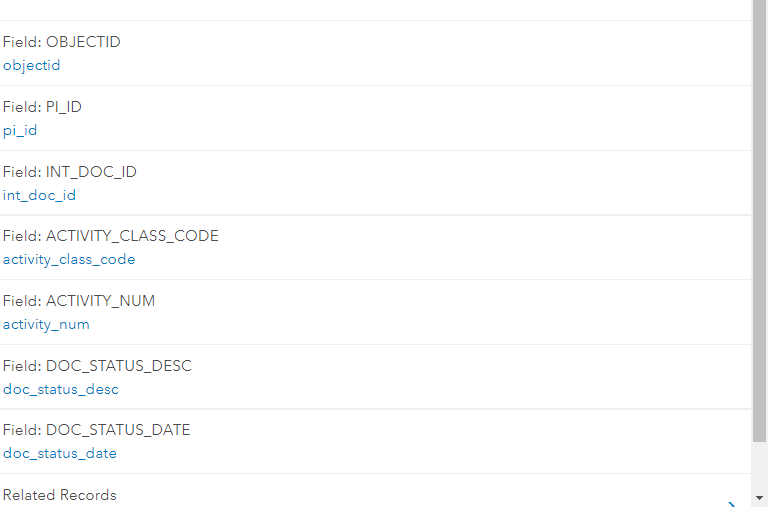
Main Table is connected to Activity class through a field called PI_ID
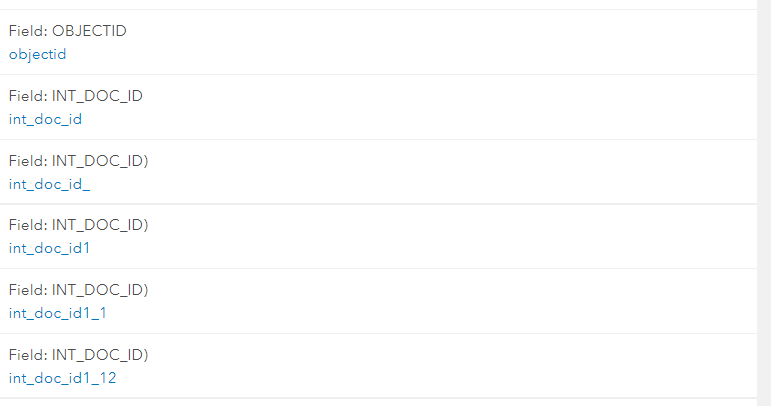
The Following tables are connected to Activity class through a field called INT_Doc_ID.
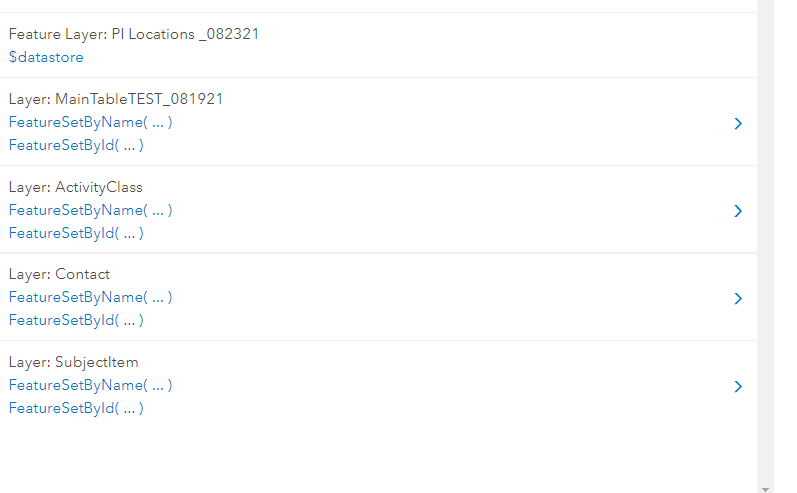
The tables are listed and working the $datastore in the arcade pop-up function.
The Aracade code that I modified to access the activity class is:
var tbl = FeatureSetByName($datastore,"ActivityClass");
var codigo = $feature["PI_ID"];
var sql = "PI_ID= '" + codigo + "'";
Console(sql);
var mantenimientos = Filter(tbl, sql);
var cnt = Count(mantenimientos);
var historia = "";
if (cnt > 0) {    historia = cnt + " Record(s):";
for (var mantenimiento in mantenimientos) {
var txt_ActivityNum = Text("Activity Number: " + mantenimiento.ACTIVITY_NUM);
var txt_fecha = txt_ActivityNum + "- Doc Status Date: " + Text(mantenimiento.DOC_STATUS_DATE, '(Y/MM/DD) - ');
var txt_docdes = txt_fecha + "Status: " + mantenimiento.DOC_STATUS_DESC;
historia += TextFormatting.NewLine + txt_docdes;    }}
else {    historia = "No Records";}
return historia; The result was successful:
2 Record(s): Activity Number: 80001- Doc Status Date: (2013/11/03) - Status: Expired Activity Number: 80001- Doc Status Date: (2013/11/03) - Status: Expired
Is there a way to modify the code to access the other tables? I attached a diagram of the geodatabase relationship class.

