Upgrading from version 1.3 to version 1.4 of ExperienceBuilder for Developers. I am trying to transfer applications made in 1.3 to the new version, but it is not showing up when I go to access it at https://localhost:3001/.
I download EB 1.4, unzipped it, and ran npm ci and npm start for both client and server. The new directory has been placed where the old one was. The old directory has been retained in the same location for the time being and has just been renamed to distinguish it. The upgrade instructions (https://developers.arcgis.com/experience-builder/guide/upgrade/) state to copy the app folder from the older directory over to the new directory. I noticed in v1.3 that app folders were in two locations:
- <install folder>/server/src/apps/<appId> (NOT <install folder>/server/public/apps/<appId> - this directory did not exist)
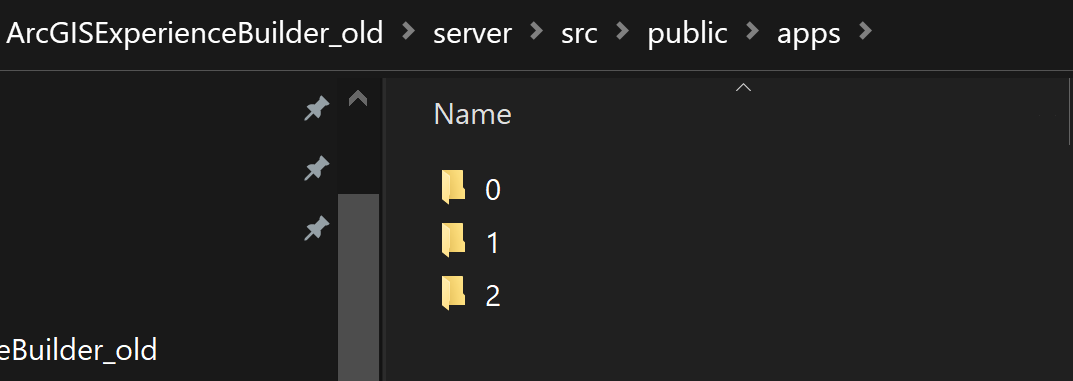
- <install folder>/server/temp/<appId>
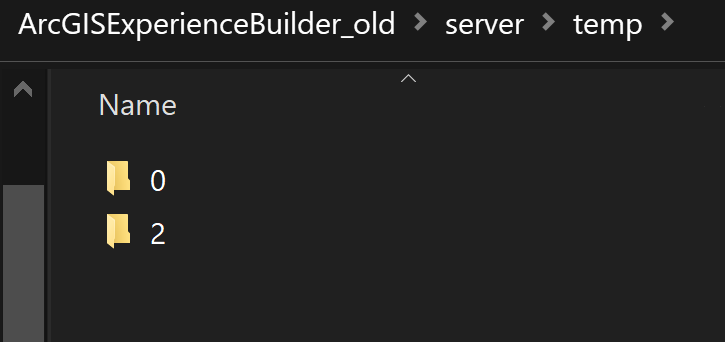
In the new directory, I copied the apps over in a few different locations:
- Following upgrade instructions:
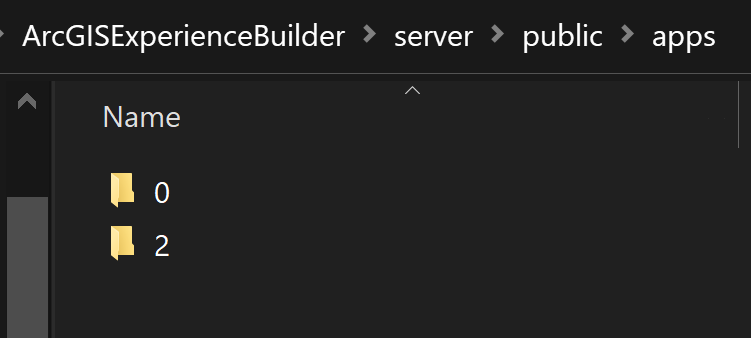
- Following v1.3 paths:
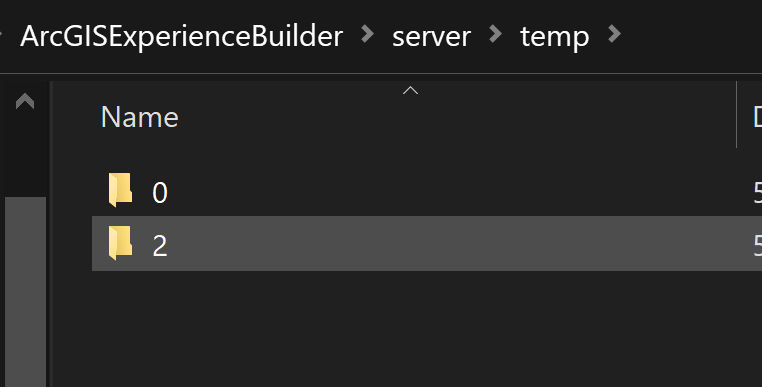
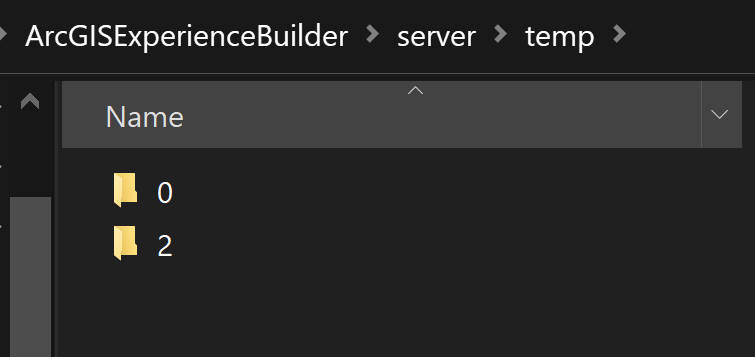
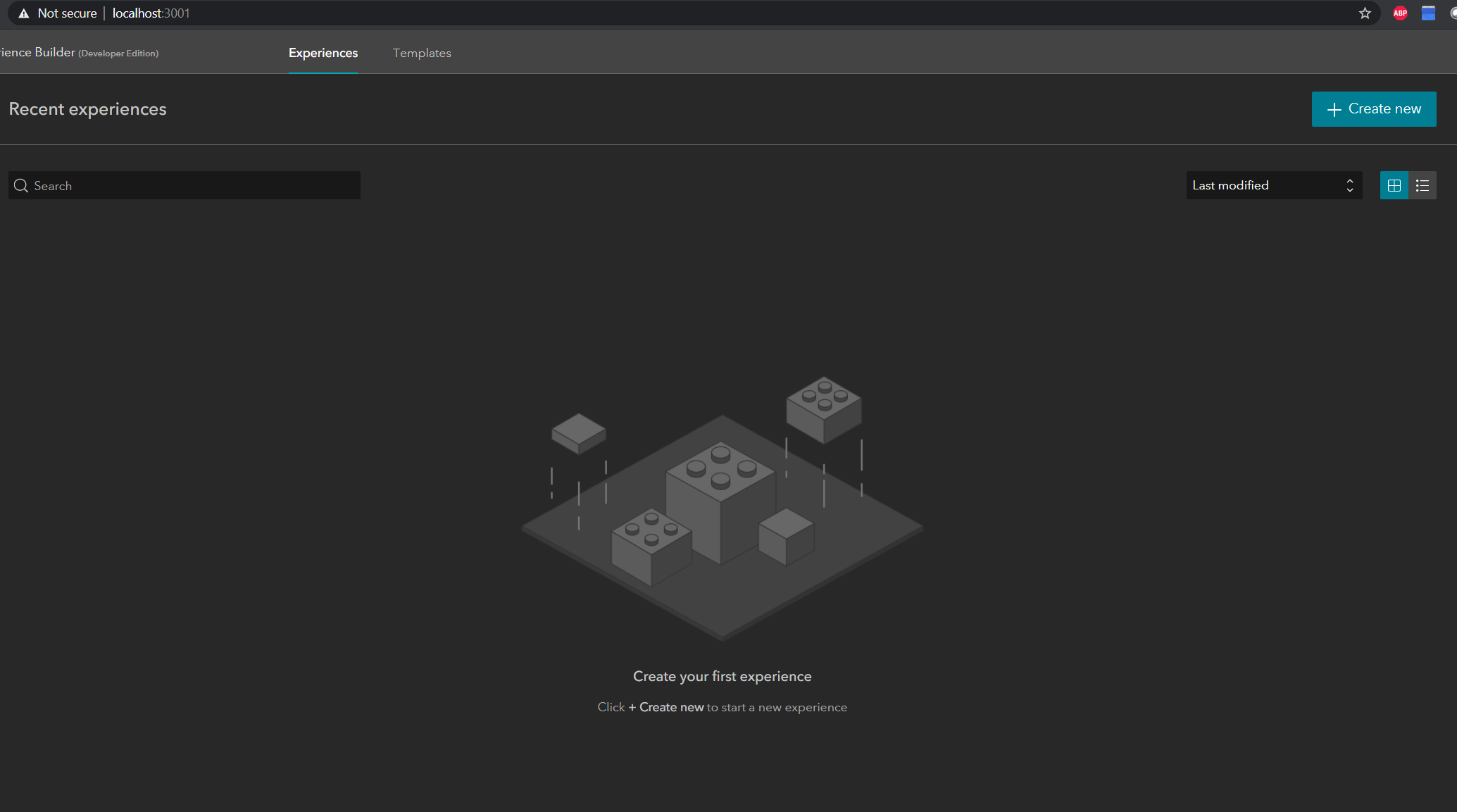
However, when I close out and re-start EB, the existing applications do not appear:
FWIW, the applications I'm trying to transfer do not have any custom widgets.


