I am working on a new app were the map is not the primary focus. I am using CSS Grid and Flex to layout the single page. I noticed that the mapView focus rectangle around the map when active is not displaying correctly when the containing DIV is placed using Grid or Flex. Below are screen shots showing the difference between the two. The first being a normal DIV placed as a block and the second placed using CSS Grid.
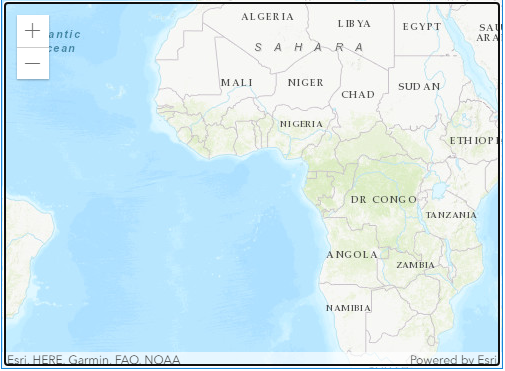

The two examples are from @AllanLaframboise post on GitHub - GitHub - alaframboise/arcgis-js-app-patterns: Examples of how to accomplish simple app designs and styling with the ArcGIS JS API v4.
I also tried to remove the focus rectangle by adding the following to my CSS as noted by @RobertScheitlin__GISP .
.esri-view .esri-view-surface--inset-outline:focus::after {
  outline: none !important;
}
This removes the focus rectangle from the normal DIV but has no affect on the one placed using CSS Grid.
Any ideas on how to clean this up or remove the focus rectangle from a DIV placed using CSS Grid? It does not appear to be causing any other issues other than it really looks bad.

