Hi,
I am setting up a map for a user in my organisation with the end goal being that she will be able to add / delete / edit the polygons of a layer which has been set up to allow editing of the layer through the Web Map. I have set the feature layer to allow editing and when I open the web map I can click "Edit" on the top toolbar and select the later I wish to edit / add to.
I can draw a polygon in the usual way. However, say for example I wished to remove a vertex or fundamentally alter the shape of the Polygon I find I am unable to. I can select the polygon at which point I get a dashed grey box around the full polygon with squares on the corner of this dashed box which allow me to distort / stretch / rotate the polygon but I cannot figure out how I am able to edit / move / delete the individual vertices I have added to create the polygon...
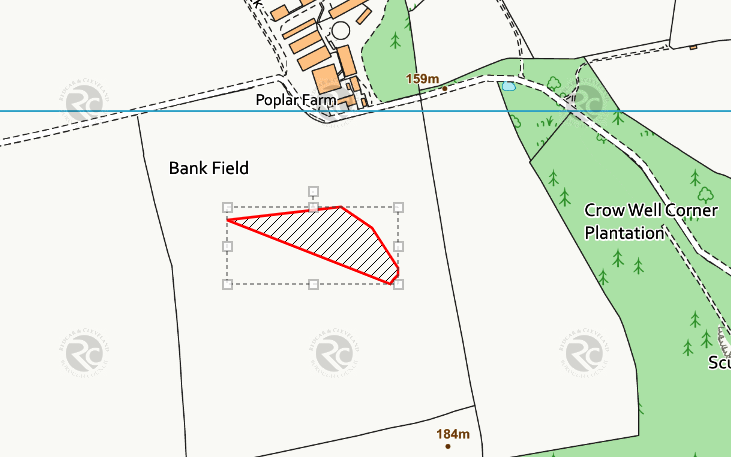
I have found that if I open the feature layer within a map with full editing control, clicking a second time shows all the individual vertices but doing the same thing within a webmap doesnt work the same.
Can individual vertices of a polygon be edited through a Web Map or does this have to be done via editing the feature layer?
many thanks
Ben








