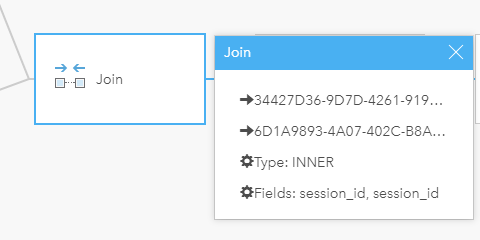
I'm new to insights and am new to Insights and am trying to understand the process to join several tables together for analysis. Is there a way to modify a table join after I've created it? For example, below I created an inner join, but now after inspecting the resulting data more I realize it needs to be a left join. Is there a way to make that change in the model without redoing everything? In the model window I can click the join step, and then click the pencil icon. It gives me the properties of the join, but there's no way to modify it. I guess I'm just used to model builder where you can go back and change the properties of a tool in the middle of the workflow, then rerun only the tools after that point in the model.
I should also mention I'm using the new desktop version of Insights