Have you ever gotten this error when dealing with generating a self-signed security certificate for ArcGIS Server (10.4)? Incorrect AVA format
I was following the steps outlined here:
Configuring HTTPS using a self-signed certificate—Documentation (10.4) | ArcGIS for Server
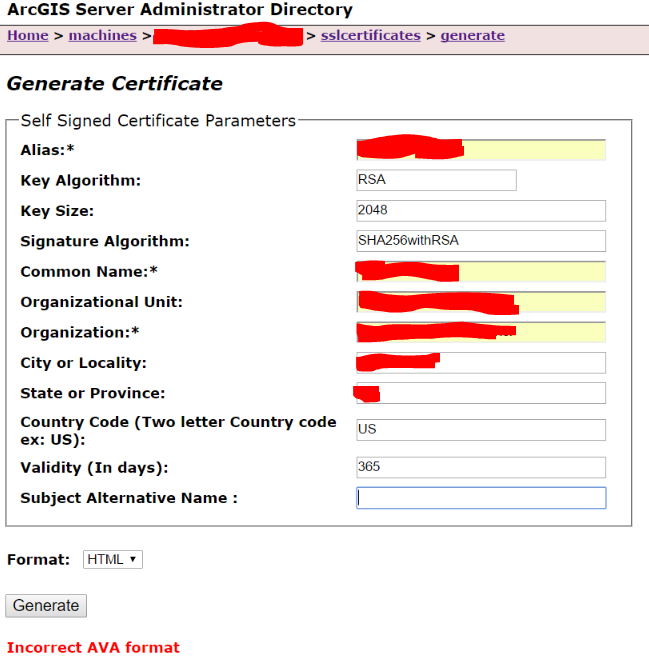
I changed the "Common Name" parameter and matched it to what my "Alias" parameter is. I tried a few different parameters but cannot figure out how to not get an "incorrect AVA format", whatever that means.
Backstory: I am attempting to generate a new SSL Certificate because when I try to load a map service that I published to my server to an existing web map that I have, I get this message:
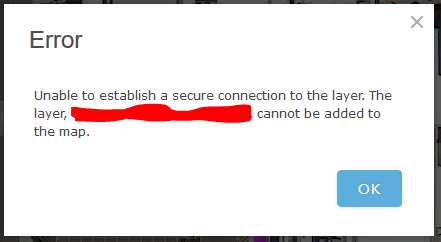
"Error
Unable to establish a secure connection to the layer. The layer, <layer name>, cannot be added to the map."
In my AGOL organizational settings, the "Use HTTPS Only" option is checked off, so I would think any security should be allowed.
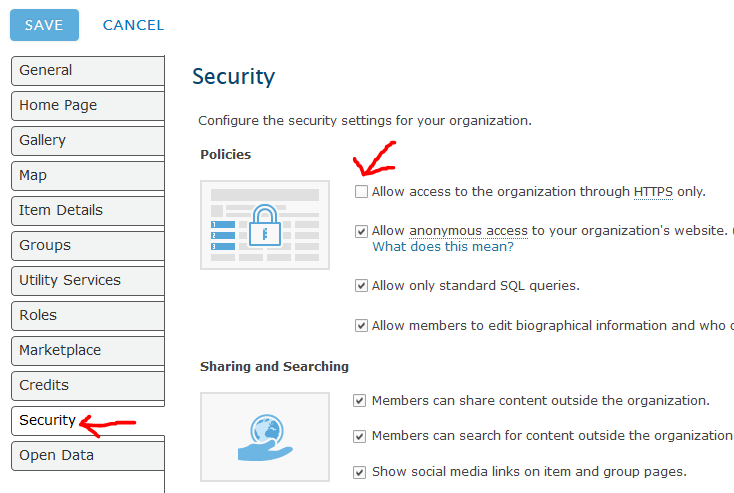
(note: having it either on OR off displays the same behavior)
Also, I'm tagging vangelo-esristaff since he seems to know these kinds of questions! 
Anyways, any help is appreciated!


