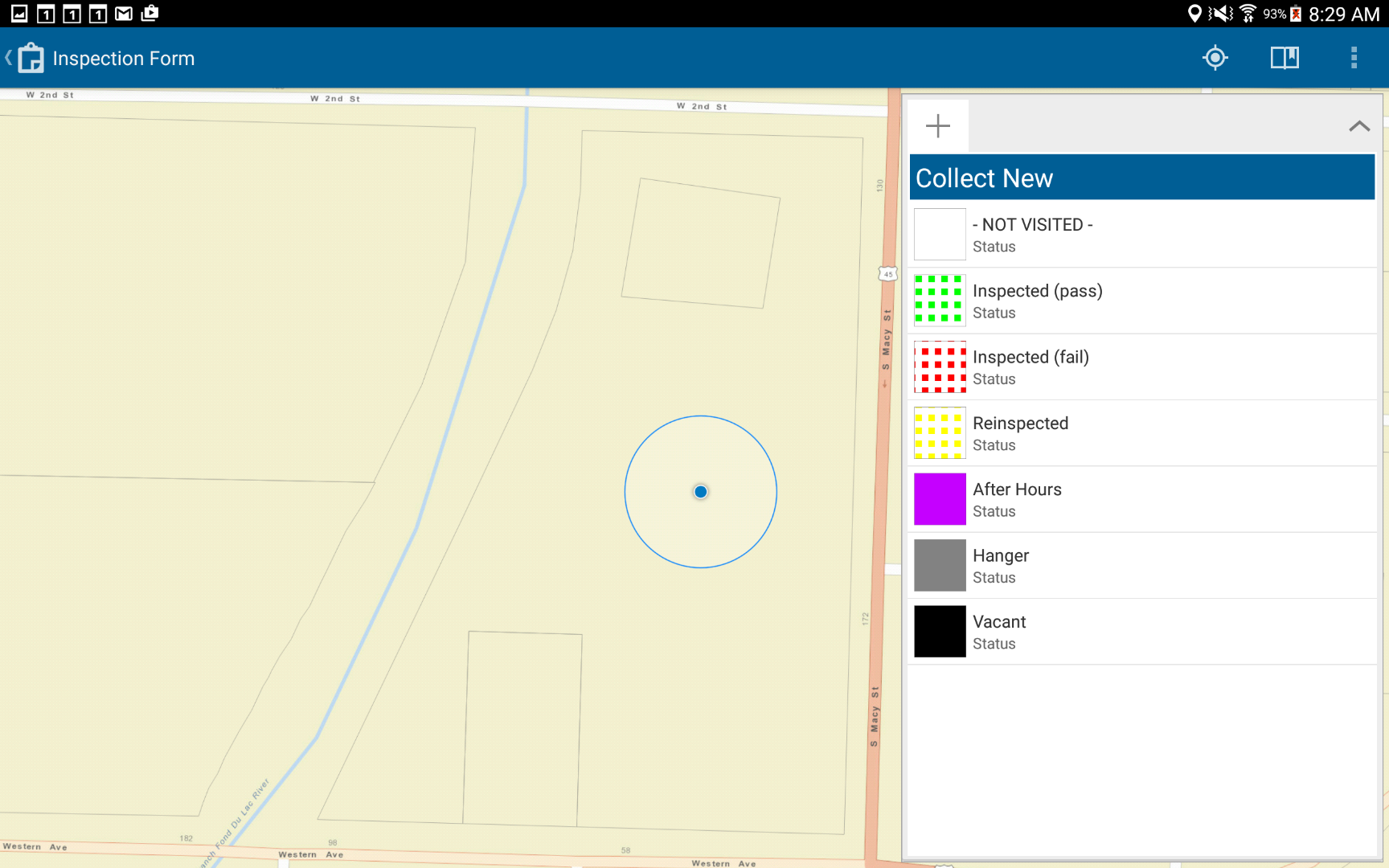
I have seen a few threads regarding the subject issue, and wanted to post a solution that I recently found.
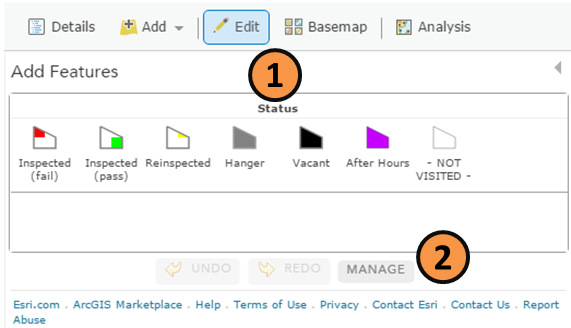
- Open the ArcGIS Online map in your web browser and click "Edit".
- Click the "Manage" button.
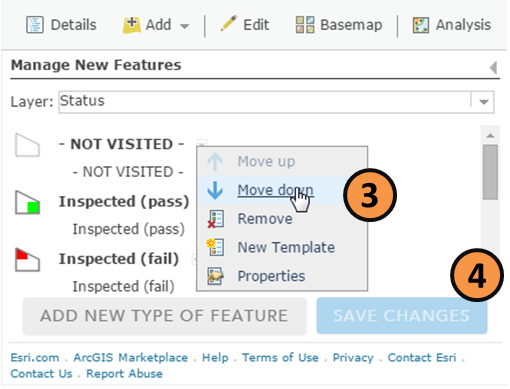
- Under "Manage New Features", select the drop-down arrow next to each layer and either "Move up" or "Move down" to reorder the layer.
- Click "Save Changes" and then save the map.
Before:
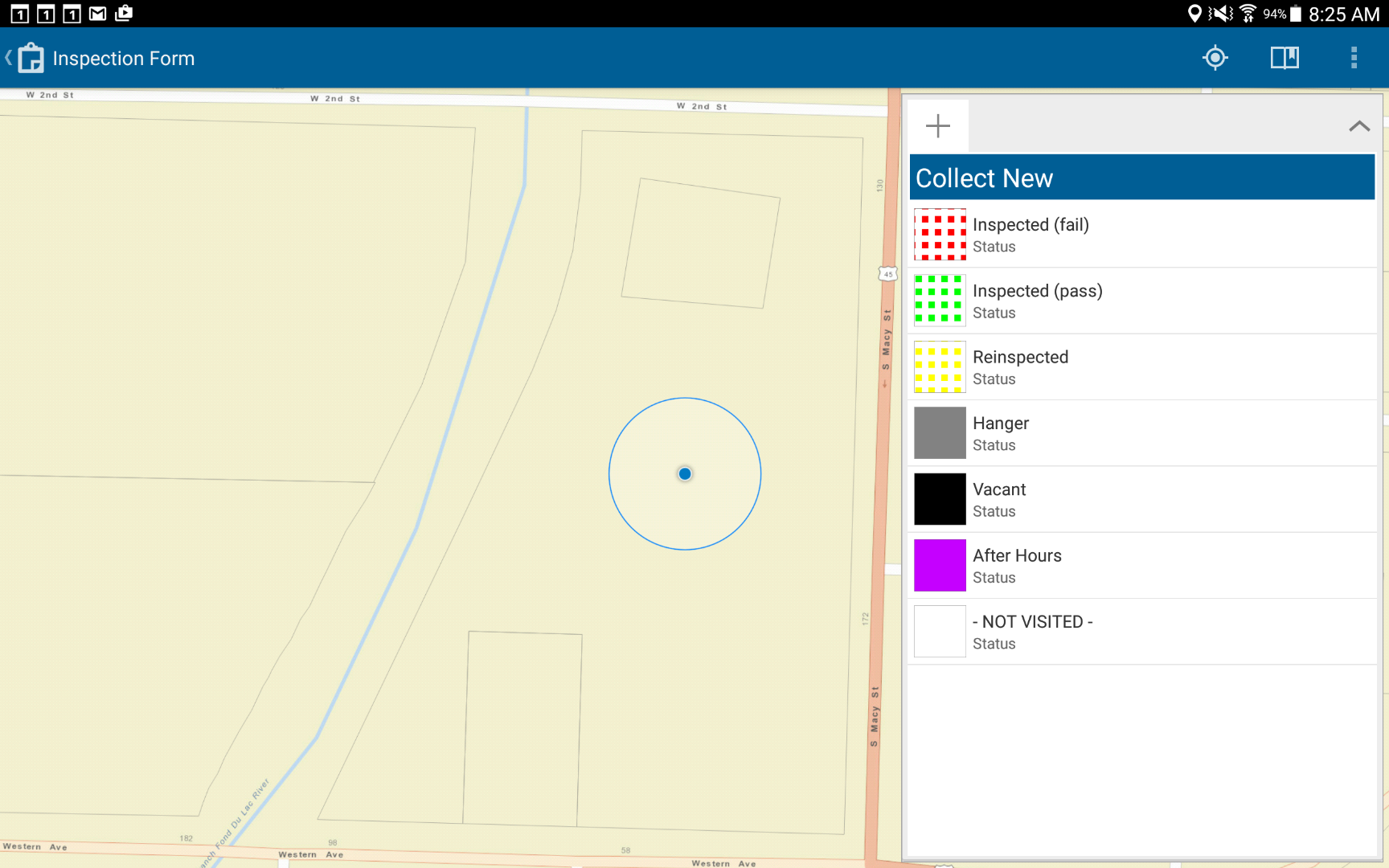
After: