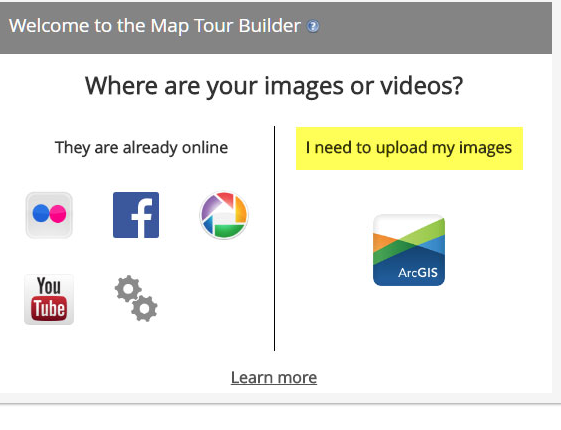
Background information, a user is in the application configuration wizard "Welcome to the Map Tour Builder" on the step adding images. My issue is the right side labled 'I need to upload my images' is greyed out with a message of 'this feature is disabled on Portal for ArcGIS'. As an admin on Portal, where to I go to enable the feature? I've inserted an image to show the desired outcome - feature is enabled.
Thank you,
William


