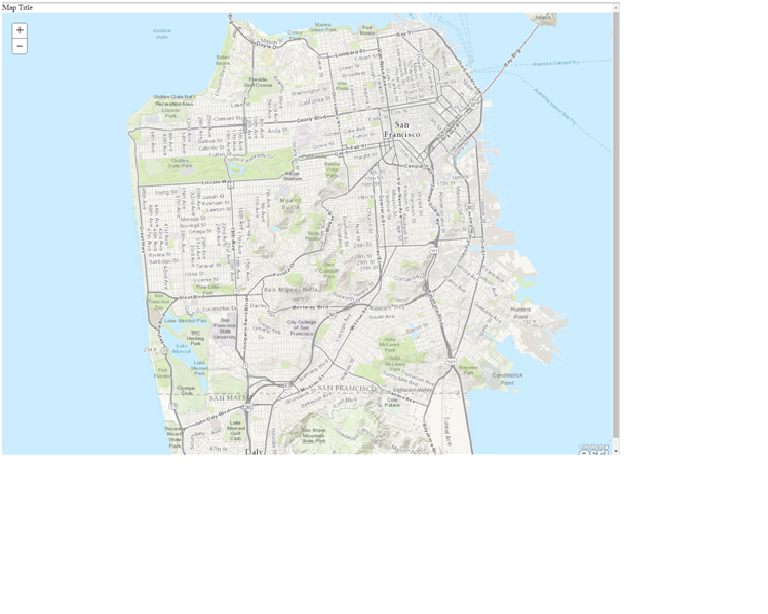
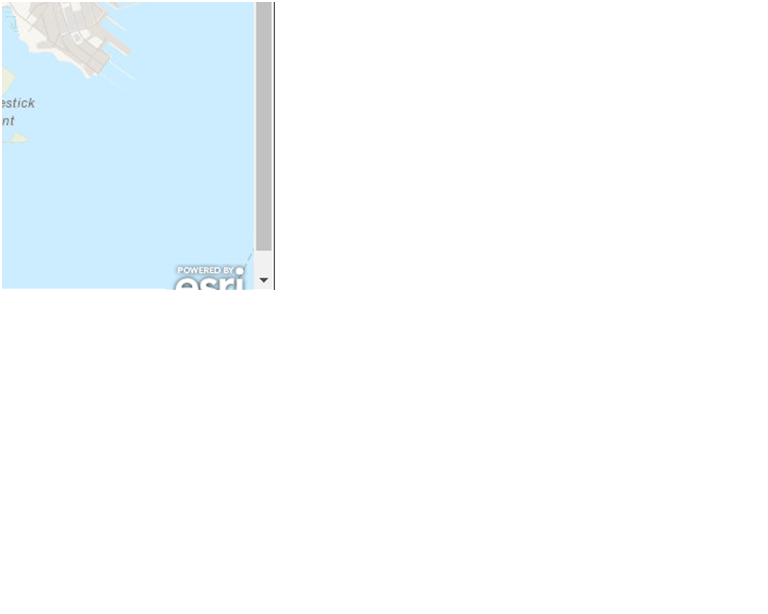
I try to do a simple test, just add a map and its title to a html file. But at the right-bottom corner, there is always space, and the vertical scroll bar always exists. I want the map and title display as a whole thing without any vertical scroll bar. See my codes below and the Pics. I have set the div container as 100%, but why the vertical scroll bar is not gone? Thanks!
<!DOCTYPE html>
<html>
<head>
<title>Testing Map</title>
<script src="https://js.arcgis.com/3.16/"></script>
<link rel="stylesheet" href="https://js.arcgis.com/3.16/esri/css/esri.css">
<style>
html, body, #map, #container{
height: 100%;
margin: 0;
padding: 0;
}
</style>
</head>
<body>
<div id="container">
<div>Map Title</div>
<div id="map"></div>
</div>
<!-- ESRI JS API Element-->
<script>
var map;
require(["esri/map", "dojo/domReady!"], function(Map) {
map = new Map("map", {
basemap: "topo",
center: [-122.45, 37.75], // longitude, latitude
zoom: 13 });
});
</script>
</body>
</html>