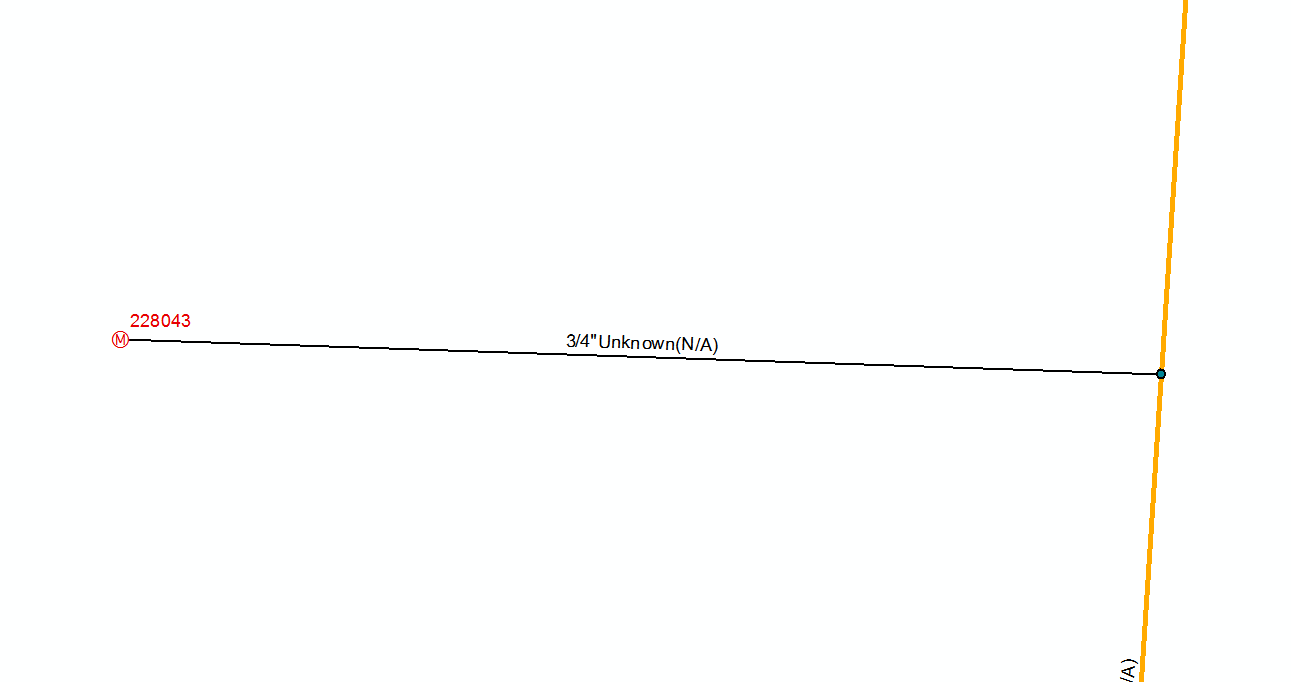
We are a gas company but water seems to be where all the efforts are focused in the geometric network world so ill use that as an example. When using Add Service at Connection tools from the Gas Utility Network Editor Addin to add in a service line from a selected point it automatically adds a point ( Excess Flow Valve in my case) but would be a clean out in the water/sewer world. I am using the Gas Utility Network Editor to create the laterals from a point.
2 questions
How can I stop this tool form doing that, in the case the line doesn't have an excess flow valve
How can this be done when manually adding a service with the feature templates construction tools?
Before
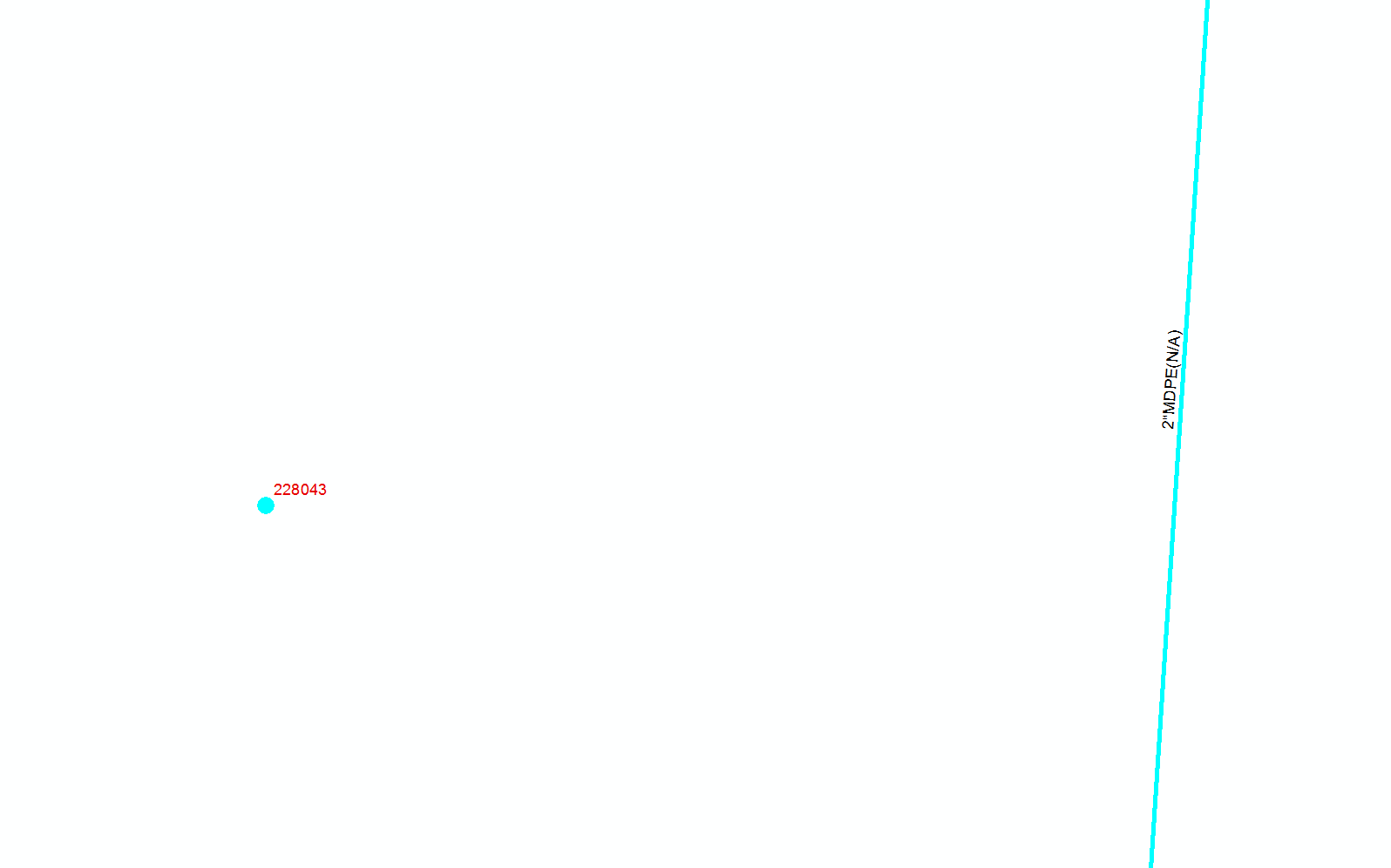
_______________________________________________________________________________________________
After running the Add Services At Connection Tool
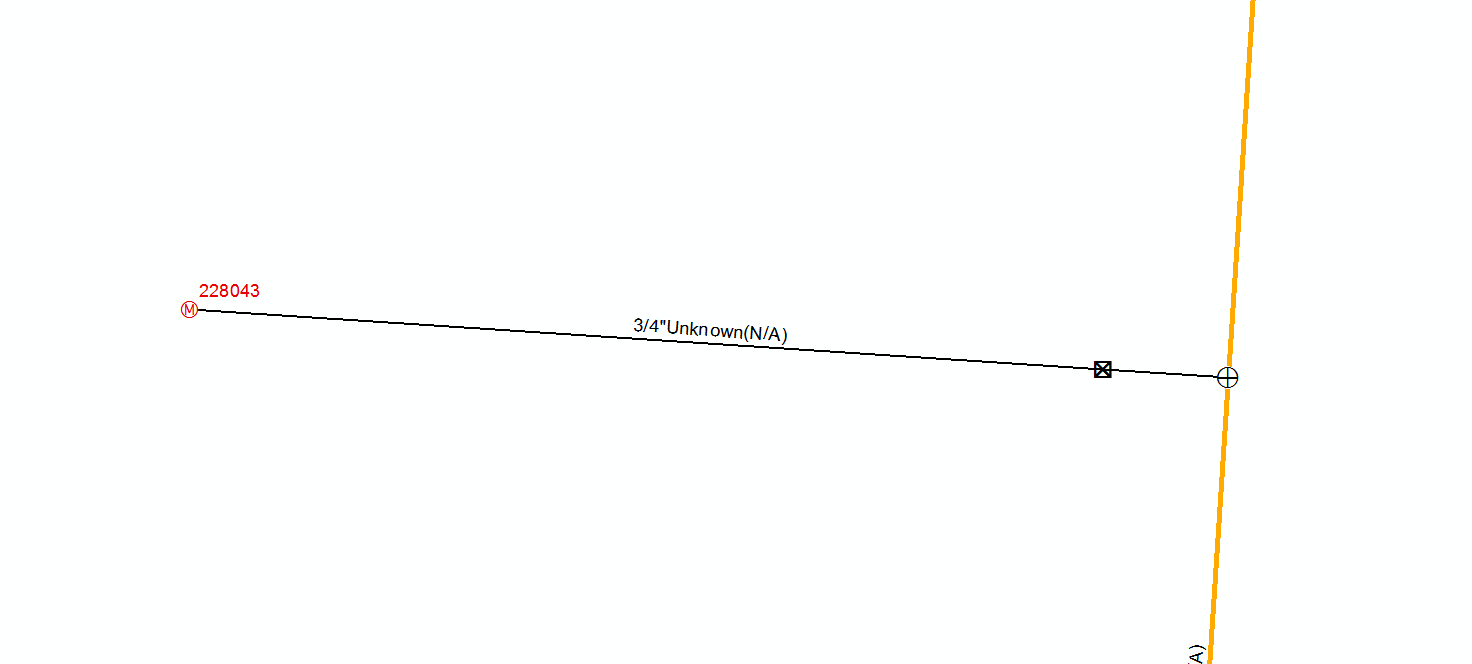
____________________________________________________________________________________________
Manually - Want the option to add Tap Tee and Excess flow valve if needed when creating like the tool does