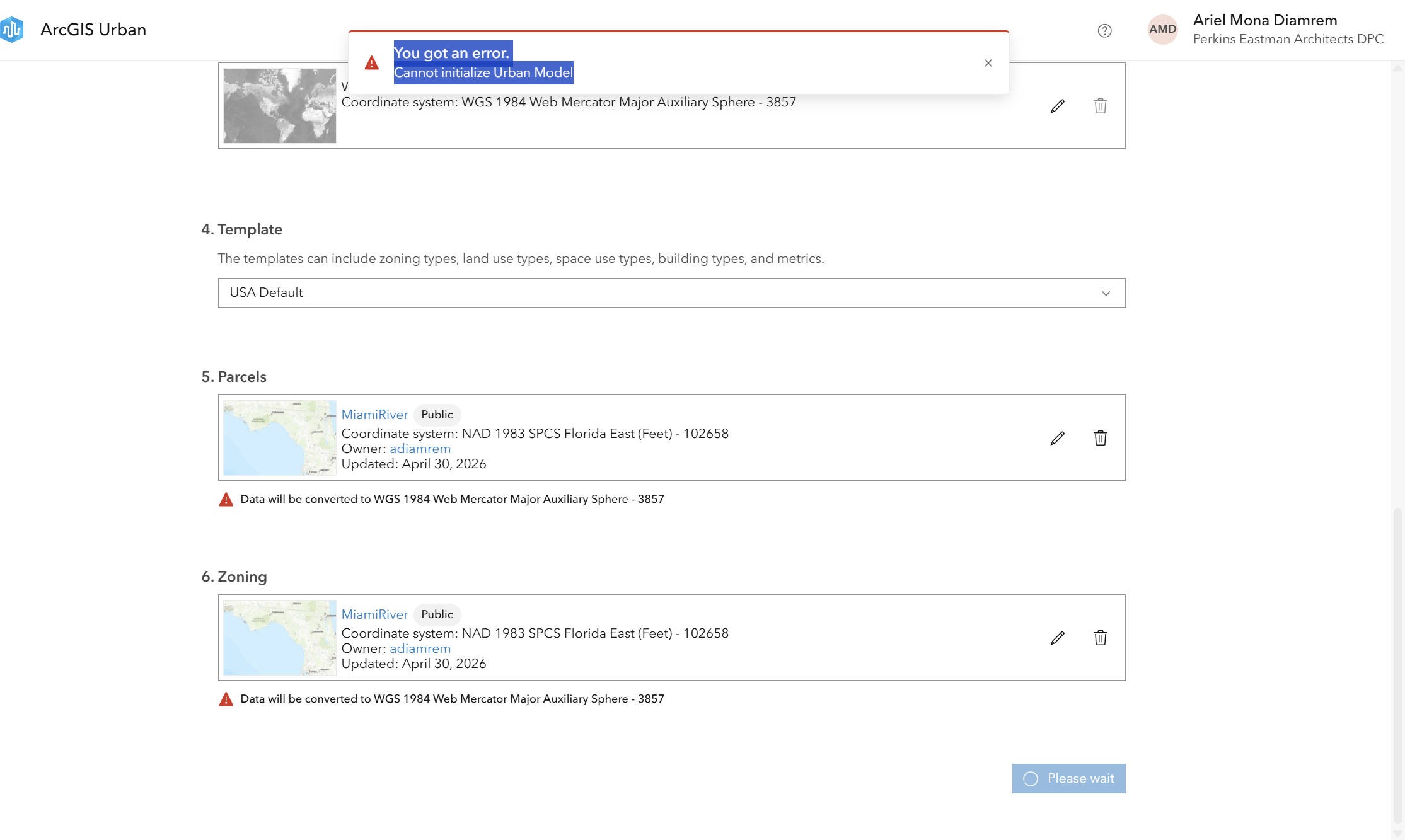
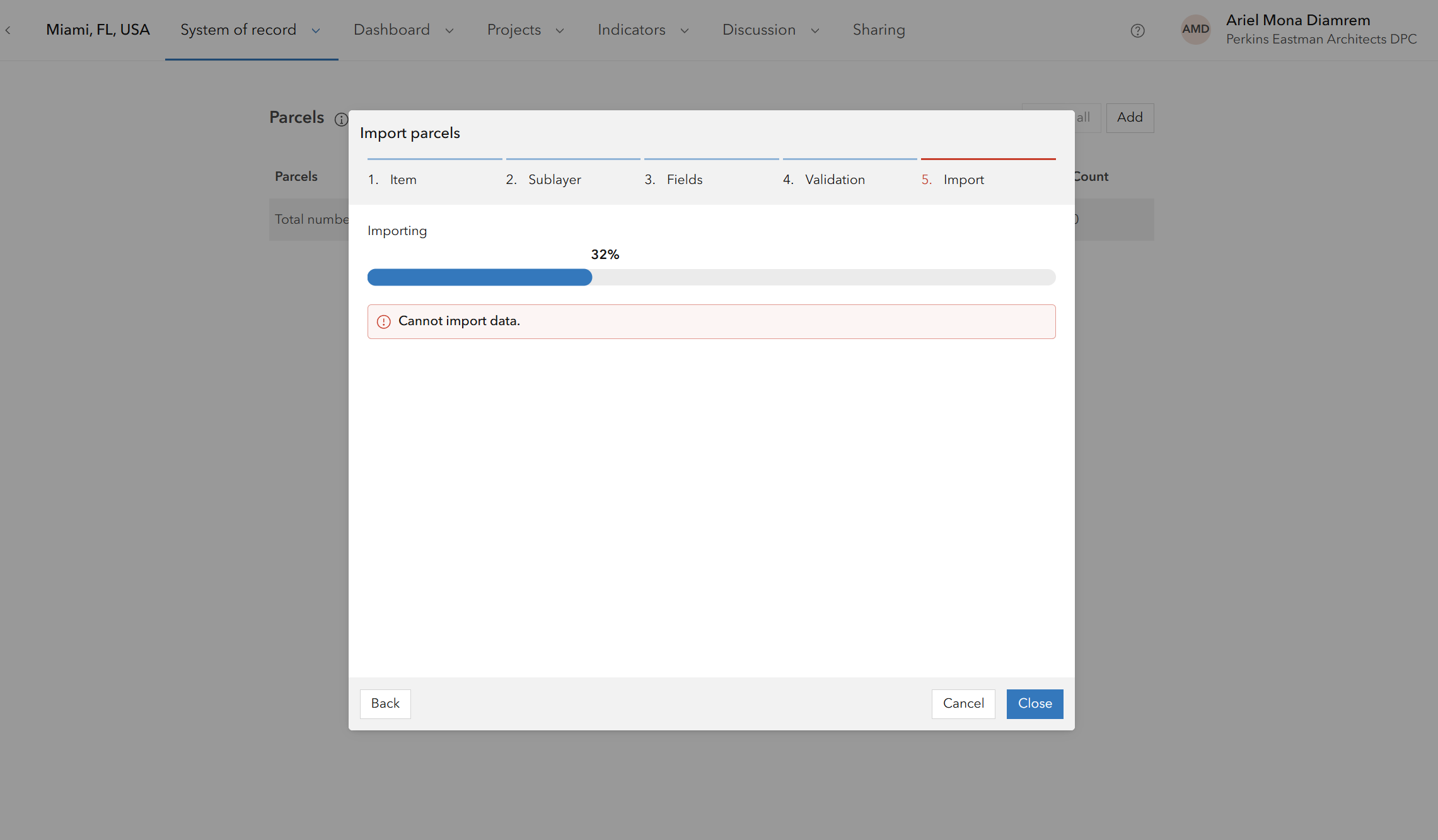
Consistent Error When Creating a Project – “Unable to Load Parcel Layer”
This error can stem from a few common issues:
- Publishing warnings: Even minor warnings during publishing can trigger failures. For example, applying a time zone to a parcel layer that has time enabled may cause the layer to fail when loading.
- Invalid geometry: The parcel layer may contain geometry errors such as self-intersections, overlaps, or null features. To resolve this, run the Repair Geometry (Data Management) tool on your shapefile or feature class before publishing.
Addressing these issues typically resolves the error and allows the parcel layer to load correctly.