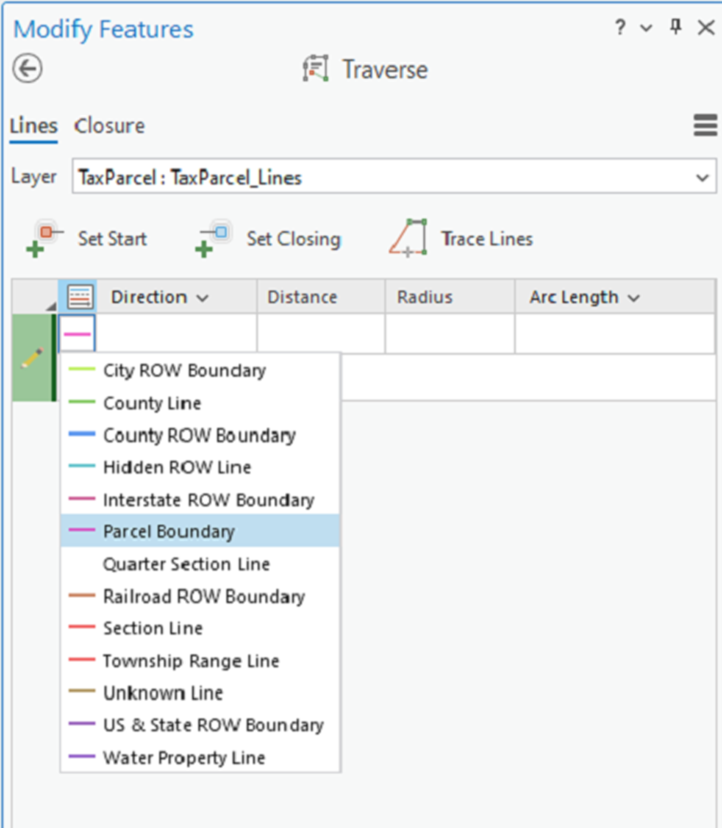
Does anyone know if the order of the drop down list of line types based on Feature Template can be changed in the Traverse Tool without using my workaround?
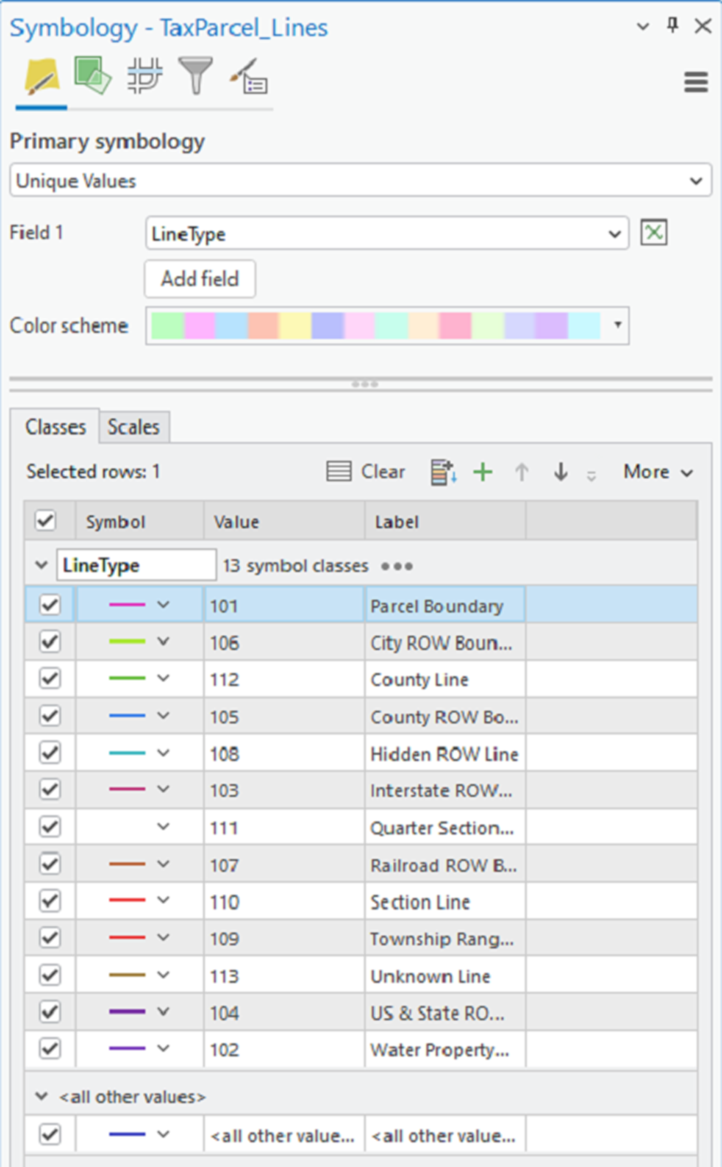
For example, I'm trying to get the Parcel Boundary LineType to be first in the list, since that's what's most commonly used. I've tried deleting the template for the Parcel Boundary and recreating it, but it only places it back in alphabetical order. I've even tried setting the symbology where Parcel Boundary is listed first and recreating the Template for that layer and it still places the LineTypes in alphabetical order.
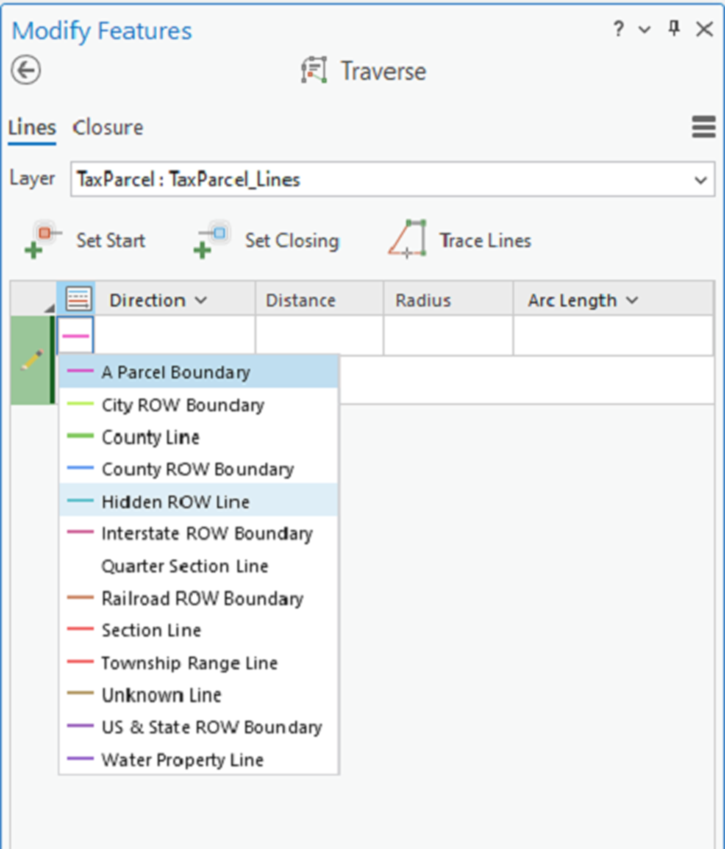
My workaround is to rename the Parcel Boundary template to "A Parcel Boundary"
Robert.
ArcGIS Pro ver. 3.6.0