If you're a user of oriented imagery, you may (or may not!) have noticed that the viewer behavior and location in the 2D Map viewer changed with the recent release of ArcGIS Online (26 February 2026). The viewer is now more flexible and easier to use - let us know what you think!
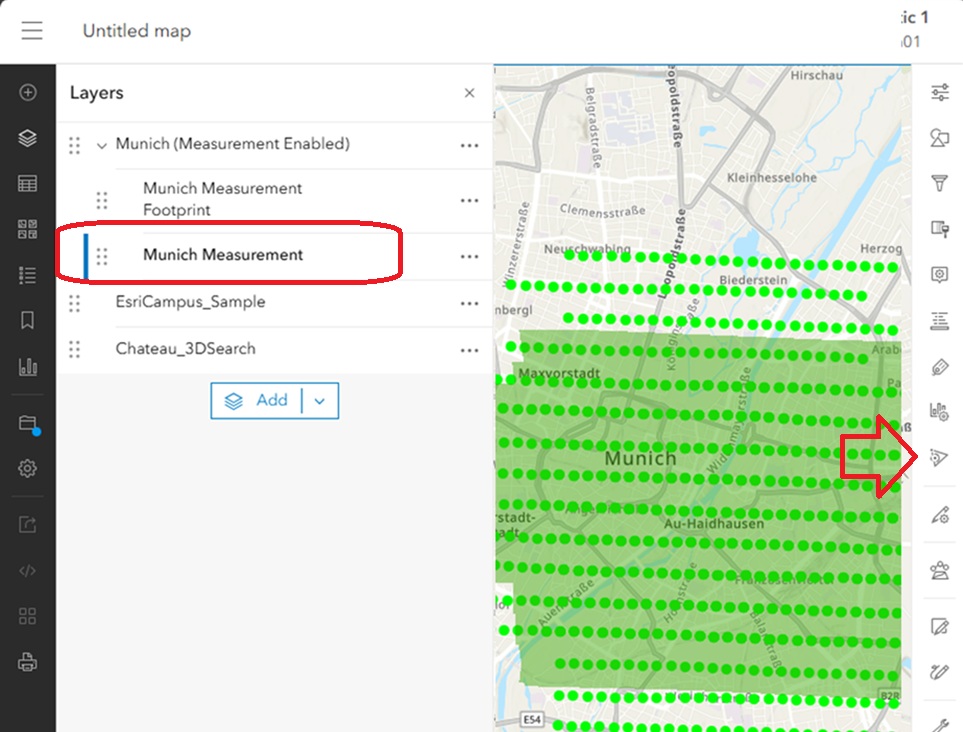
In the previous version, users had to select the oriented imagery layer in the Table of Contents which would make the oriented imagery icon appear in the "action bar" on the right hand side of the map; then users would have to click on the icon to activate the oriented imagery search to call up the viewer.
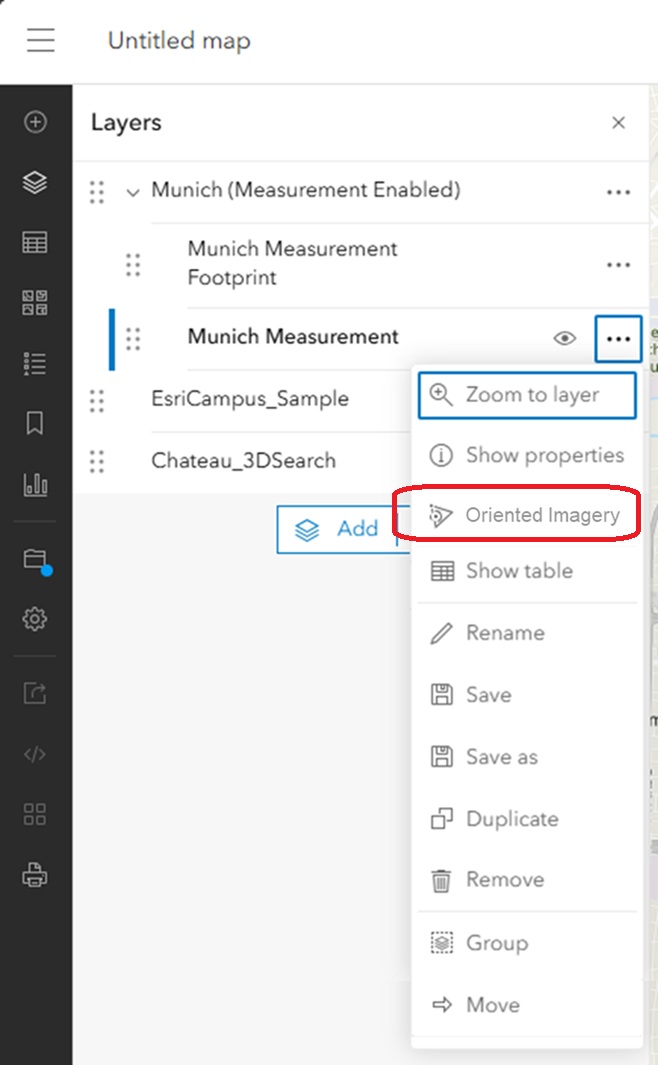
With the latest release of ArcGIS Online, oriented imagery layers behave like other layers. Once the layer is added to the Table of Contents, the user can simply click on the ellipsis (3 dots) in the layer to call up the oriented imagery viewer.
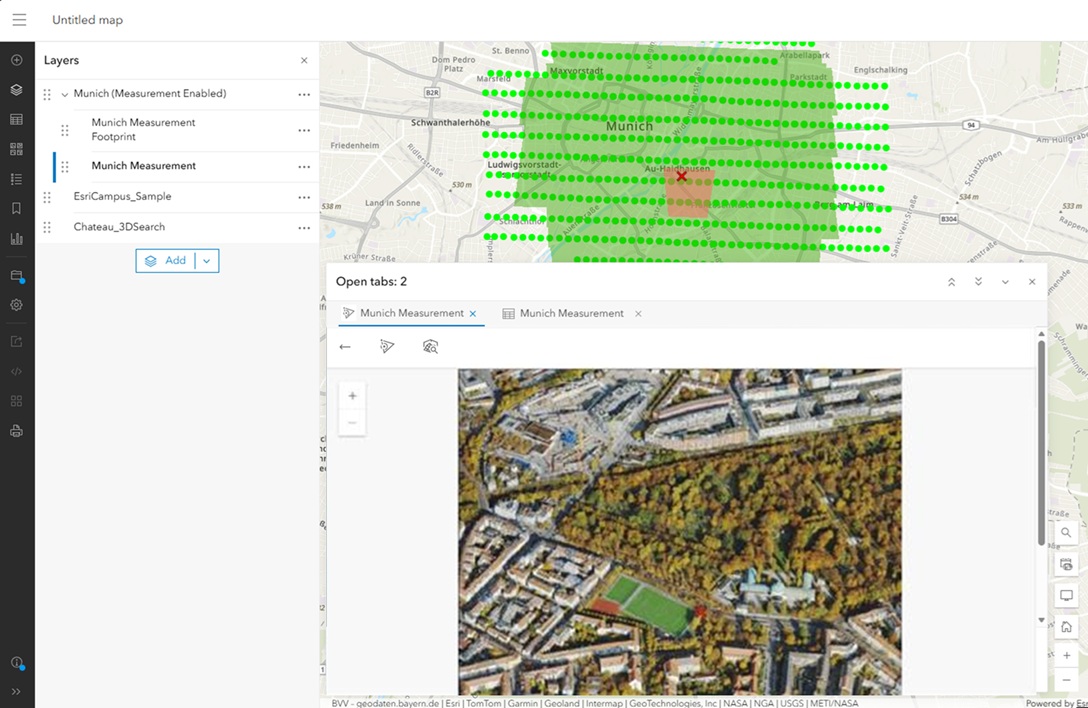
You'll also notice that the oriented imagery viewer appears in the center slot of the map, so now it's more flexible in terms of size and shape.
There are more changes and new features in oriented imagery in this release of ArcGIS Online - stay tuned for another blog (to be linked here) soon!
