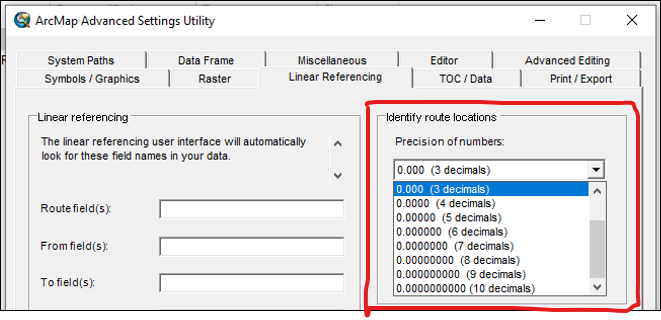
When I click on an M-enabled line feature with the Explore tool, the M-value is displayed at the bottom of the Pop-up. But it only displays up to 2 decimal places. I need to see higher precision M-values. Please enable the user to adjust the number of decimal places displayed for the M-value in the Explore Pop-up.

This capability was available in ArcMap, for the Identify Route Locations tool, with the ArcMap Advanced Settings Utility. Please bring it back for Pro (or direct me to this setting if it does exist).