I'm trying to figure out how to update alingment for individual annotations in ArcGIS Pro - I followed the directions in this article, but it only gives me a toolbar to update font/style/size/color.
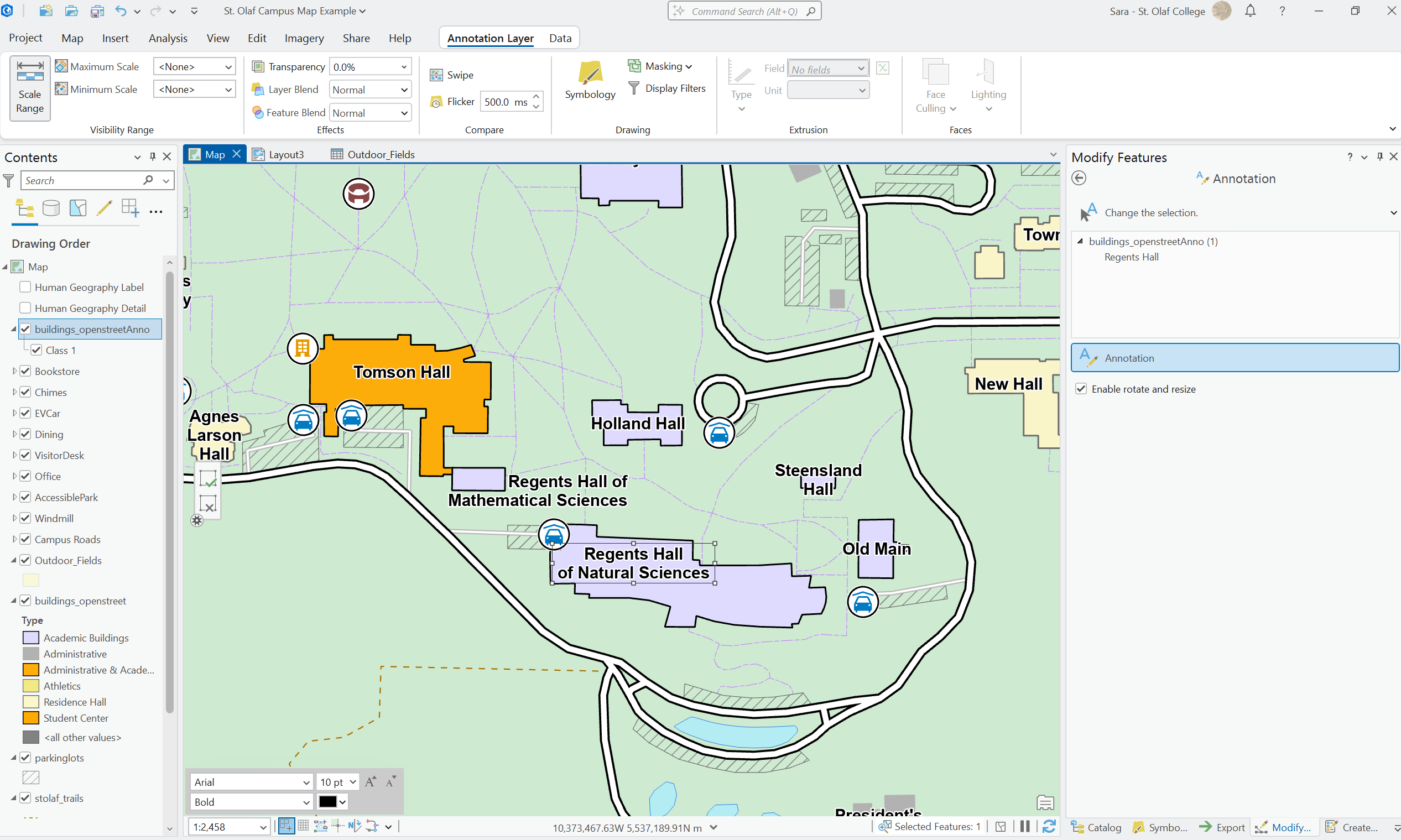
If I go to the Annotation Layer tab and click on Symbology - it also doesn't really give me many options.
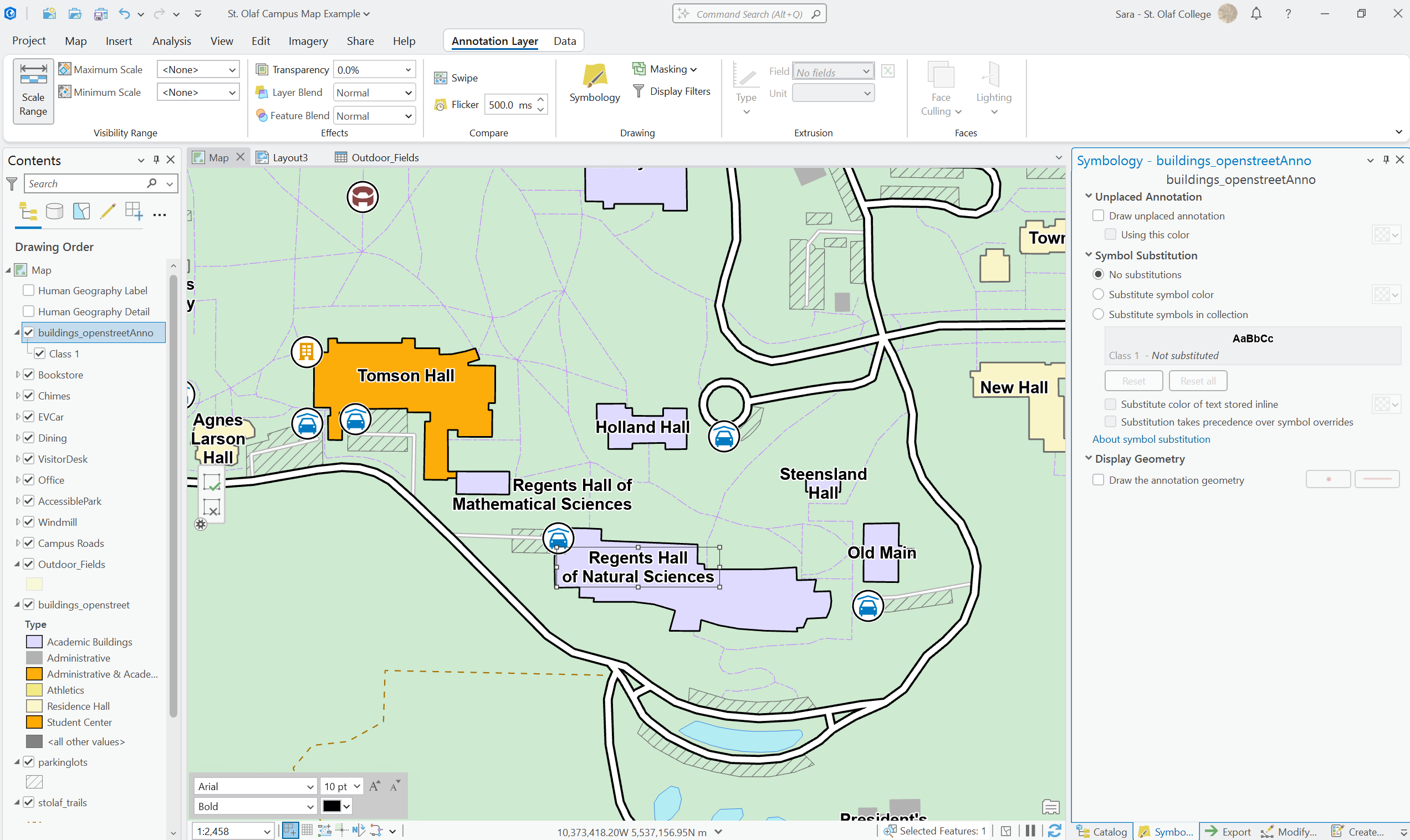
If anyone happens to know the documentation that says how to change the alignment, the direct link would be super appreciated! Searching for "arcgis pro annotation text alignment" does not seem to be doing the trick.....
I just want to manually update the annotation directly, so I don't want to mess around with trying to figure out scripts or anything. I know I came across a panel at one point that did have the annotation in a rich text box that I could update, but I can't seem to find it again.
Thank you for the help!


